
Sweep The Moon Money Guide: Selling Dust and Growing Income
Last updated:
Dust sales fund your next tools, vehicles and facilities in Sweep The Moon. Keep collection, unloading and processing moving, then invest in upgrades and extra income sources that fit your current bottleneck.
Cash Sources and Useful Investments
| Income source | How it earns Cash | When to use it |
|---|---|---|
| Dust sales | Collect dust, unload it and let the Lunar Converter process it for sale. | Make this your regular income loop; fix whichever stage slows it down. |
| Crew robots and drones | Collect nearby dust and sell their loads for the crew. | Add them when you want cleaning to continue while you work elsewhere. |
| Solar Panels | Pay each crew member every 5 seconds. One panel pays 0.50 Cash per payment. | A low-cost entry into passive income. |
| Oxygen Garden | Purchased plants generate Cash over time. The garden and plants cost Cash separately. | Expand into it when you can fund both access and planting. |
| Supply Crates and UFO treasure | Crates can award Cash; UFO treasure becomes available after a Golden Key is found. | Collect them when the encounter is available. |
| Arcade games | Award Cash according to your score during an Arcade visit. | Use them as an optional source of extra Cash. |
If collection, unloading and processing are already keeping pace, Sell Value is a direct way to increase sale income. If you are spending time on another task, crew automation lets dust collection continue alongside it.
Cash and Gems serve different purchase choices. For Gem rewards and spending priorities, see the Gems guide.
Sell Dust and Empty Your Storage
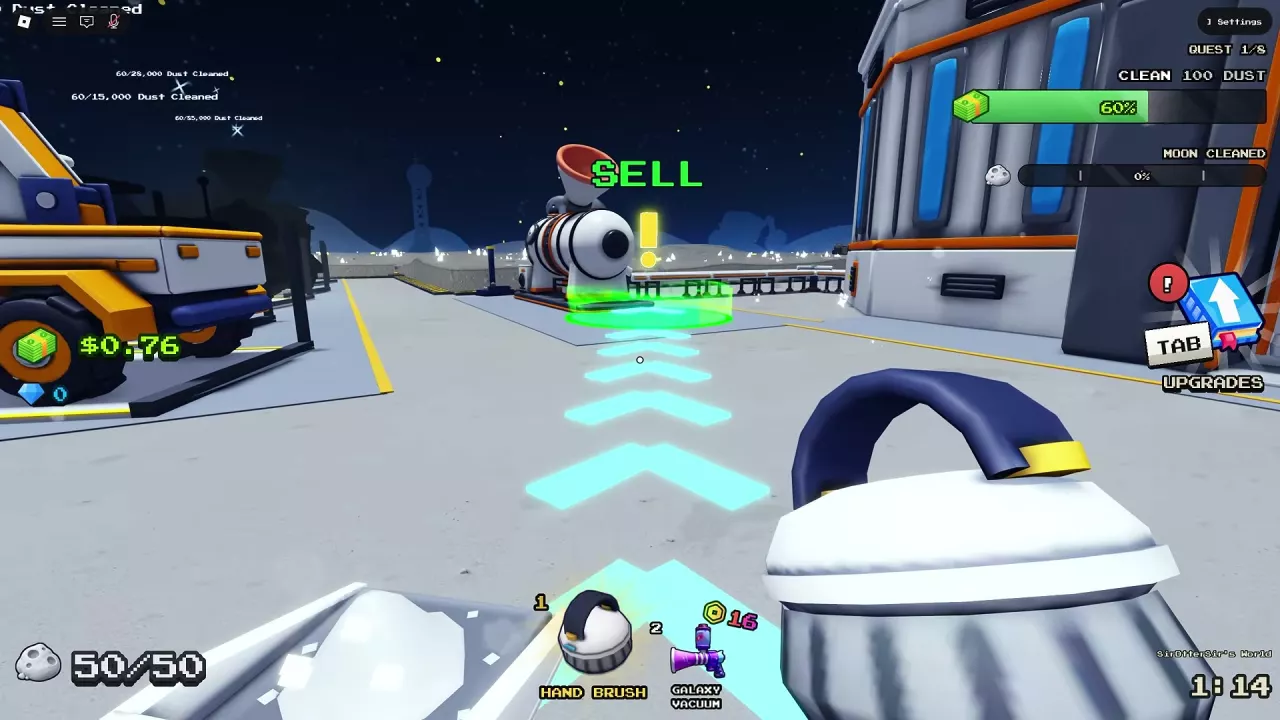
- When your container fills, follow the floor arrow toward SELL.
- Enter the green SELL area beside the Lunar Converter at the base. If you have purchased a conveyor, you can use its SELL pad instead.
- Stay in the unloading area until your dust counter reaches zero.
- Return to cleaning while the unloaded dust moves through transport and processing.
A conveyor SELL pad sends your load toward the Lunar Converter, and the resulting sales pay the whole crew. You do not need to carry that dust back to the base yourself.
Unloading vehicles
Drive a cleaning vehicle with a full dust tank onto a supported SELL pad and wait for its bin to empty. Cleaning Rover and Cleaning UFO can unload at a SELL pad or Dust Carrier.
Dust Carrier works differently: its hopper converts collected dust into Cash while it cleans and has unlimited storage. Driving it still uses battery. See vehicle unloading and charging for the wider vehicle routine.
Why Payment Can Continue After Unloading
Empty storage means you have unloaded the dust; it does not mean every part of the load has finished selling. Conveyor deliveries must reach the Lunar Converter. The machine packages raw dust into capsules, which travel out to be sold for crew income.
| Where the delay occurs | What to do |
|---|---|
| Dust is still traveling along a conveyor | Improve conveyor transport speed. In the initial West Conveyor configuration, the farthest SELL pad is 96 studs away and delivery takes 32 seconds. |
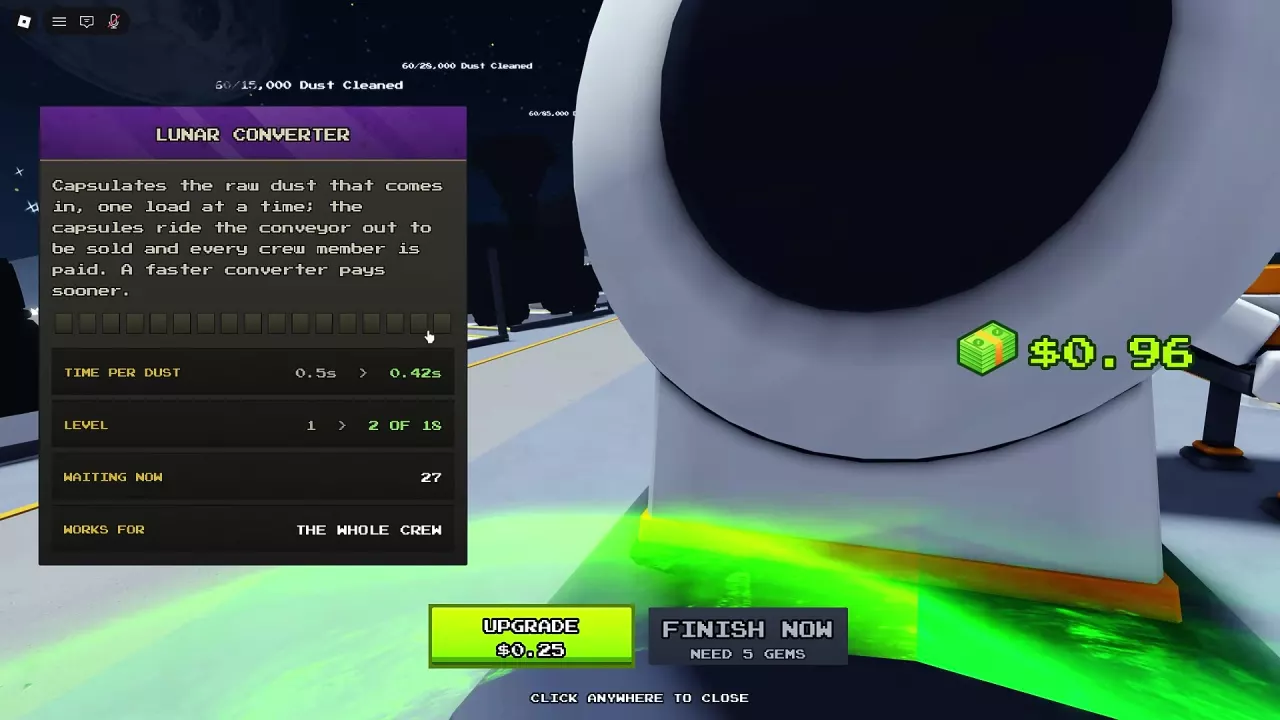
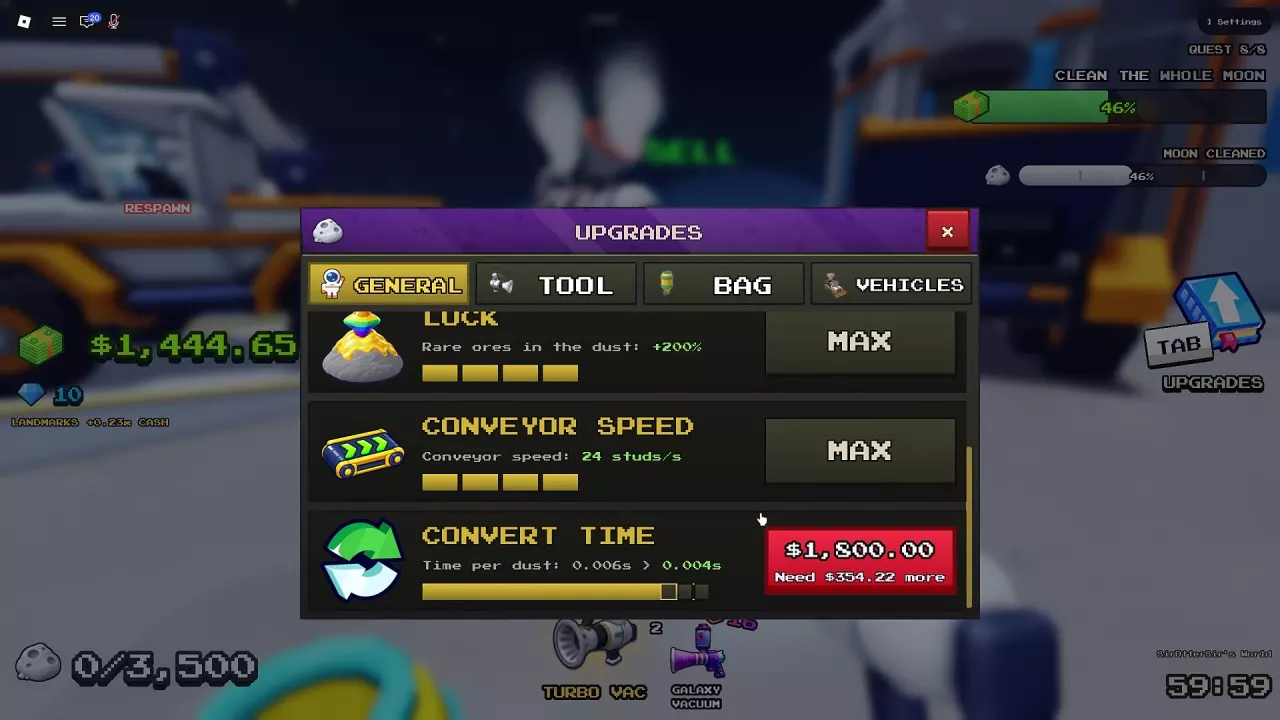
| Dust is waiting at the converter | Open the machine’s menu and check Waiting Now. Improve Convert Time to process the queue faster. |
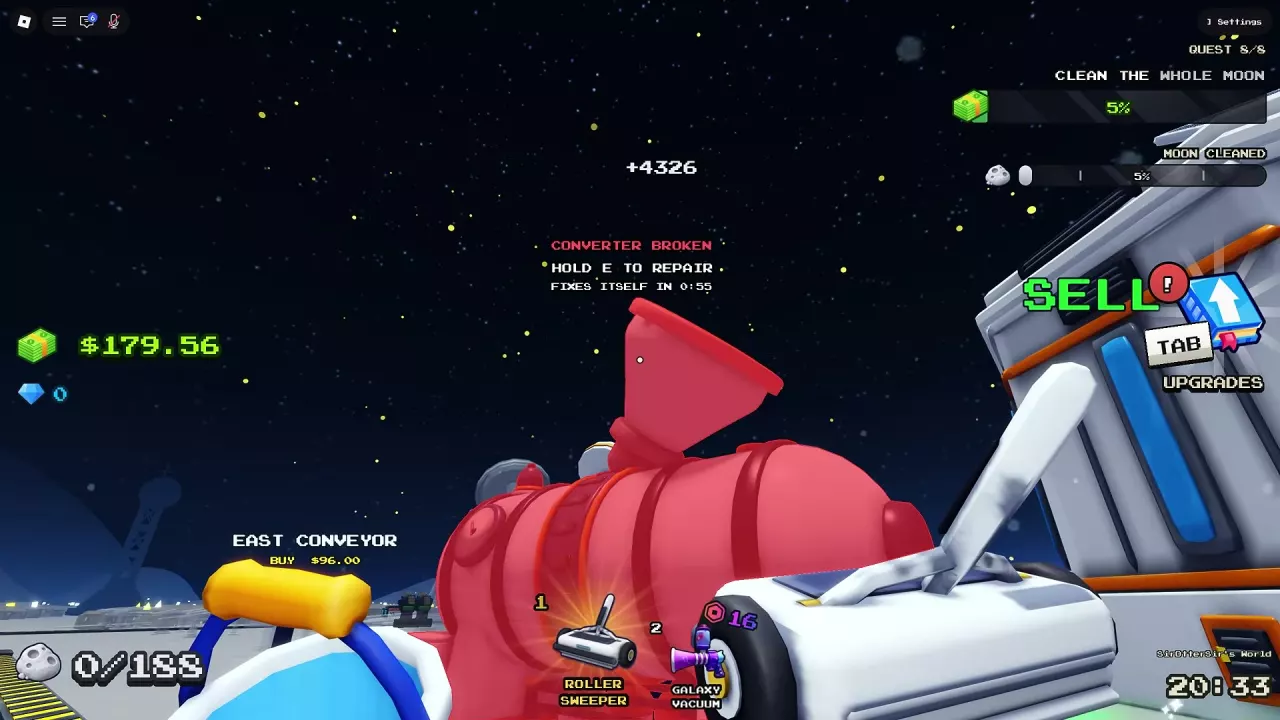
| The converter is broken | Hold E at the repair prompt to restore operation. During a Goblin Raid, wait until the raid ends and repair becomes available. |
To upgrade conversion, press E beside the machine, or open Tab → UPGRADES → GENERAL → CONVERT TIME. Buying more carrying capacity alone does not clear a processing queue: it changes how much you can bring back, while conversion speed controls how quickly delivered dust is processed.
See conveyor speed and extensions for transport upgrades and Lunar Converter upgrades for processing levels.
Infinite storage and automatic selling
Infinite Canister stops your back canister from filling, but you still need to empty it at the intake to get paid.
Sell As You Sweep pays when dust enters your canister and pays as any vehicle you drive sweeps. It includes Infinite Canister. These are different benefits: unlimited storage alone does not provide automatic selling. Compare their purchase options in the game pass guide.
Increase Sales Without Losing Time to Return Trips
Spend on the interruption you encounter most often:
- Your container fills too often: increase carrying capacity so you can finish more cleaning before unloading. Use the canister and capacity guide to choose the next upgrade.
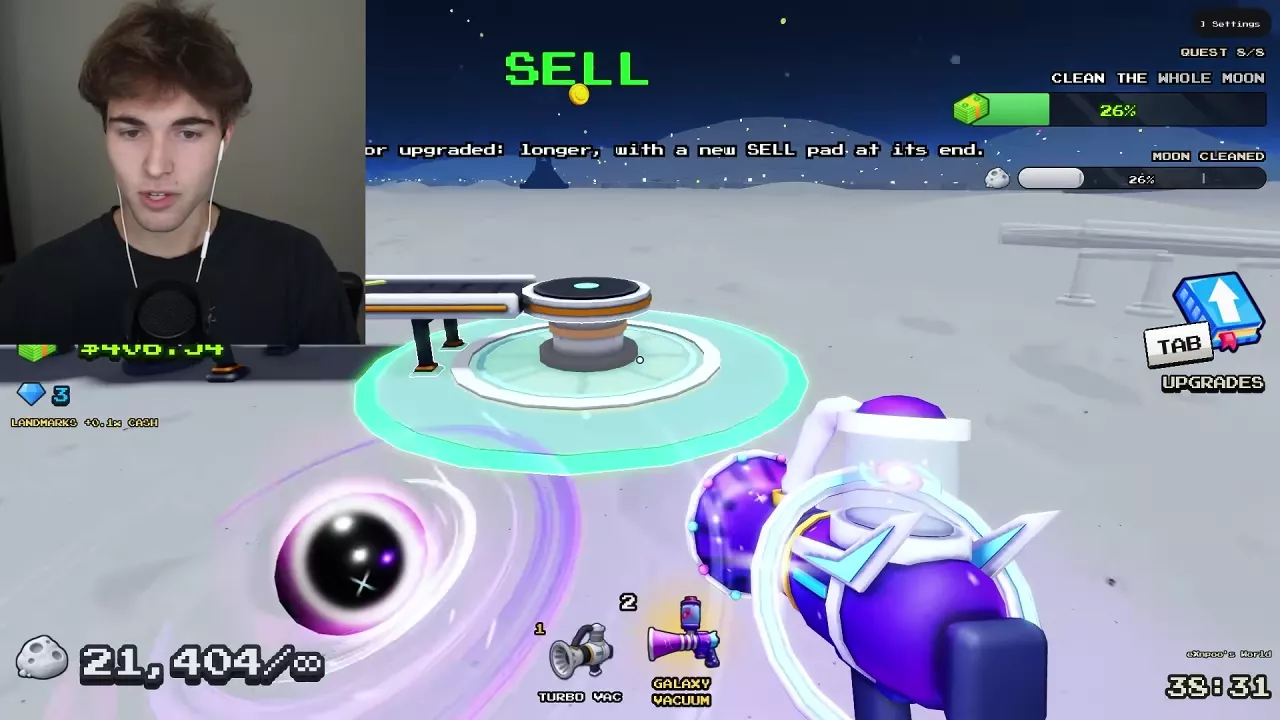
- The unloading route is too long: use a nearer conveyor SELL pad. Extending a conveyor adds a new pad at its end, bringing unloading closer to distant dust. Boots also reduce time spent walking.
- Dust takes too many strokes to clear: improve the relevant tool’s Stroke Speed, Sweep Width or Power. More storage will not make each stroke clear faster.
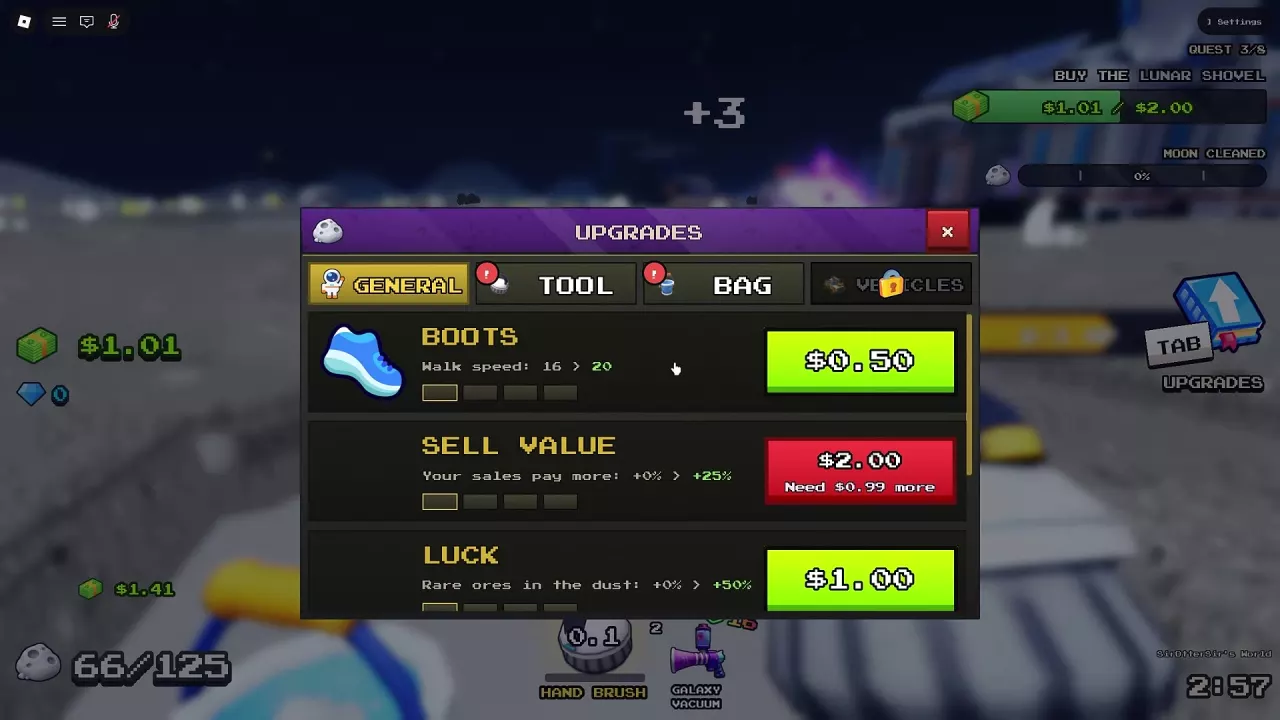
- You can collect and sell without frequent interruptions: buy Sell Value to earn more from sales. Its first upgrade costs 2 Cash and raises the displayed bonus from 0% to 25%.
- You have other tasks to handle: add crew robots or crew drones so they collect and sell dust while you work elsewhere.
The general upgrade guide covers the broader choices between movement, cleaning and sale bonuses.
Start passive income with a small commitment
For a low budget, favor the first Solar Panel at 25 Cash. It pays each crew member 0.50 Cash every 5 seconds. Oxygen Garden requires 250 Cash to open, then another 40 Cash for the first plant, which pays 0.05 Cash per second. The panel therefore offers a much cheaper starting point for passive income.
Use the Solar Panels and Oxygen Garden guide for construction, expansion costs and later income stages.
Favor affordable towers when you can reach them
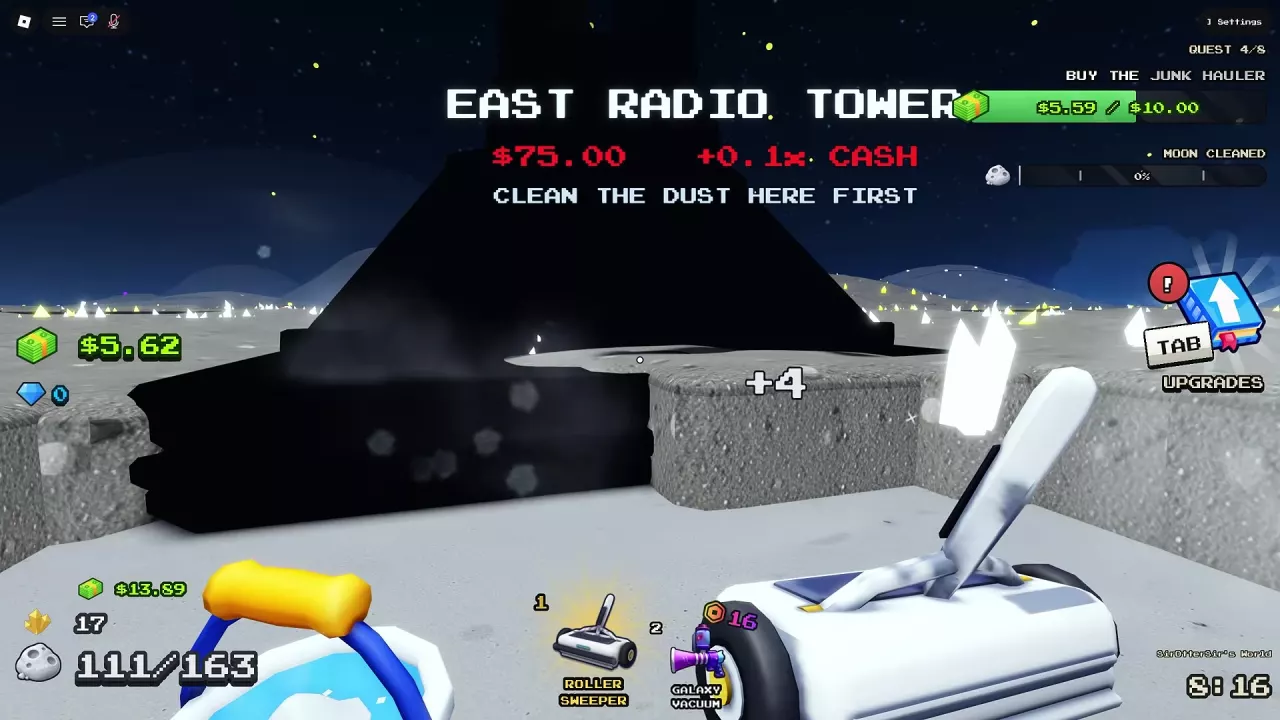
For landmark spending, prioritize East Radio Tower and South-West Radio Tower once they are accessible. Each costs 75 Cash and adds +0.1x Cash on crew sales. North-West Radio Tower costs 3,000 Cash for a smaller +0.03x addition, making the two cheaper towers the stronger early purchases for sale bonuses. See landmark activation and bonuses for their locations and activation details.
Cash Bonuses and Their Limits
| Bonus | Amount or total | Applies to |
|---|---|---|
| Sell Value | First upgrade: 0% → +25%; MAX: +150% | Sale income |
| East Radio Tower | Adds +0.1x; landmark total is +0.1x with this tower alone | Each crew sale |
| South-West Radio Tower | Adds +0.1x; total is +0.2x with East also lit | Each crew sale |
| North-West Radio Tower | Adds +0.03x; total is +0.23x with all three towers lit | Each crew sale |
| 2x Cash pass | Adds +100% alongside payout upgrades | Hand sweeping, driving, completed tiles and your share from automation, on your moon or a friend’s moon |
2x Cash adds its +100% to payout upgrades. Do not take a payout that already includes those upgrades and multiply the entire amount by two again. Purchased Cash packs are excluded and are not doubled by the pass.
The tower totals above describe the combined landmark bonus. Keep that bonus separate from Sell Value and the pass when comparing what each purchase adds.
Use Temporary Rewards Alongside Cleaning
- Express Delivery: after a delivery from Earth crashes, approach a fallen Supply Crate and press E to open it. These free crates can award Cash. See events and supply drops for encounter signals.
- UFO treasure: once a Golden Key has been found, enter the UFO and press E at the Alien Treasure Chest. Every player can receive treasure. Leave immediately after claiming it—the chest opening starts a 10-second self-destruct countdown. Follow the UFO event guide for the combat and key steps.
- Arcade: play Lunar Blocks or Meteor Blaster during an Arcade visit to turn your score into Cash. The visit is temporary; if the Arcade closes during a game, you receive payment for the score already earned. Use the Arcade guide for controls and scoring.
Take nearby rewards when they fit your current task, while your crew automation and passive facilities continue working. Keep investing in dust collection and sales so your next purchase does not depend on an event appearing.
Related guides
Sweep The Moon Gems: Zone Rewards and Spending Choices
Learn how to earn Gems from zone completion in Sweep The Moon, compare six spending options with Cash prices, and choose purchases for your current run.

Sweep The Moon Passive Income: Solar Panels and Oxygen Garden
Start passive income in Sweep The Moon with a 25 Cash Solar Panel. Compare panel payouts, Oxygen Garden costs, plant income and expansion choices.
Sweep The Moon Upgrades: Priorities, Luck, Sell Value and Movement
Choose your next Sweep The Moon upgrade by bottleneck. Compare Luck and Sell Value prices, Boots speed levels, Jet Boots, and Fast Legs.
Sweep The Moon Radio Towers and Big Digger Cash Bonuses
Learn how to activate Sweep The Moon radio towers, compare their prices and crew Cash bonuses, and decide when to buy Big Digger.
Sweep The Moon Dust Processing: Machines and Lunar Converter
Learn how Sweep The Moon dust processing works, compare machine roles, check Lunar Converter upgrade times and costs, and repair a damaged converter.

Sweep The Moon Conveyors: SELL Pads, Extensions and Speed
Buy and extend Sweep The Moon conveyors to unlock remote SELL pads. Compare route costs, improve belt speed, and choose the right upgrade for delays.

Sweep The Moon Events: Encounters, Supplies and Timed Shops
Recognize Sweep The Moon events, open Express Delivery crates, and respond to UFOs, raids, merchants and timed Arcade visits.
Sweep The Moon Game Passes: Prices, Benefits and What to Buy
Compare all eight Sweep The Moon game passes, their prices and benefits. Avoid overlapping purchases and see when the 649 Robux Everything pass is worth it.