
Sweep The Moon: How to Charge Vehicles, Unload and Upgrade
Last updated:
A full dust bin and a low battery call for different stops. Empty your vehicle at a supported unloading point, recharge at its base charging position, and upgrade the stat that interrupts your cleaning most often.
Enter, Clean and Leave a Vehicle
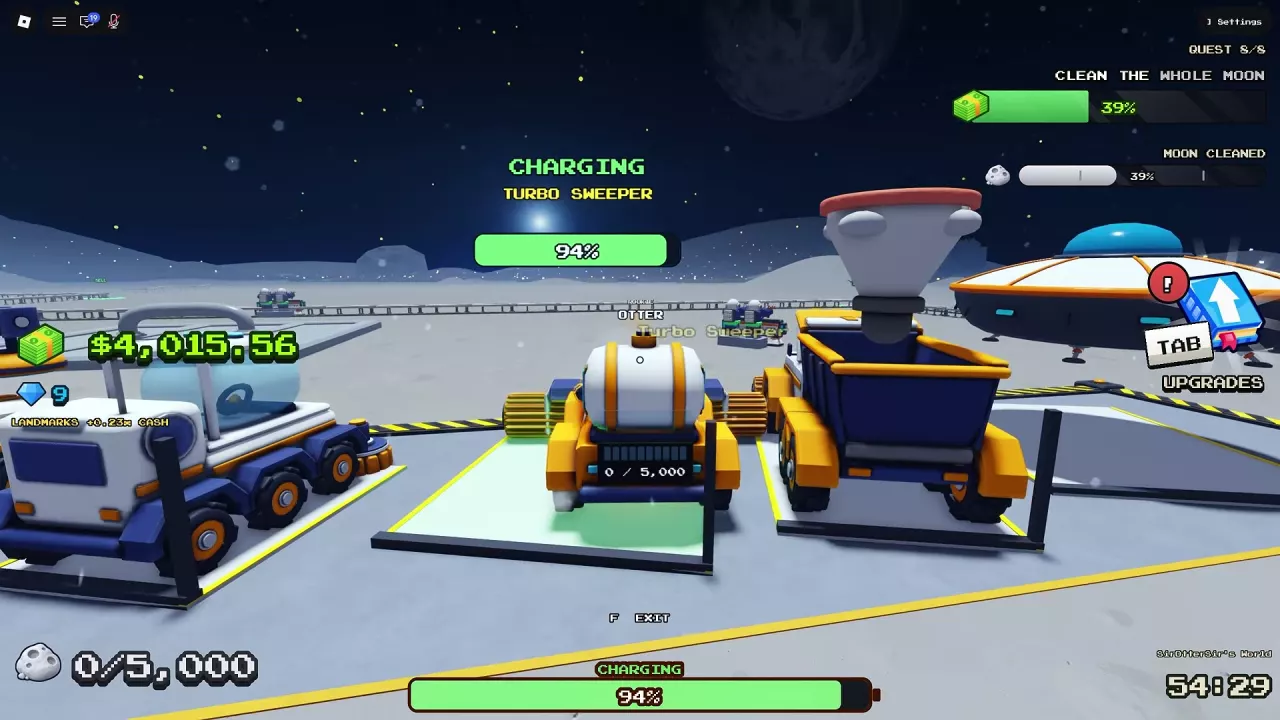
- Approach your ready vehicle and press E — DRIVE.
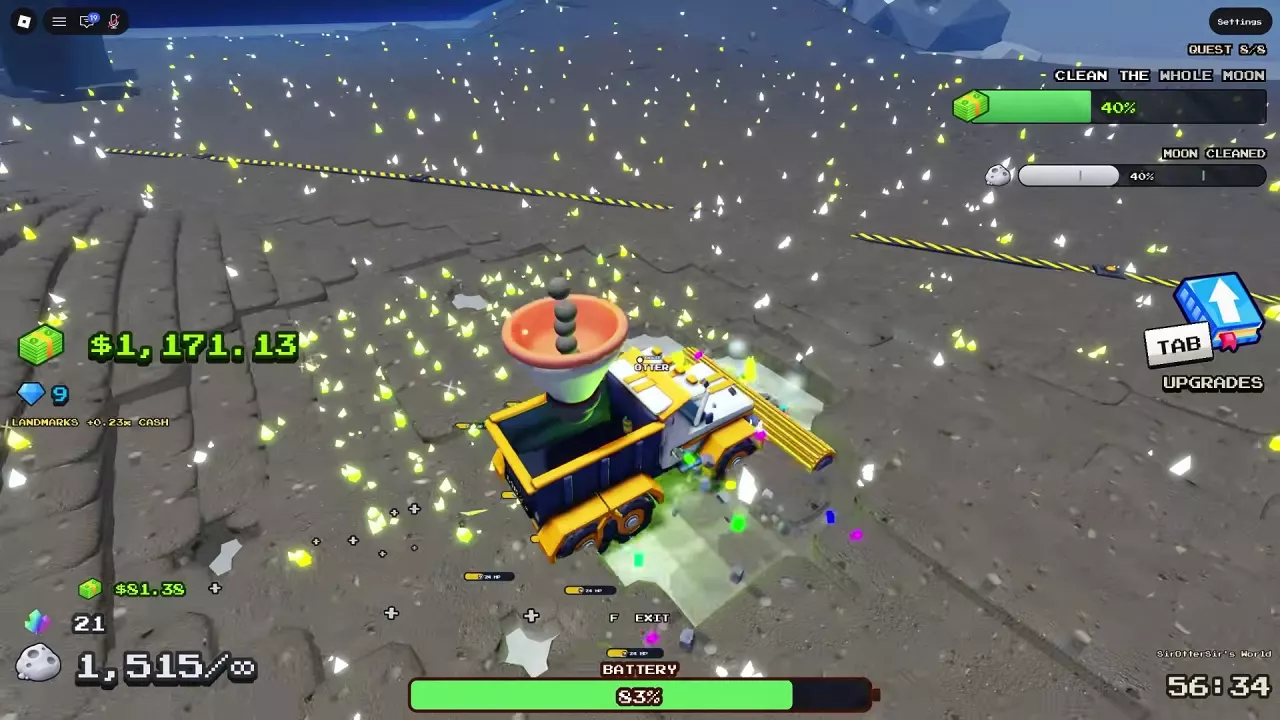
- Drive across lunar dust to collect it. Watch the vehicle's bin and battery indicators as you work.
- Press F to get out when you want to shop or continue on foot.
Vehicle storage is separate from your personal container. Use the vehicle's own bin indicator to decide when to unload. Cleaning Rover cleans automatically as you drive through dust; you do not need to click.
If you are choosing your next model, compare vehicle prices, unlocks and uses.
Where to Empty Each Vehicle
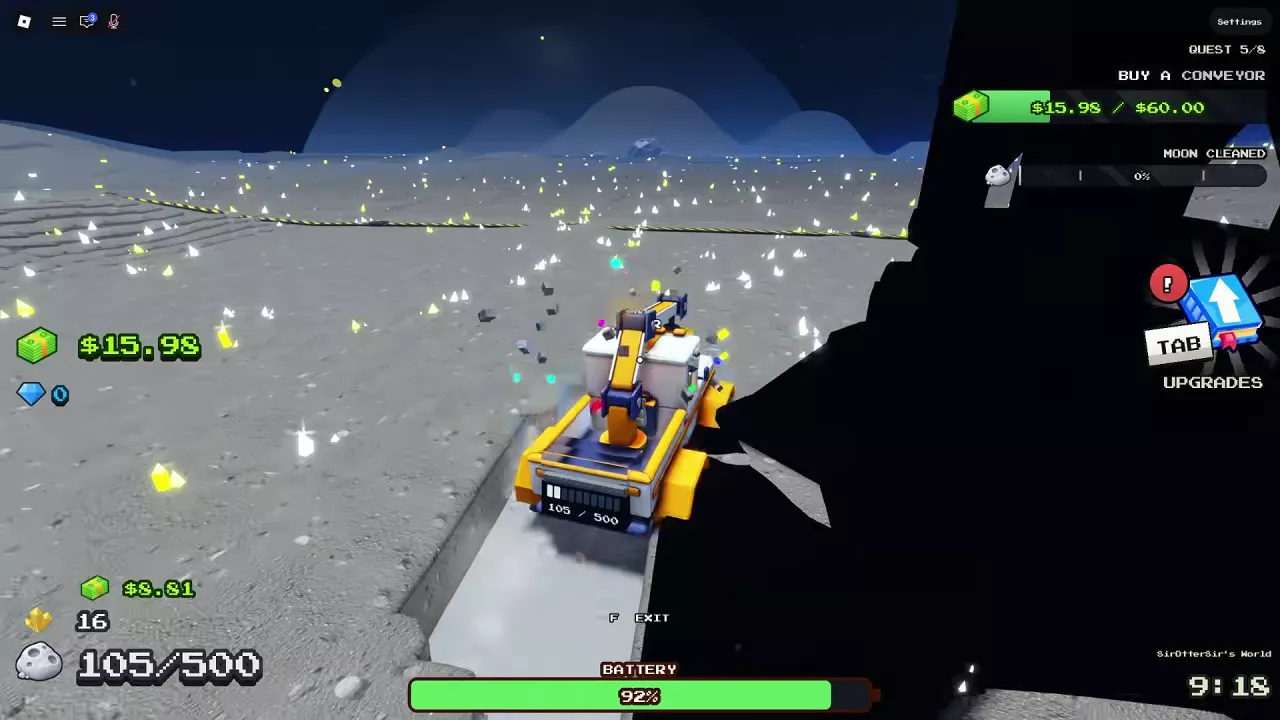
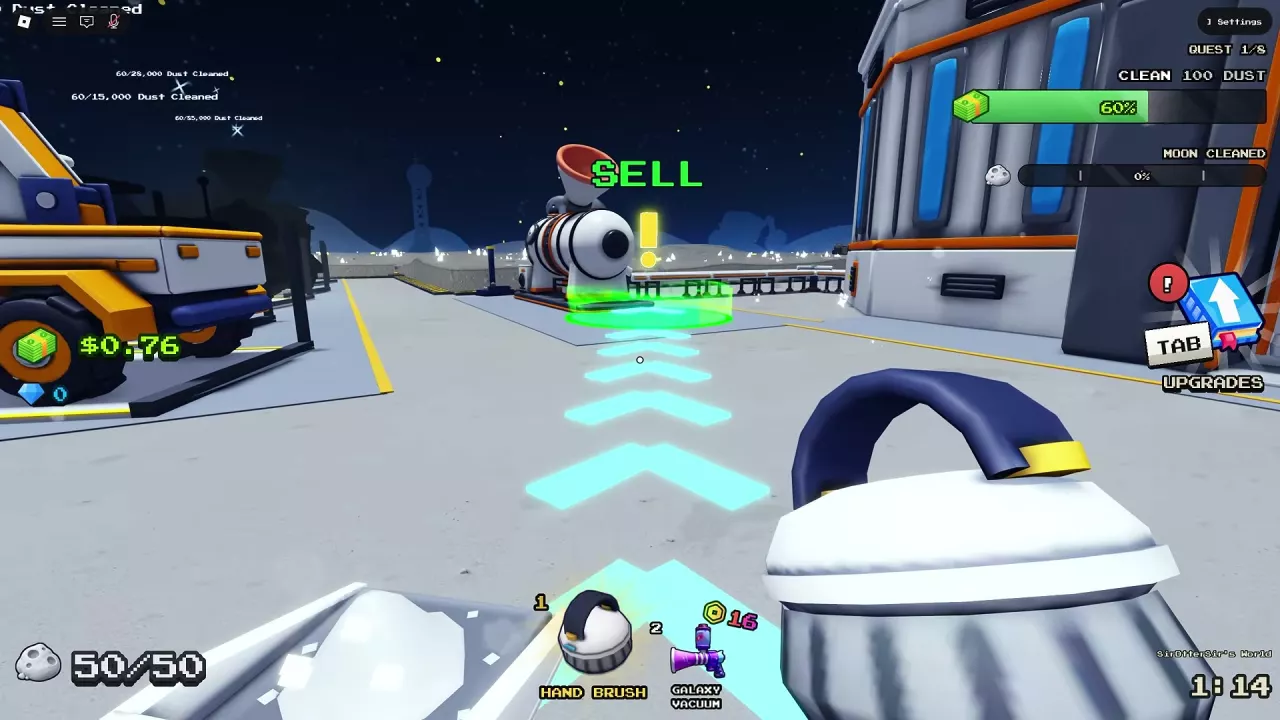
When a finite bin fills, drive to an unloading point that supports your vehicle. Move into the SELL area and watch the vehicle's stored dust drop before returning to work.
| Vehicle | Where to unload |
|---|---|
| Junk Hauler | The SELL area beside the Lunar Converter |
| Cleaning Rover | A SELL pad, including the area beside the Lunar Converter, or Dust Carrier |
| Turbo Sweeper | Conveyor SELL pads |
| Cleaning UFO | A SELL pad or Dust Carrier |
| Dust Carrier | Its own hopper converts collected dust into Cash and has unlimited storage |
To empty Cleaning UFO, take it to a SELL pad or an available Dust Carrier. Its hovering movement does not remove the need to empty its finite bin.
Conveyor SELL pads let you unload away from the base once the facility is purchased. Use the conveyor guide to extend those unloading routes.
Dust Carrier's front roller collects dust, and its hopper converts dust into Cash in the manner of the Lunar Converter. Unlimited storage does not remove battery use, and conversion can still involve waiting. For how dust becomes spendable Cash, see the selling and income guide.
With Sell As You Sweep, any vehicle you drive pays as it sweeps, removing trips made just to cash in. You still return when you need to shop. See the game pass guide for its purchase details.
Recharge at the Base Bay
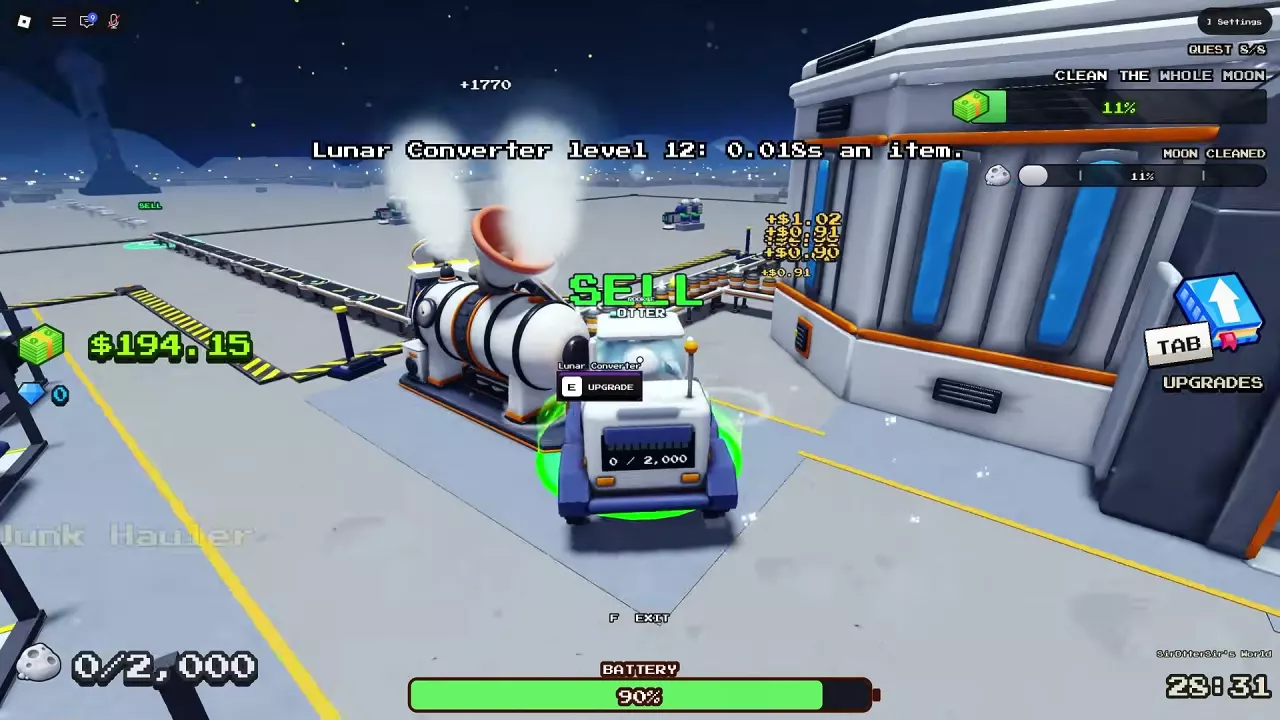
For Junk Hauler, Cleaning Rover, Turbo Sweeper and Dust Carrier, recharge by returning the vehicle to its designated base position.
- Drive back when the battery is low.
- Park in the corresponding bay or charging area listed below.
- Look for CHARGING and a battery percentage that rises. If those indicators do not appear, reposition the vehicle within its charging area.
- Wait for the battery to recover before heading out. If you got out, approach the vehicle and press E — DRIVE to resume driving.
| Vehicle | Charging location |
|---|---|
| Junk Hauler | Its charging position at the base |
| Cleaning Rover | Its corresponding base parking bay |
| Turbo Sweeper | Its corresponding base parking bay |
| Dust Carrier | Its designated charging area |
You can remain seated while Turbo Sweeper charges. Use the charging indicators to confirm that it is parked correctly.
Choose the Upgrade That Removes the Interruption
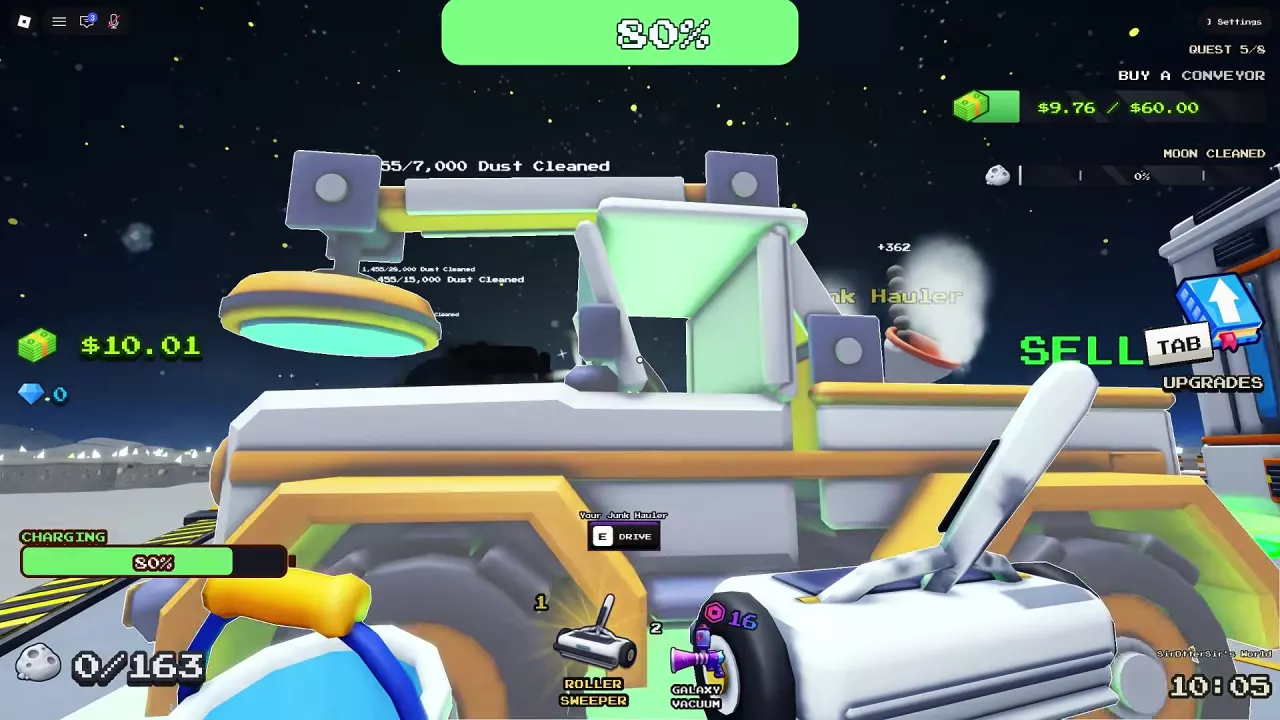
Press Tab, open Upgrades, and select Vehicles. Compare the current value, next value and price for your vehicle, then buy the upgrade that addresses your main slowdown.
| What slows you down | Upgrade to prioritize | Why it helps |
|---|---|---|
| Long drives between work areas | Drive Speed | Increases movement speed |
| A narrow cleaning path | Brush Size | Clears a wider strip of dust |
| Deep dust that takes repeated passes | Power | Removes more layers per pass |
| Frequent full-bin stops | Bin Size | Holds more dust before unloading |
| Frequent charging trips | Battery | Extends driving duration |
Battery values are driving time in seconds, not charging time.
If the bin fills long before the battery runs low, prioritize Bin Size over Battery. If capacity is comfortable but thick dust keeps you driving over the same ground, choose Power. Brush Size is more useful when covering a broad area is the main task. These choices target different limits, so a wider brush does not replace the need for storage or battery upgrades.
Upgrade Values and Costs by Vehicle
Match the current → next values to your vehicle's upgrade menu. Each price below applies to that specific transition, and all prices are in Cash.
Junk Hauler and Cleaning Rover
| Vehicle | Upgraded configuration |
|---|---|
| Junk Hauler | Drive Speed 26 with a 600-dust bin |
| Junk Hauler | Battery driving time of 380 seconds with a 750-dust bin |
| Cleaning Rover | Battery driving time of 563 seconds with a 2,000-dust bin |
Turbo Sweeper
| Upgrade | Current → next, or cap | Cost |
|---|---|---|
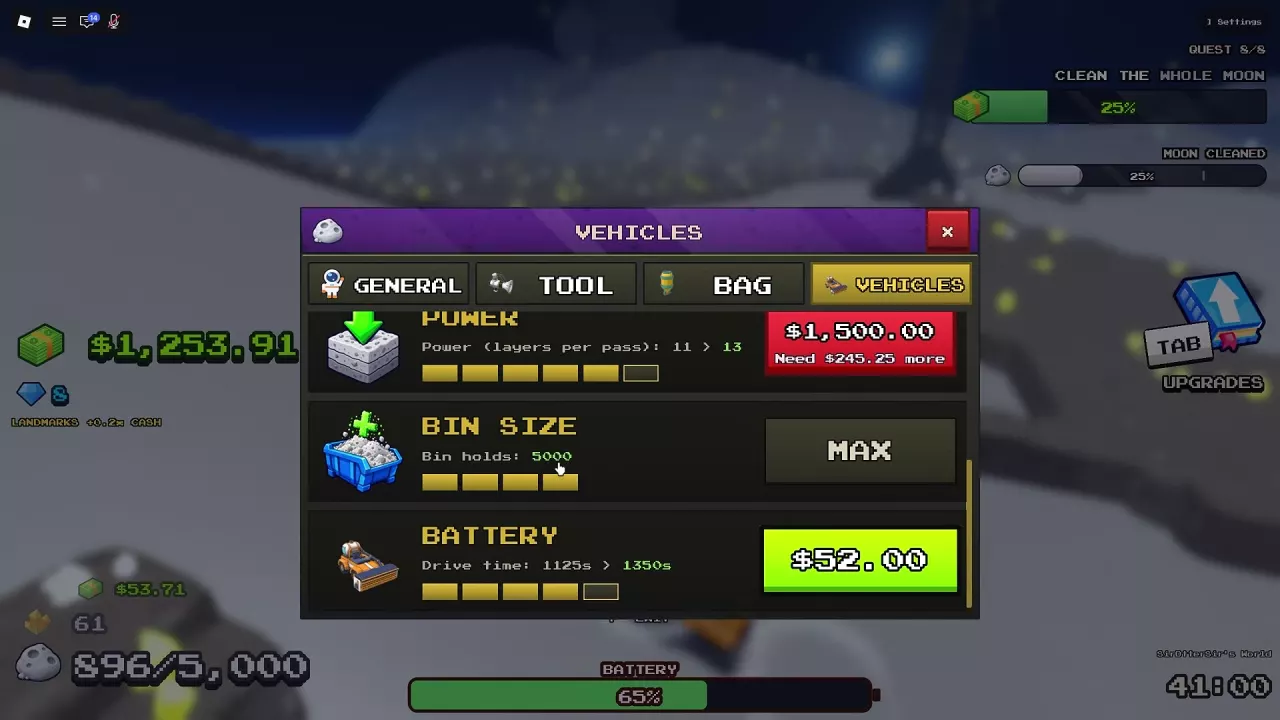
| Power | 11 → 13 layers per pass | $1,500 |
| Battery | 1,125 → 1,350 seconds of driving | $52 |
| Bin Size | 5,000 dust — MAX | MAX |
Dust Carrier
| Upgrade | Current → next | Cost |
|---|---|---|
| Drive Speed | 42 → 50 | $487 |
| Brush Size | 9 → 11 tiles | $2,400 |
| Power | 9 → 11 layers per pass | $1,072 |
| Battery | 563 → 750 seconds of driving | $648 |
Cleaning UFO
| Upgrade | Current → next, or cap | Cost |
|---|---|---|
| Drive Speed | 65 → 67 | $11 |
| Drive Speed | 72 → 75 | $386 |
| Brush Size | 5 → 7 tiles | $56 |
| Brush Size | 8 → 9 tiles | $1,061 |
| Power | 22 → 26 layers per pass | $1,852 |
| Bin Size | 10,000 → 15,000 dust | $60 |
| Battery | 2,100 seconds of driving — MAX | MAX |
If you cannot afford an upgrade, its button can show how much more Cash you need. MAX applies to that individual upgrade. You can still buy another available upgrade—for example, Turbo Sweeper can have a MAX bin while Power and Battery upgrades remain available.
Related guides
Sweep The Moon Vehicles: Prices, Unlocks and Best Uses
Compare all five Sweep The Moon vehicles by price, unlock requirements, storage and cleaning role. Choose for your budget, terrain and unloading needs.

Sweep The Moon Conveyors: SELL Pads, Extensions and Speed
Buy and extend Sweep The Moon conveyors to unlock remote SELL pads. Compare route costs, improve belt speed, and choose the right upgrade for delays.
Sweep The Moon Money Guide: Selling Dust and Growing Income
Learn how to sell dust in Sweep The Moon, fix delayed payouts, and choose upgrades, automation, passive income and Cash bonuses.

Sweep The Moon Game Passes: Prices, Benefits and What to Buy
Compare all eight Sweep The Moon game passes, their prices and benefits. Avoid overlapping purchases and see when the 649 Robux Everything pass is worth it.