
Sweep The Moon Automation Setup: Robots, Drones and Dust Flow
Last updated:
Build a cleaning setup that collects dust automatically while keeping remote unloading and processing moving.
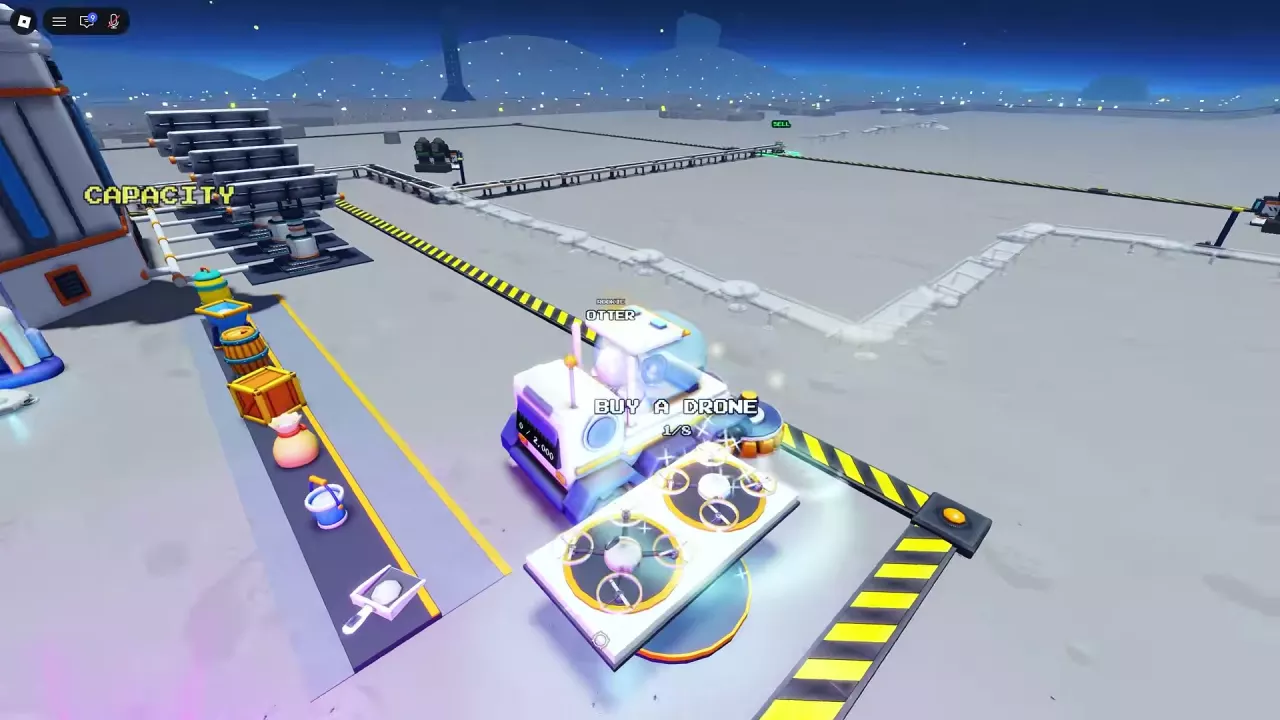
What Each Facility Does
| Facility | Role and entry point | Starting cost |
|---|---|---|
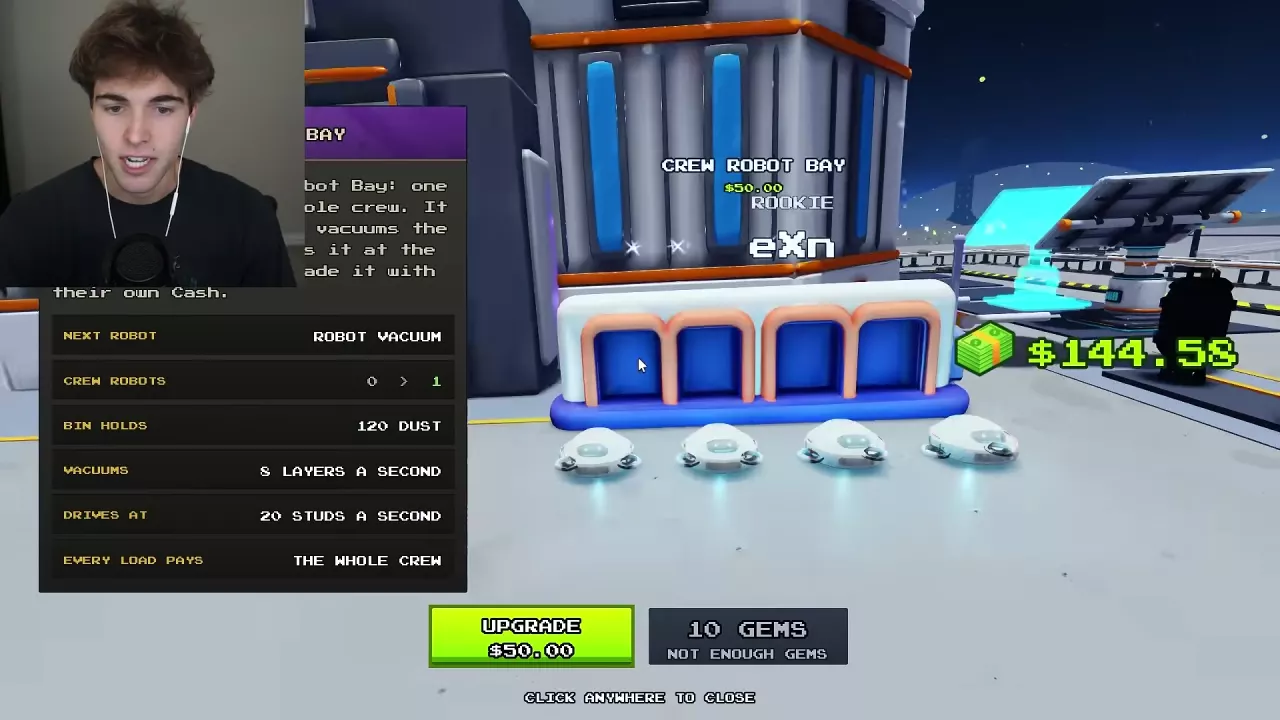
| Crew Robot Bay | Open the Robot Vacuum menu outside the base to add shared automatic cleaners. | First robot: 50 Cash |
| Crew Drone Pad | Use the BUY A DRONE entrance at the base to add shared flying cleaners. | First drone: 200 Cash |
| Conveyor | Buy a route toward your work area and unload at its SELL pads. | Starting options include 60 Cash |
| Lunar Converter | Processes dust delivered through the selling system. Press E nearby to view its upgrade menu. | Upgrade price depends on its current level |
| Solar Panel | Build at the blue panel preview for periodic crew income. | First panel: 25 Cash |
| Oxygen Garden | Buy the garden, then buy plants at its terminal for income. | 250 Cash to open, plus 40 Cash for the first plant |
| Small Robot Dock | Place an extra dock whose robots clean for the crew. | One free dock per moon with the +1 Robot Dock pass |
Crew members can pay for shared robot and drone upgrades with their own Cash. Each robot or drone sale pays the whole crew. See the co-op guide for shared facilities and roles.
Add Automatic Collectors
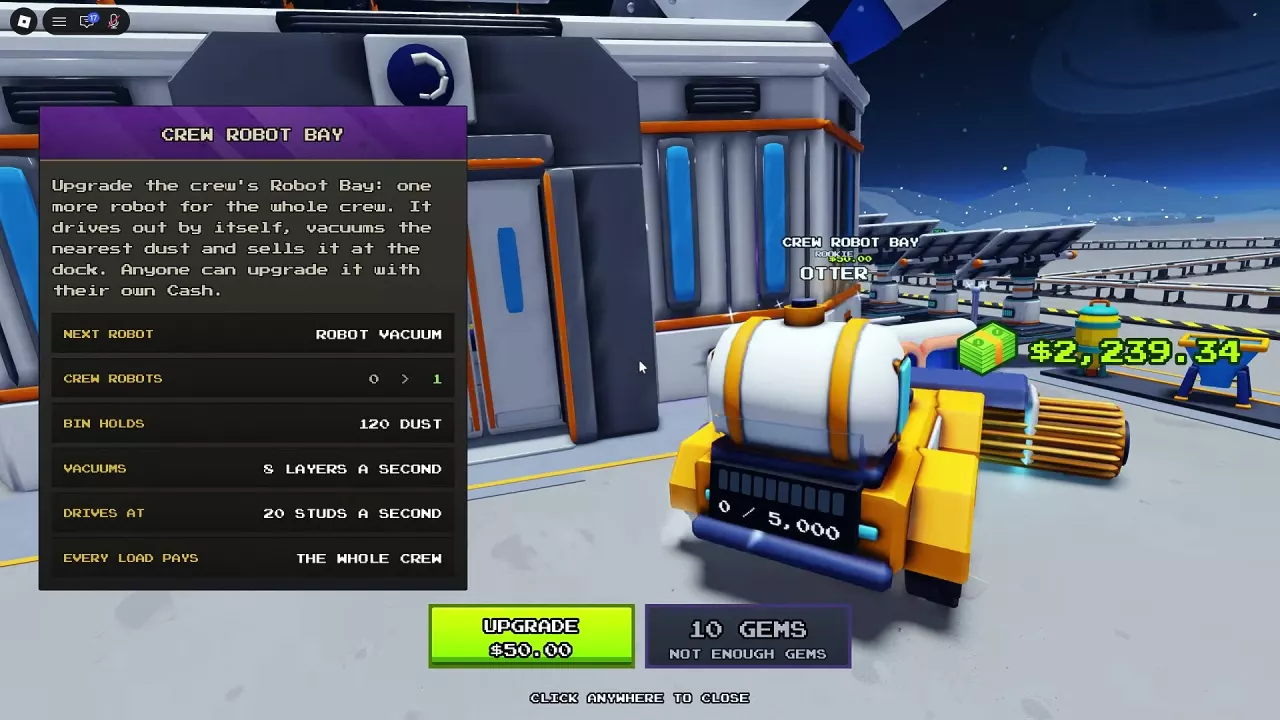
- Go to the Crew Robot Bay outside the base and press E. Choose UPGRADE to buy the first Robot Vacuum for 50 Cash.
- Go to BUY A DRONE at the base and buy the first Dust Drone for 200 Cash.
- Return to either facility's upgrade menu as funds allow. Each successful upgrade adds one shared unit, up to eight crew robots and eight team drones.
Robots seek nearby dust and return to their dock to sell it. Drones fly to nearby dust and return to their pad to sell. Both work alongside your own cleaning; they do not need to be connected to a conveyor.
For further purchase options and unit details, see robots and drones.
Support Manual Cleaning With Remote Unloading
- Buy a conveyor route in the direction where you are cleaning.
- Carry your collected dust to a SELL pad on that route and unload it. The conveyor carries the dust to the Lunar Converter.
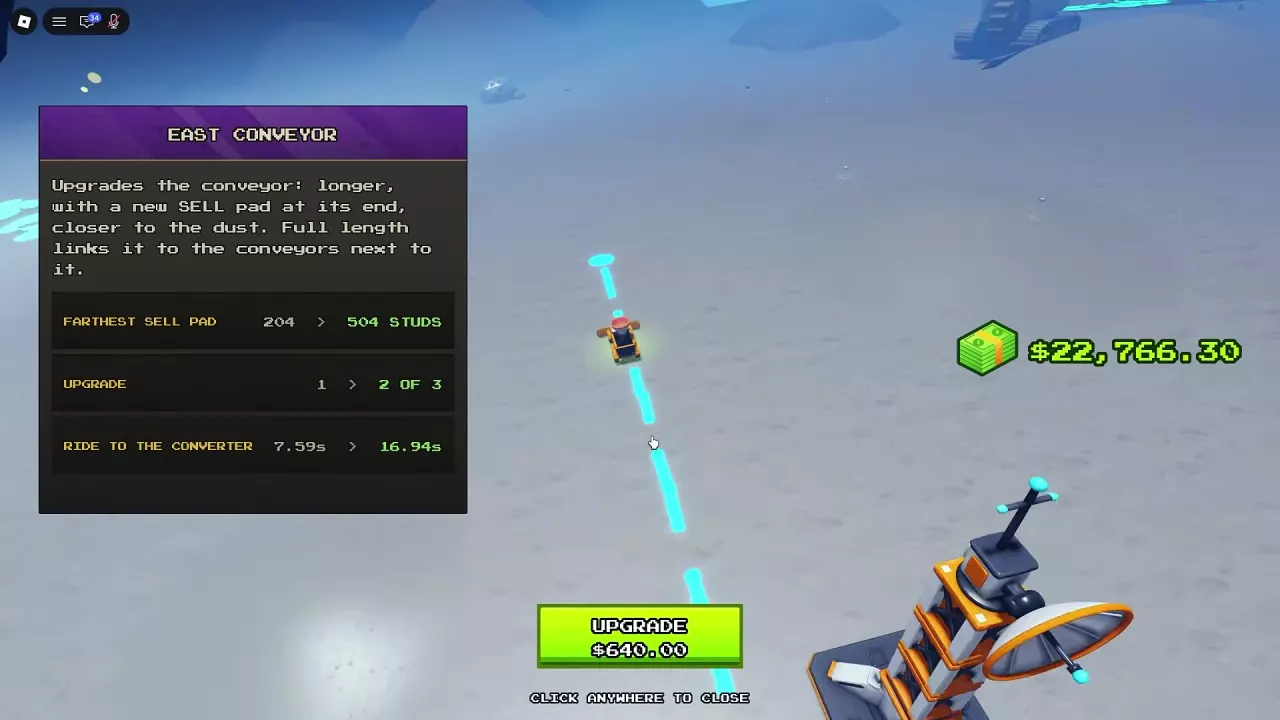
- Use the route's upgrade prompt to extend it when your work moves farther away. An extension adds a SELL pad at the new end; full-length routes can connect to neighboring conveyors.
A longer route reduces your trip to a SELL pad but can change the dust's travel time to the converter. Compare the displayed delivery time before upgrading. See conveyor routes and extensions for the direction-specific options.
Remove Transport and Processing Delays
Open Tab → General to find Conveyor Speed and Convert Time. Choose the upgrade that addresses where dust is delayed:
- Dust takes too long to travel: upgrade Conveyor Speed to shorten transport time.
- Dust is waiting at the converter: press E beside the Lunar Converter to view its waiting-dust count and upgrade Convert Time to reduce processing time per item.
See dust processing machines for converter upgrades and repairs.
Build Income Facilities and Place Portable Units
For a low-cost income start, approach the blue Solar Panel preview, press E, and choose BUILD. The first panel costs 25 Cash and pays each crew member 0.50 Cash every 5 seconds. Build additional panels at the next preview.
To start the Oxygen Garden, buy it for 250 Cash, enter, and use the garden terminal to buy plants. The first plant costs another 40 Cash and pays 0.05 Cash per second. Compare the next purchase's cost and income increase as you expand either facility; see passive income for their prices and returns.
Purchased placeable robots such as the Dust Filter Walker or Scrub Rover use a different placement method: select the robot in your hotbar and click a dust area. Press the same hotbar slot again to cancel placement mode.
With the +1 Robot Dock pass, you can place one small dock for free in each moon, including a friend's moon. Pick it up to place it again for free.
Related guides
Sweep The Moon Robots: Crew Bay, Prices and Deployment
Find Sweep The Moon robots, compare their jobs, expand Crew Robot Bay to eight units, and deploy merchant or Alien Robots from your hotbar.
Sweep The Moon Drones: Crew Pad, Prices and Best Uses
Compare Sweep The Moon drones, expand the shared Crew Drone Pad to eight, and learn how to buy and deploy merchant drones.
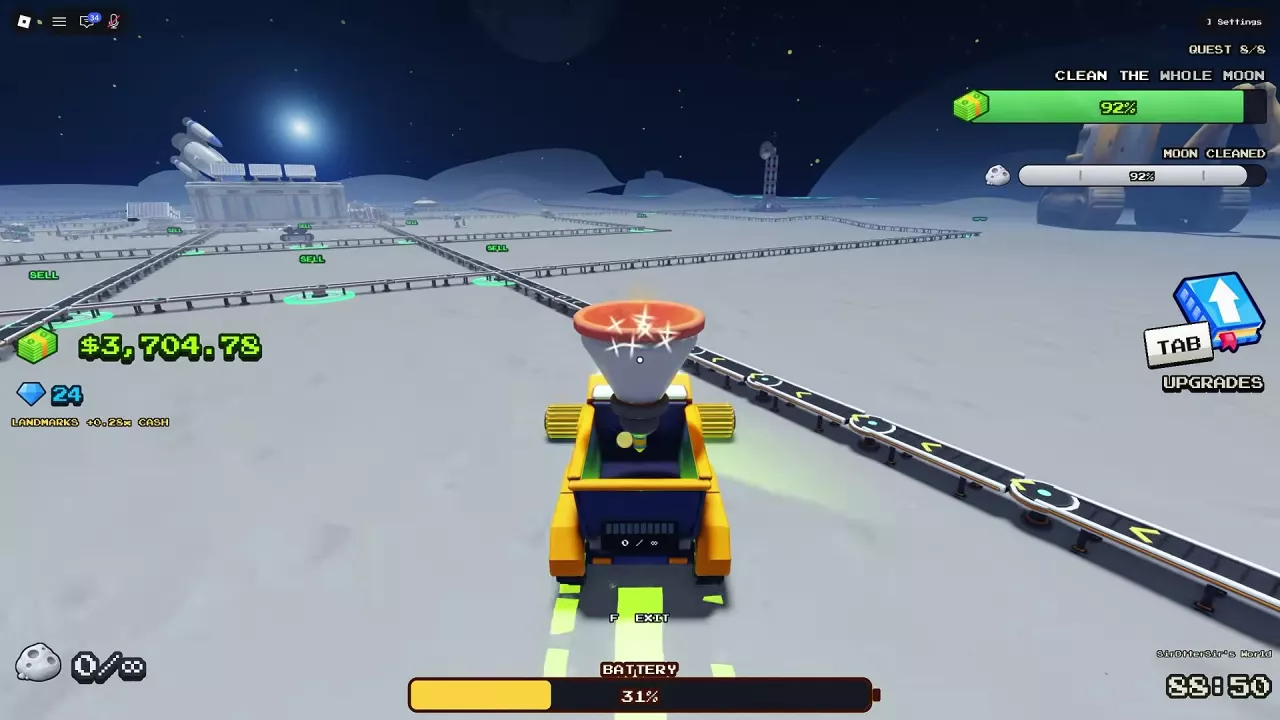
Sweep The Moon Conveyors: SELL Pads, Extensions and Speed
Buy and extend Sweep The Moon conveyors to unlock remote SELL pads. Compare route costs, improve belt speed, and choose the right upgrade for delays.
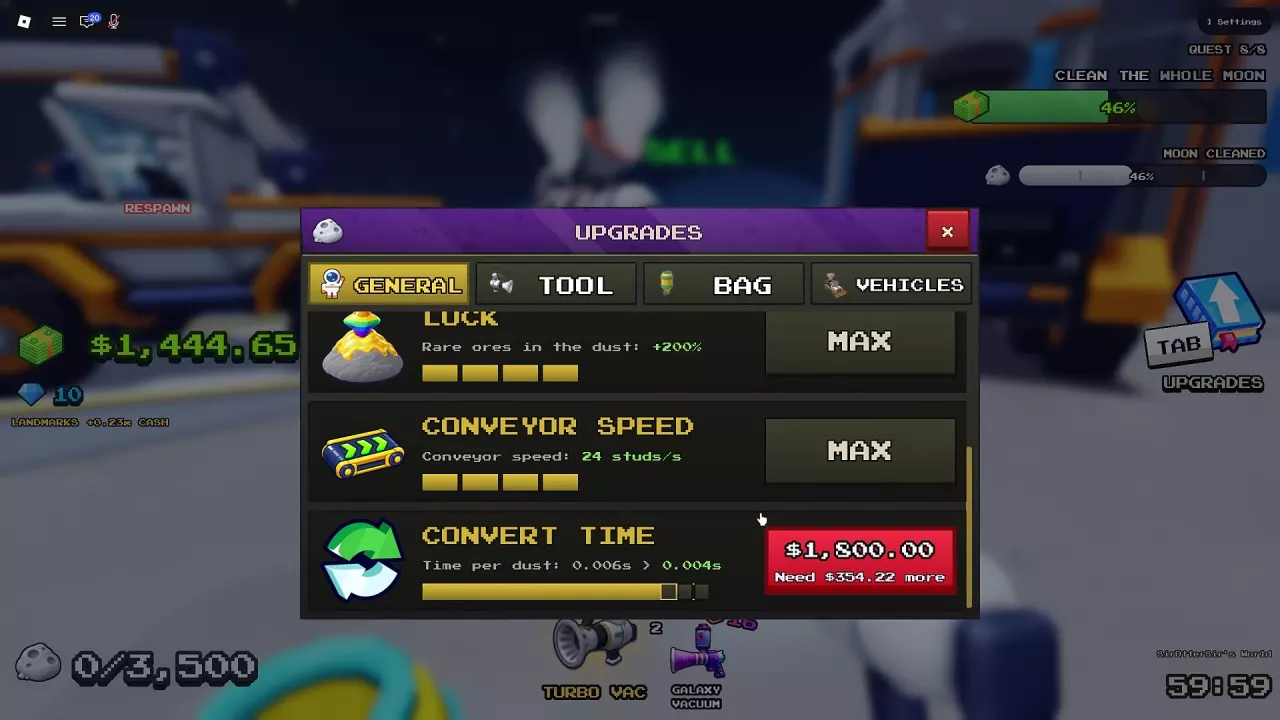
Sweep The Moon Dust Processing: Machines and Lunar Converter
Learn how Sweep The Moon dust processing works, compare machine roles, check Lunar Converter upgrade times and costs, and repair a damaged converter.
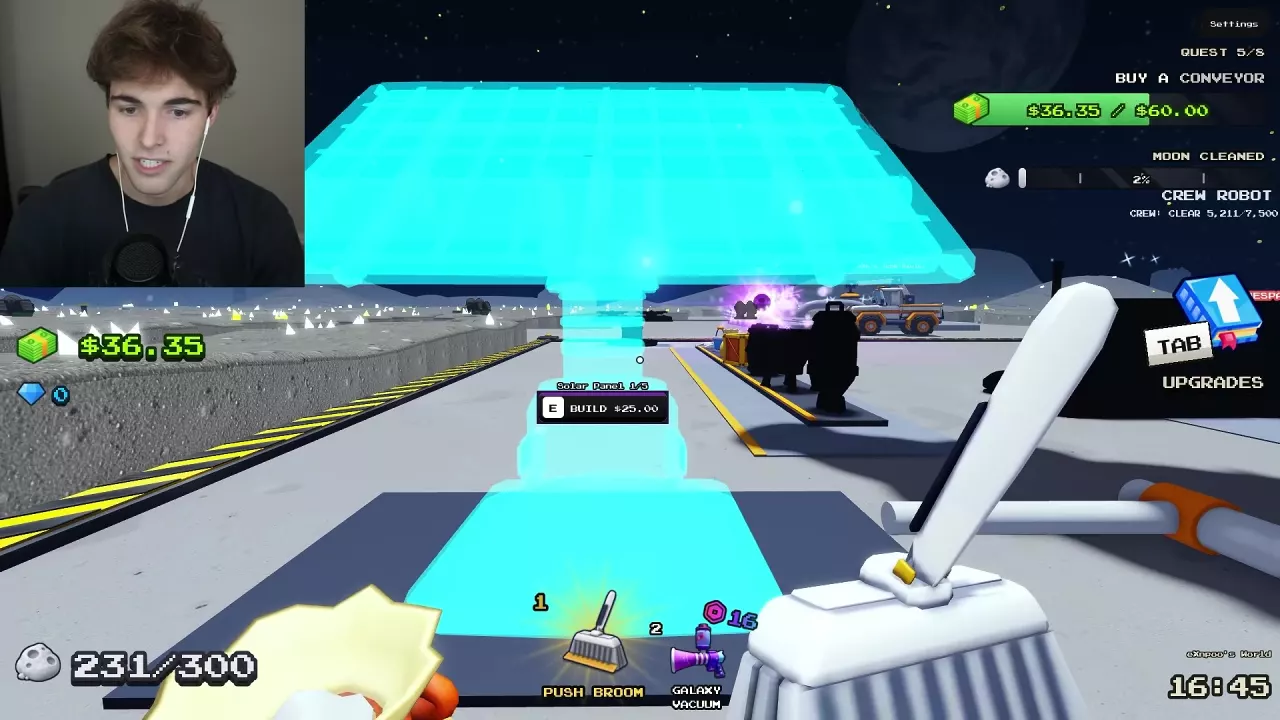
Sweep The Moon Passive Income: Solar Panels and Oxygen Garden
Start passive income in Sweep The Moon with a 25 Cash Solar Panel. Compare panel payouts, Oxygen Garden costs, plant income and expansion choices.

Sweep The Moon Shared Money and Co-op Guide
Learn how shared money and facilities work in Sweep The Moon, which pass benefits help the crew, and how to divide co-op jobs.