
Sweep The Moon Drones: Crew Pad, Prices and Best Uses
Last updated:
Drones can collect lunar dust while you work elsewhere. Choose between a shared crew fleet and drones sold by the Meteor Merchant.
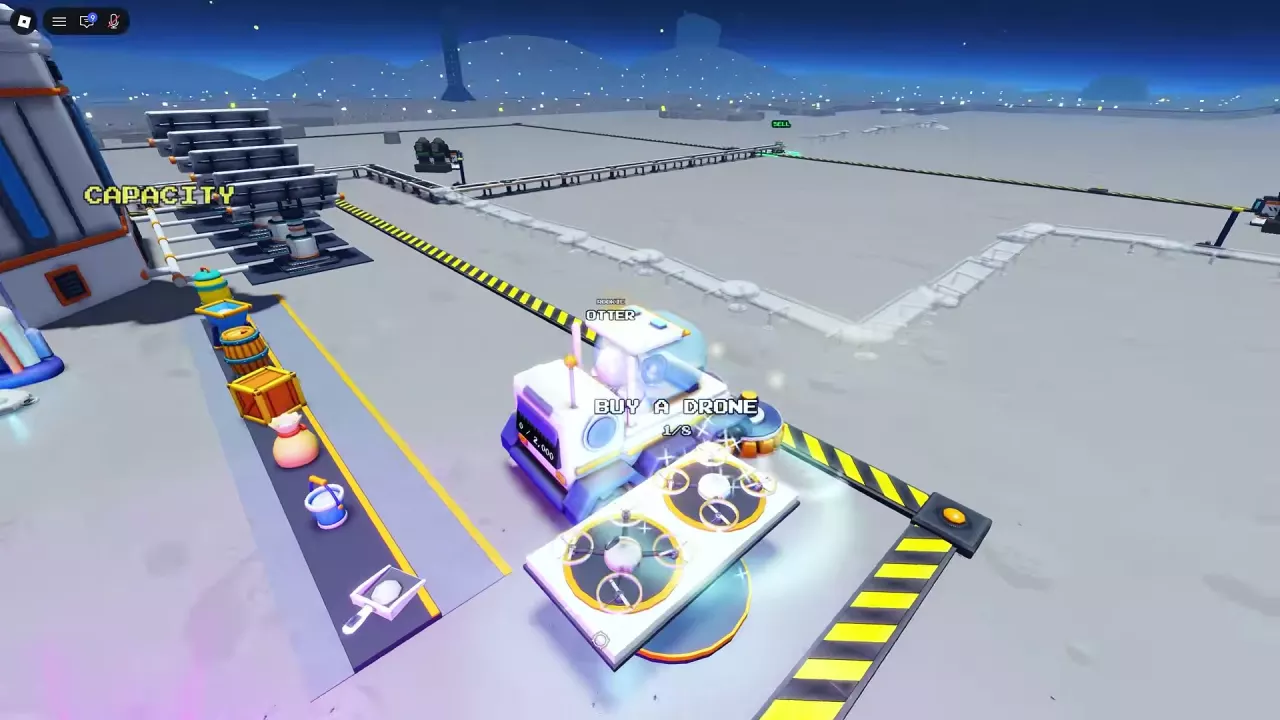
Crew and Merchant Drone Options
Crew Dust Drones return to their pad to sell for the whole team. Merchant drones are purchased individually and placed from the hotbar.
The crew pad lists suction in layers per second, while the merchant lists a cleaning rate per second. Use the merchant listings to compare those two shop drones; the rates are not a direct comparison with the crew pad's layer rate.
Buy and Expand the Crew Drone Pad
- Find BUY A DRONE at the base and buy the first Dust Drone for 200 Cash. It starts working after purchase.
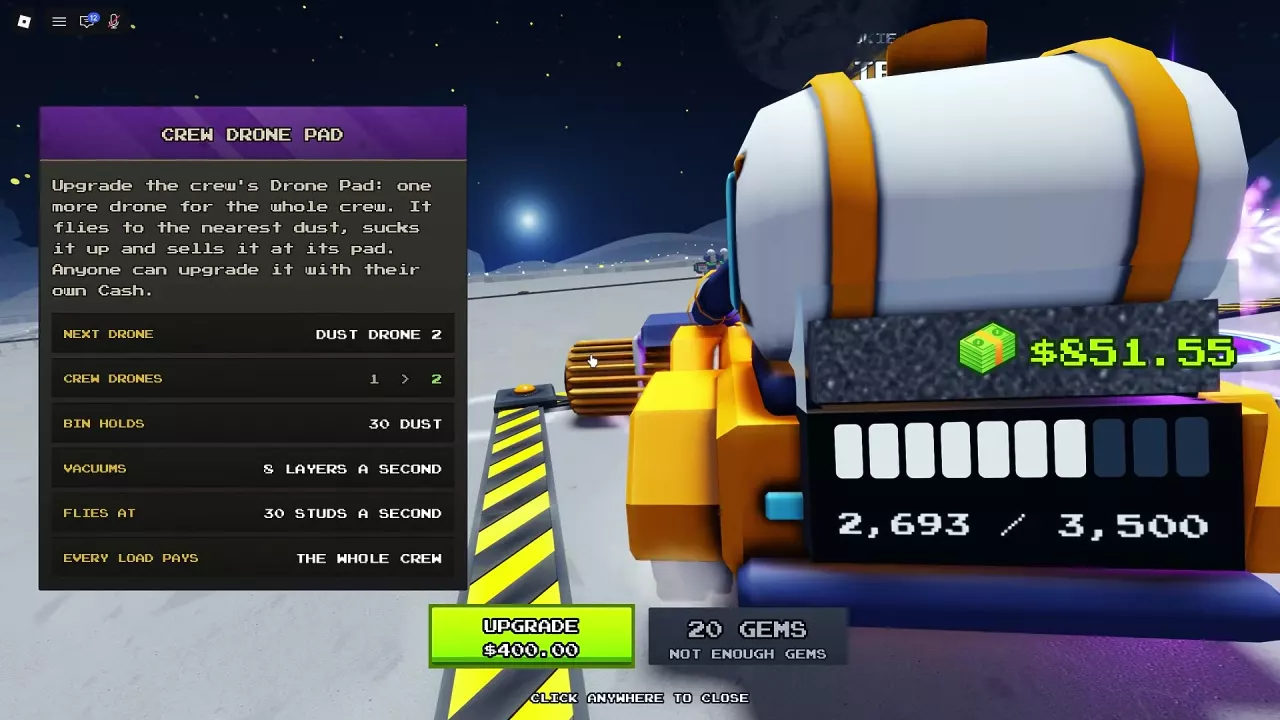
- Press E at the Dust Drone upgrade prompt to open the Crew Drone Pad menu.
- Buy the next drone with Cash or use the displayed Gems option. Each upgrade adds one shared drone, up to eight.
| Drone added | Cash price | Gems option |
|---|---|---|
| Dust Drone 2 | 400 | 20 |
| Dust Drone 3 | 640 | 20 |
| Dust Drone 4 | 1,024 | 20 |
Any crew member can pay with their own Cash to expand the fleet. Crew drones fly to the nearest dust, collect it, and return to the pad to sell; each sale pays the whole team. See the co-op guide for more ways to share work and income.
Buy and Deploy Merchant Drones
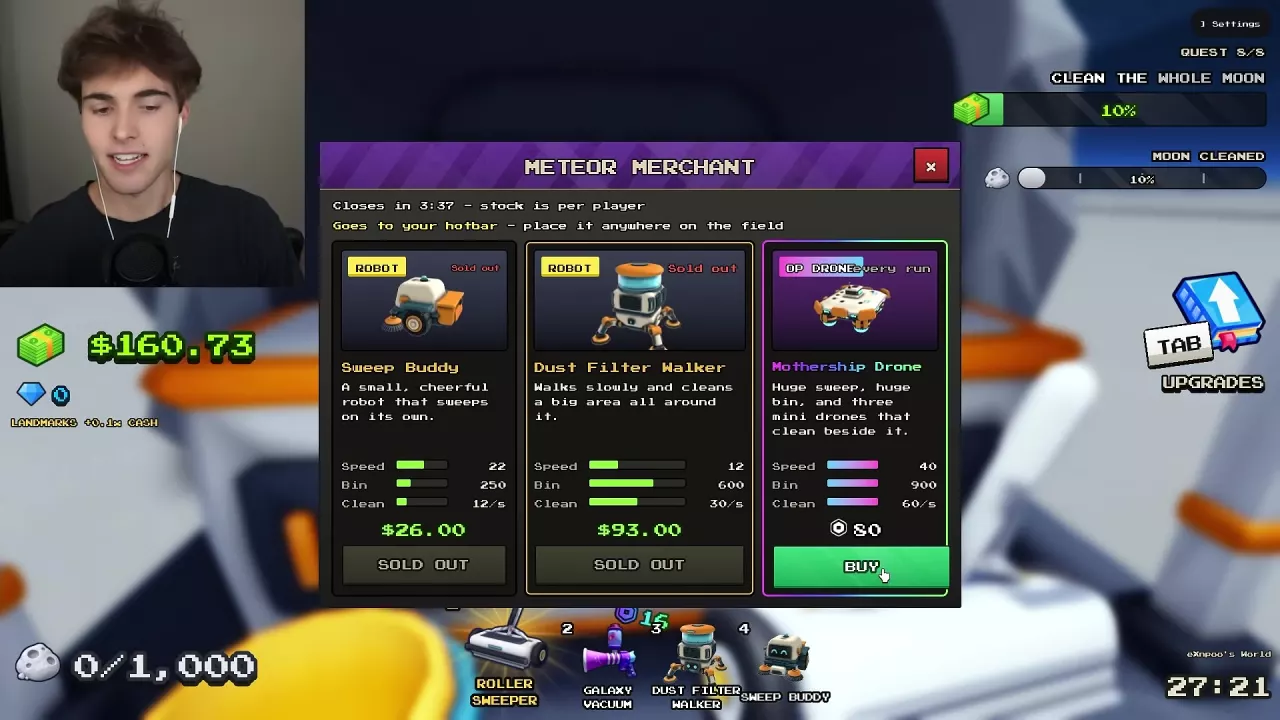
- When the Meteor Merchant is present, approach and press E to open the shop. Stock is tracked separately for each player.
- Buy a Dust Vac Drone for 28 Cash or a Mothership Drone for 80 Robux when it is available.
- Select the purchased drone in your hotbar and click a dusty area to place it. Press the same hotbar key again to cancel placement mode.
The Dust Vac Drone flies while vacuuming along its route. The Mothership cleans a broad area with three smaller drones that clean beside it. For the visit window and other stock, see the Meteor Merchant guide.
Which Drone Fits Your Goal?
- Shared team income: Expand the crew Dust Drone fleet. Each additional drone collects automatically and its sales pay everyone on the crew.
- Low-cost flying vacuum: Choose Dust Vac Drone if you want a merchant drone for Cash. It vacuums as it flies and costs 28 Cash.
- Broad-area cleaning: Consider Mothership Drone if you are willing to spend 80 Robux. It has three helpers, and its merchant listing has higher speed, capacity and cleaning rate than Dust Vac Drone: 40 versus 30 speed, 900 versus 300 capacity, and 60 versus 20 cleaning per second.
For a setup that combines drones with other collection and transport facilities, see the automation setup guide.
Related guides
Sweep The Moon Meteor Merchant: Stock, Prices and Deployment
Shop the Sweep The Moon Meteor Merchant during its 240-second visit. Compare robot and drone prices, check personal stock, and deploy your purchase.
Sweep The Moon Automation Setup: Robots, Drones and Dust Flow
Build a Sweep The Moon automation setup with crew robots, drones, conveyor SELL pads, converter upgrades and passive income facilities.
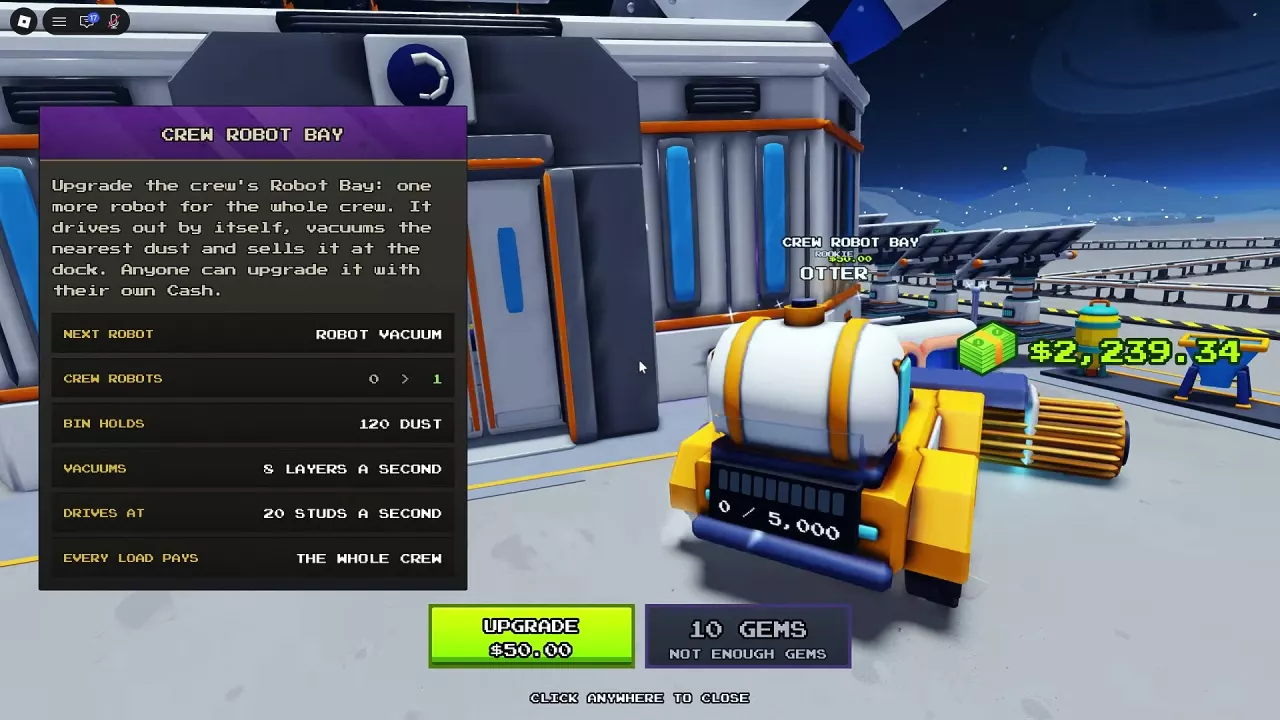
Sweep The Moon Robots: Crew Bay, Prices and Deployment
Find Sweep The Moon robots, compare their jobs, expand Crew Robot Bay to eight units, and deploy merchant or Alien Robots from your hotbar.
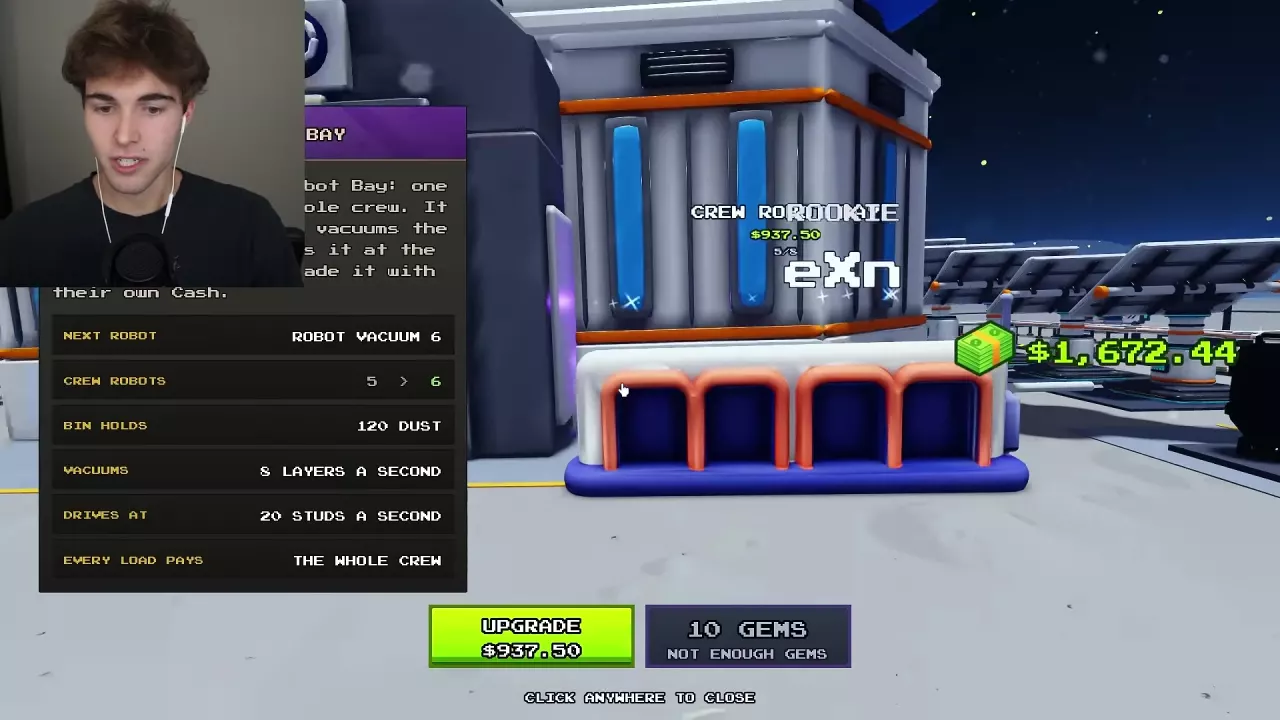
Sweep The Moon Gems: Zone Rewards and Spending Choices
Learn how to earn Gems from zone completion in Sweep The Moon, compare six spending options with Cash prices, and choose purchases for your current run.
Sweep The Moon Shared Money and Co-op Guide
Learn how shared money and facilities work in Sweep The Moon, which pass benefits help the crew, and how to divide co-op jobs.