
Sweep The Moon Gems: Zone Rewards and Spending Choices
Last updated:
Gems can pay for crew automation, selected vehicles, and the Lunar Converter’s Finish Now option. Compare the Cash price and the problem a purchase solves before spending them.
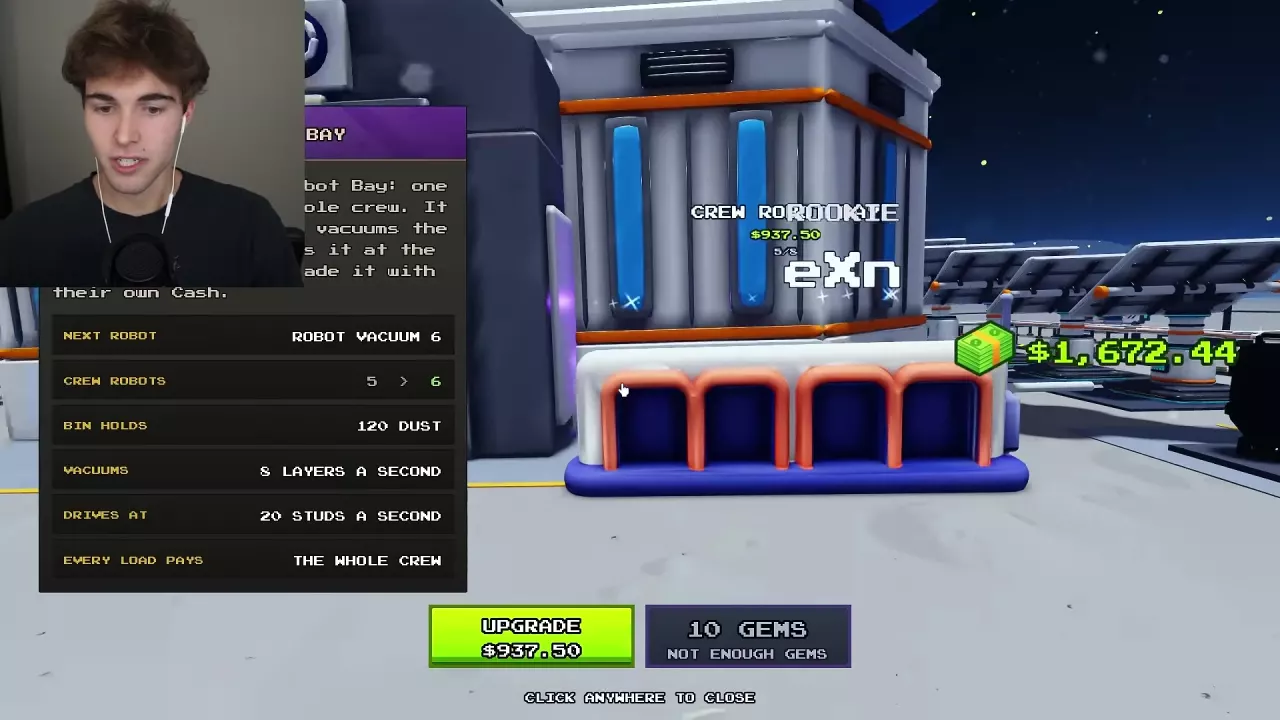
Earn Gems from Zone Completion
Finish clearing the remaining dust in Zone 1 to complete the area and open the boundary into Zone 2. The zone-completion reward can include Gems: 8 Gems is one Zone 1 completion example, rather than a fixed reward to budget for every zone.
If the boundary is still closed, focus on the remaining dust in the current zone. See the zone progression guide for the full route through the Moon and the exit sequence.

Gem Purchases and Cash Alternatives
Compare prices at the same purchase stage. Crew expansion and converter Cash costs change with your progress, so the conditions below matter.
| Purchase | Gem option | Cash option and stage | Purchase scope |
|---|---|---|---|
| Crew Robot Bay expansion | 10 Gems | $937.50 to go from five robots to six | Adds one shared robot |
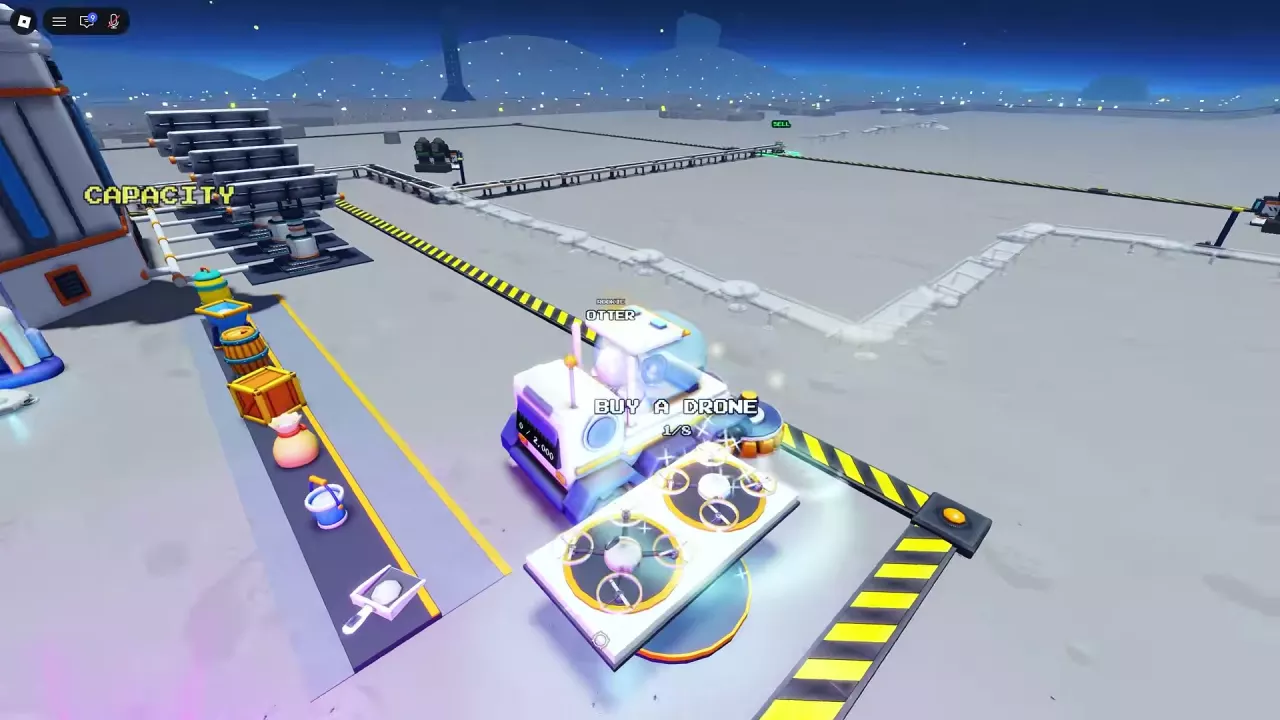
| Crew Drone Pad expansion | 20 Gems | Second drone: $400; third: $640; fourth: $1,024 | Adds one shared drone |
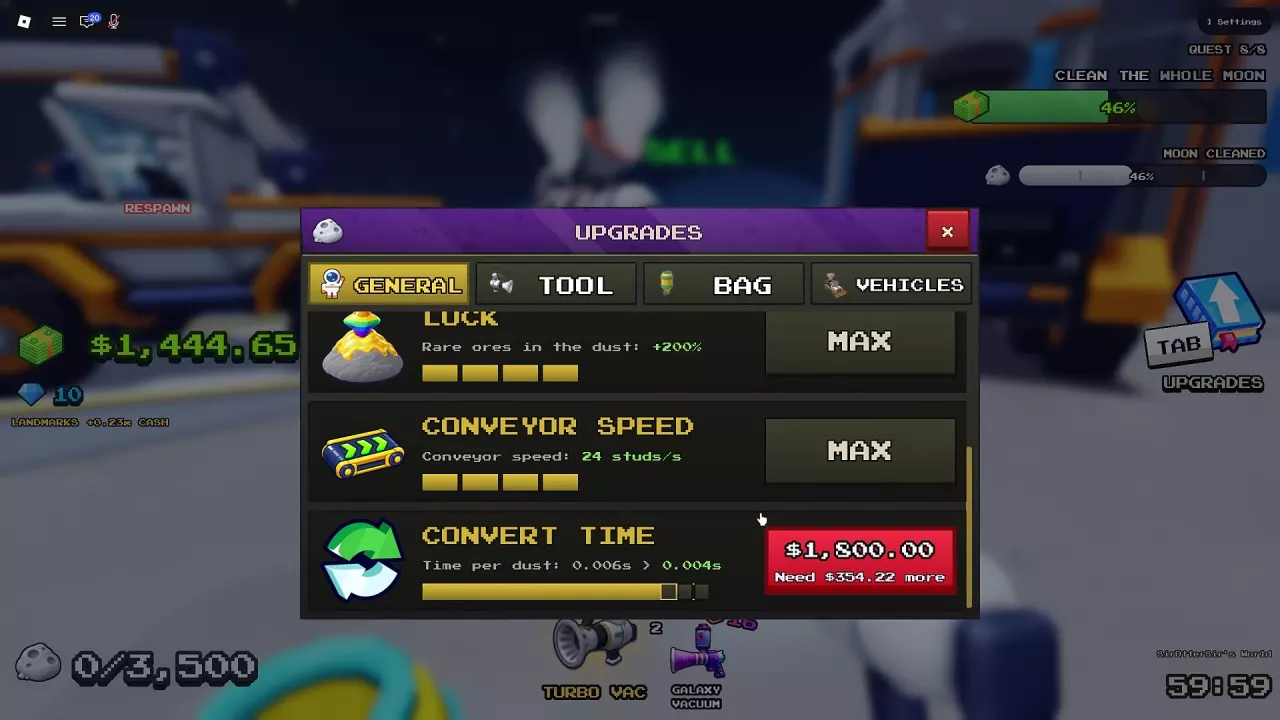
| Lunar Converter — Finish Now | 5 Gems | Cash upgrade prices in the corresponding menus: level 1→2: $0.25; 6→7: $3.75; 12→13: $500; 15→16: $1,800 | Finish Now option in those upgrade menus |
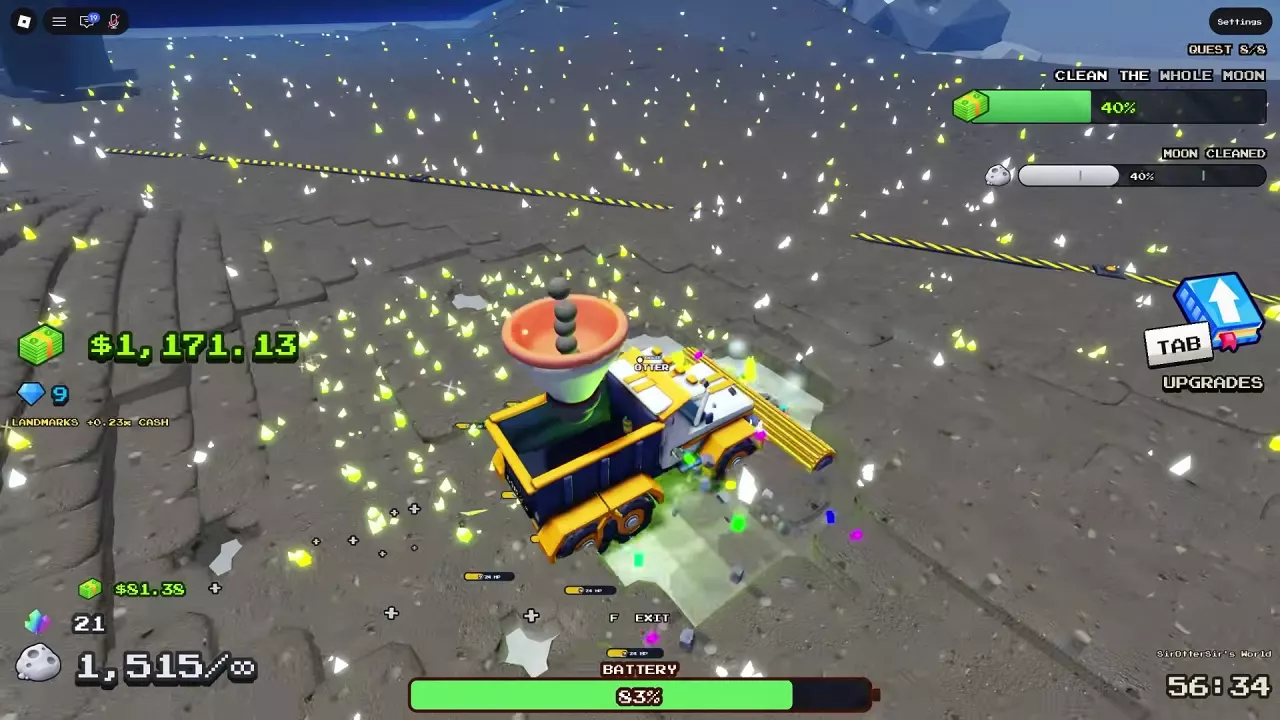
| Cleaning Rover | 25 Gems | $320 | Current run only |
| Dust Carrier | 95 Gems | $4,600 | Current run only |
| Cleaning UFO | 150 Gems | $20,000 | Current run only |
The converter row pairs Finish Now with the Cash upgrade offered in the same menu; it does not describe a purchase of every converter level. Open its menu by pressing E beside the Lunar Converter. For the upgrade process and processing speeds, see Lunar Converter upgrades.
Vehicle prices also need to be considered alongside unlock requirements. Cleaning Rover displays a 15,000 Dust Cleaned target, and Dust Carrier requires purchasing Turbo Sweeper. See vehicle unlocks and specifications before planning a vehicle purchase.
Choose a Purchase for the Current Bottleneck
Use Cash first when the alternative is affordable. This leaves your Gems available for a purchase you cannot comfortably fund with Cash. If you need to build that budget, start with dust sales and Cash income.
- Too little automatic collection: Consider a crew robot or drone. Both collect and sell dust automatically, and their sales pay the whole crew. The robot option requires fewer Gems; drones fly to the nearest dust and return to their pad to sell. Choose the shared facility you want to expand, up to its eight-unit limit. See crew robots or crew drones for expansion instructions.
- Need an entry into driving and vehicle progression: Cleaning Rover is the lowest Gem-priced vehicle in this comparison. It cleans as you drive and has a starting bin capacity of 1,000 dust, so it still needs unloading.
- Frequent unloading interrupts your cleaning: Dust Carrier has unlimited storage and a hopper that converts collected dust into Cash. Its storage and conversion role make it the more relevant choice for this problem.
- Rocks and hills interrupt your route: Cleaning UFO hovers 6 studs above rocks and hills. Its starting cleaning width is five tiles with 10 layers cleared per pass, making it useful for broad cleaning across uneven terrain. Its 10,000-dust starting bin still needs emptying.
- Processing is slowing payment: Prioritize converter improvements over adding more collectors. Compare the Cash upgrade with the 5-Gem Finish Now option in the current menu, especially at early levels where the Cash price is low.
Choose a vehicle while enough cleaning remains to make its abilities useful. Near the end of a run, a costly vehicle has less work left to do, which makes saving the Gems a stronger choice.
Related guides
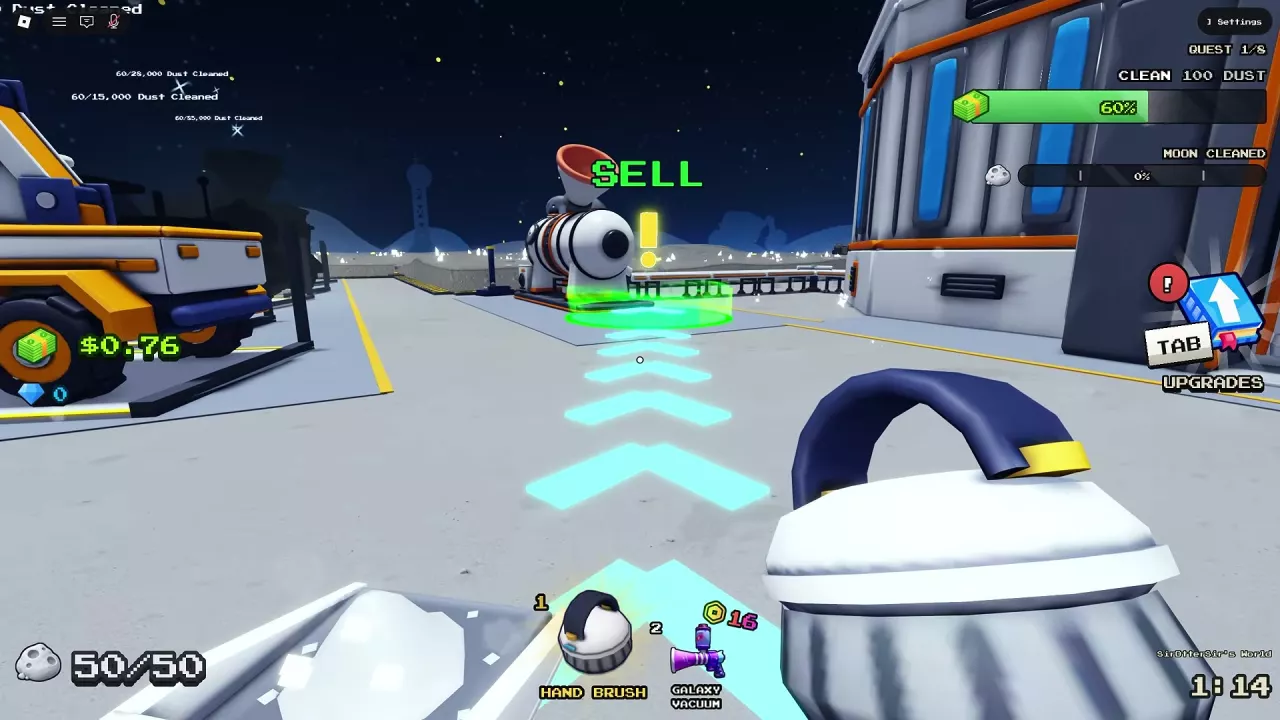
Sweep The Moon Money Guide: Selling Dust and Growing Income
Learn how to sell dust in Sweep The Moon, fix delayed payouts, and choose upgrades, automation, passive income and Cash bonuses.
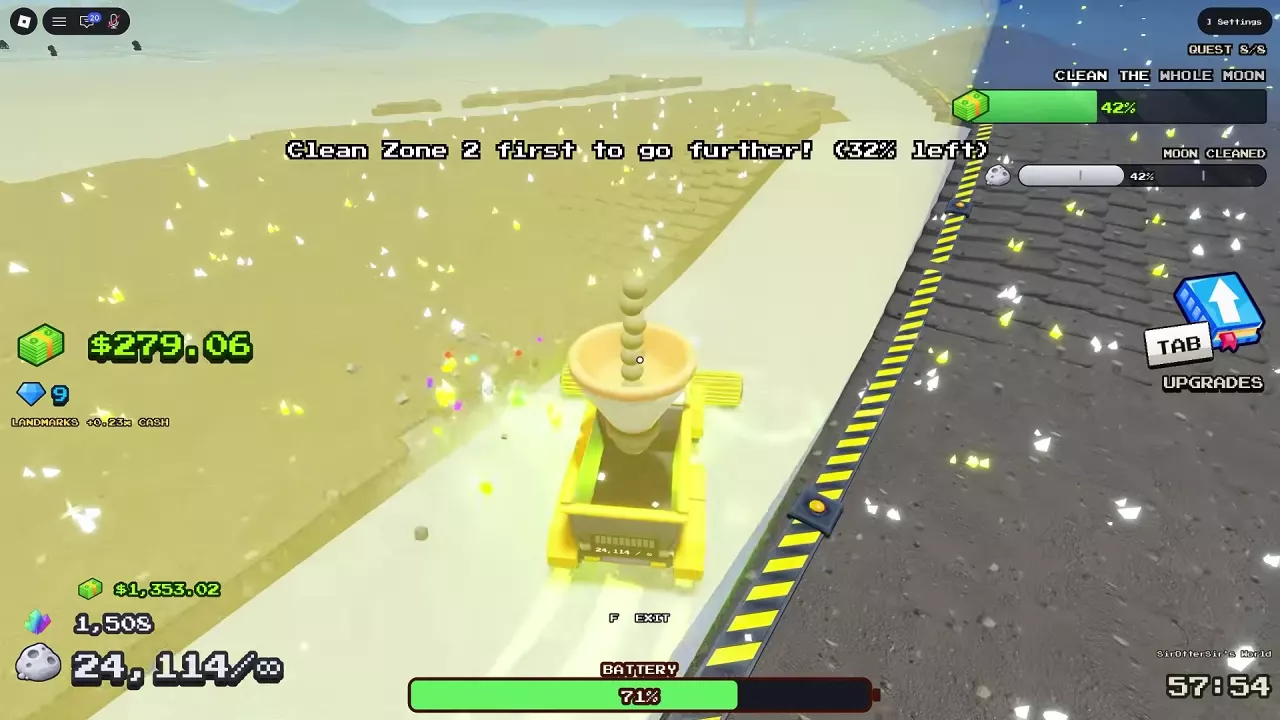
Sweep The Moon Progression Guide: Unlock Zones, Reach 100% and Exit
Progress through Sweep The Moon with practical upgrade choices, zone barrier instructions, remaining dust cleanup, and the steps to enter the Hatch at 100%.
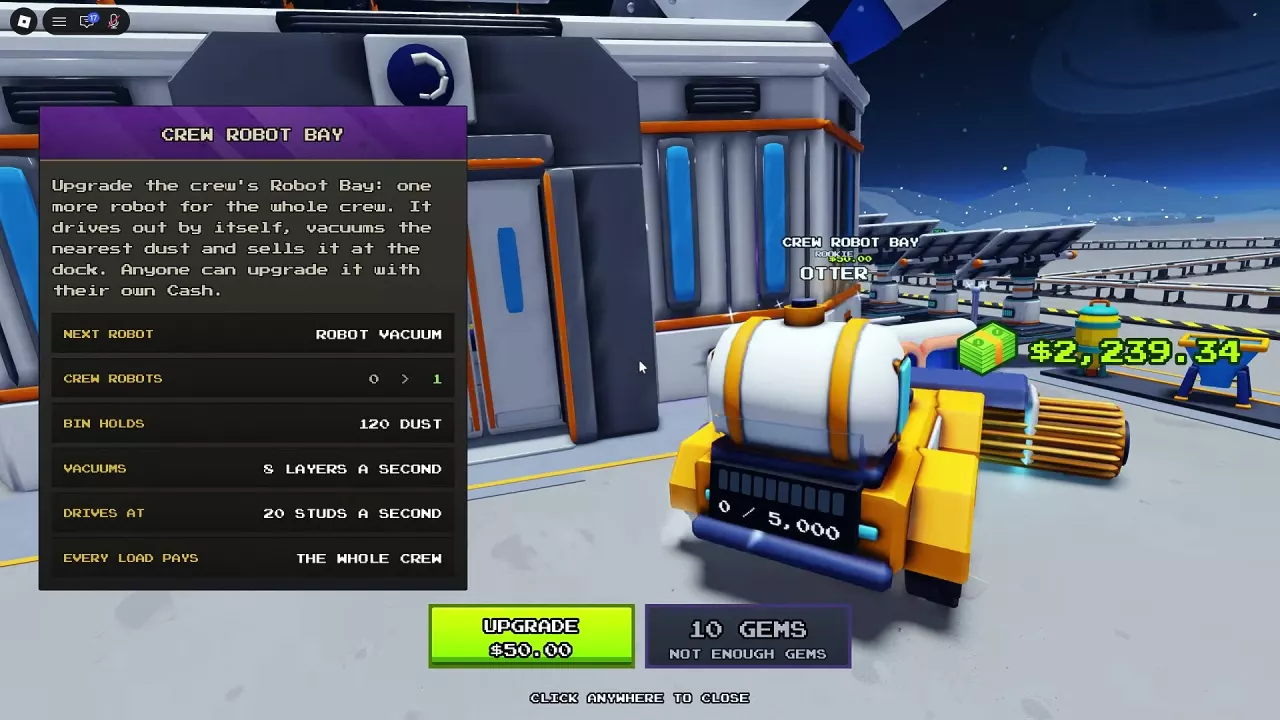
Sweep The Moon Robots: Crew Bay, Prices and Deployment
Find Sweep The Moon robots, compare their jobs, expand Crew Robot Bay to eight units, and deploy merchant or Alien Robots from your hotbar.
Sweep The Moon Drones: Crew Pad, Prices and Best Uses
Compare Sweep The Moon drones, expand the shared Crew Drone Pad to eight, and learn how to buy and deploy merchant drones.
Sweep The Moon Vehicles: Prices, Unlocks and Best Uses
Compare all five Sweep The Moon vehicles by price, unlock requirements, storage and cleaning role. Choose for your budget, terrain and unloading needs.
Sweep The Moon Dust Processing: Machines and Lunar Converter
Learn how Sweep The Moon dust processing works, compare machine roles, check Lunar Converter upgrade times and costs, and repair a damaged converter.