
Sweep The Moon Beginner Guide: Controls and First Purchases
Last updated:
Start your first shift in Sweep The Moon by cleaning dust, selling it at the base and buying equipment for the tutorial objectives.
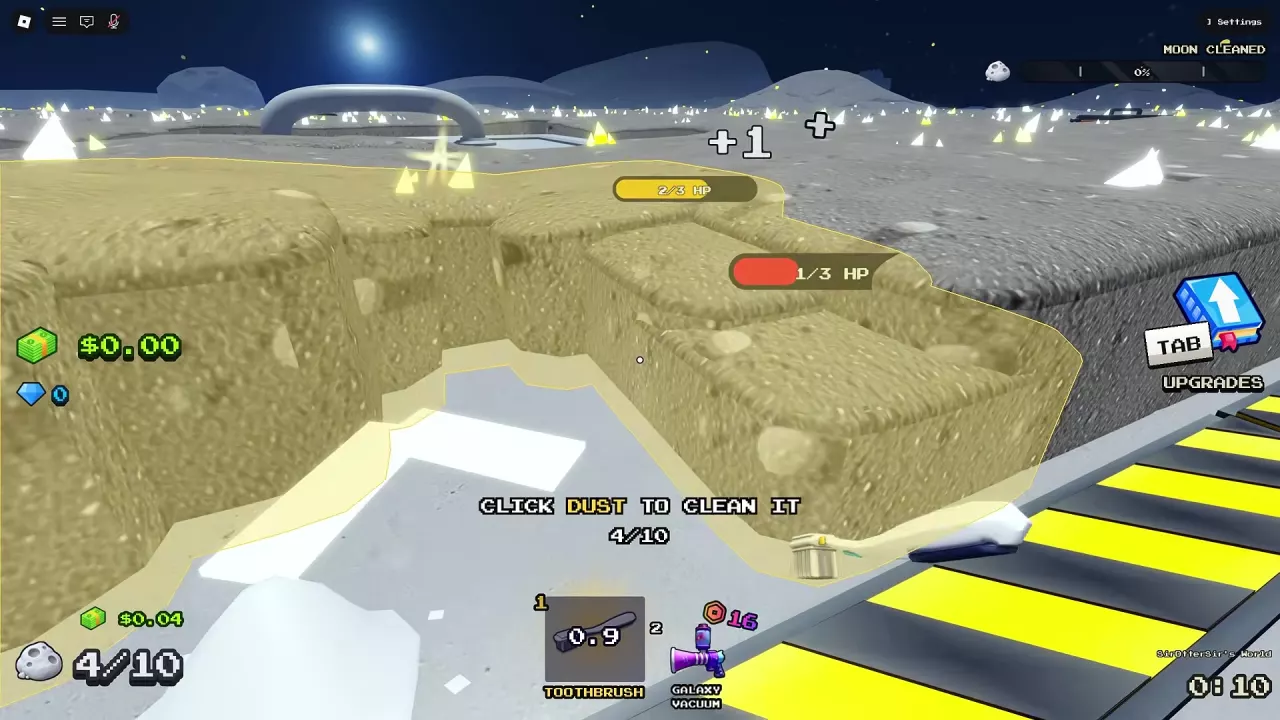
Start Cleaning and Make Your First Sale
Sweep The Moon is a Roblox game inspired by the separate Steam game Moon Sweepers.
- Select the Toothbrush in hotbar slot 1 and leave the base.
- Click the highlighted lunar dust to clean and collect it. Your unupgraded starting container holds 10 Dust.
- When the container is full, follow the ground arrows to the green SELL area. Stand there and wait for your stored Dust to empty.
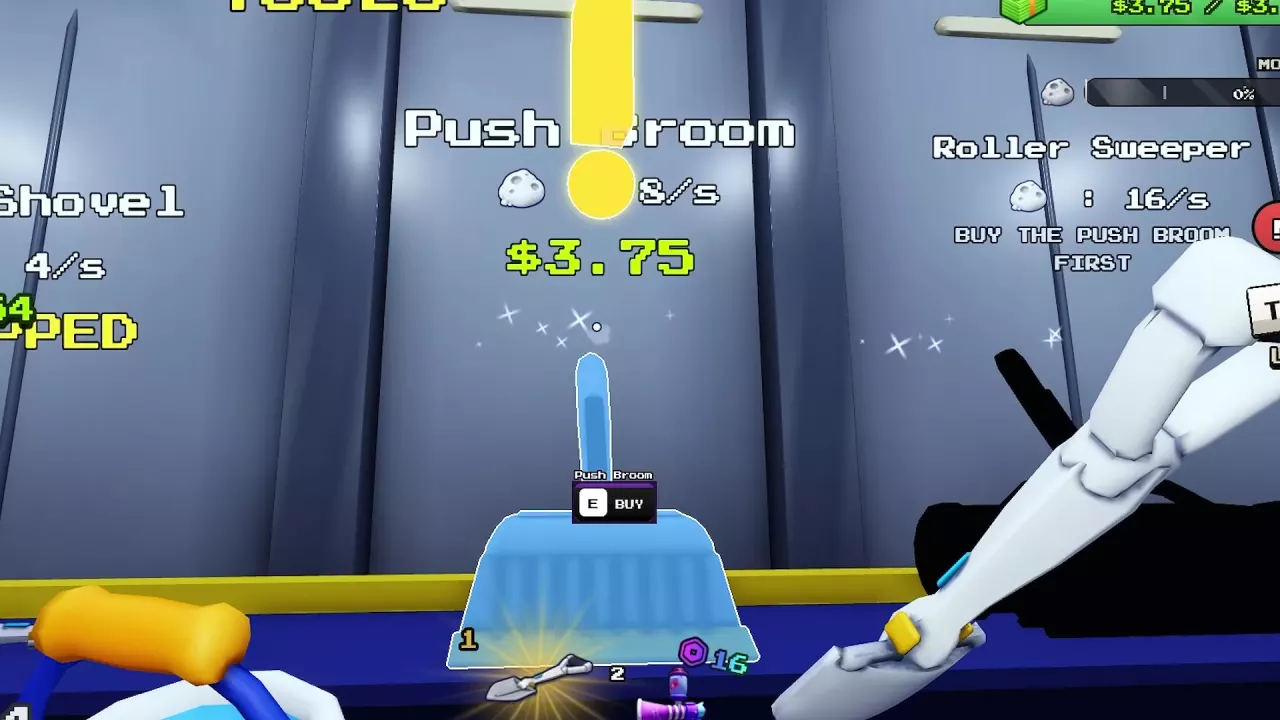
- Follow the purchase guidance to the base's GEAR or TOOLS area. Approach the Hand Brush display and press E at the purchase prompt.
- Return to the dust and repeat the cleaning and selling loop to earn Cash for your next purchases.

Basic Controls
| Action | Control |
|---|---|
| Clean with a handheld tool | Select it from the hotbar and click dust |
| Interact | Press E at the current prompt, such as BUY or DRIVE |
| Open Upgrades | Press Tab |
| Exit a vehicle | Press F |
| Skip the opening | Press Space at the SKIP prompt |
Early Purchases and Tutorial Objectives
The Hand Brush costs 0.01 Cash and is a cheap early cleaning upgrade. The Pan costs 0.50 Cash and holds 50 Dust, five times the unupgraded starting capacity, so you can make fewer trips to SELL.
The quest panel has eight objectives. Keep cleaning and selling to afford each purchase, then buy the named item to advance the corresponding objective.
| Quest | Objective | Cost or target |
|---|---|---|
| 1/8 | Clean Dust | 100 Dust |
| 2/8 | Buy Bucket | 3.50 Cash; holds 125 Dust |
| 3/8 | Buy Push Broom | 3.75 Cash |
| 4/8 | Buy Junk Hauler | 10 Cash |
| 5/8 | Buy a Conveyor | 60 Cash target |
| 8/8 | Clean the Whole Moon | Reach 100% Moon Cleaned |
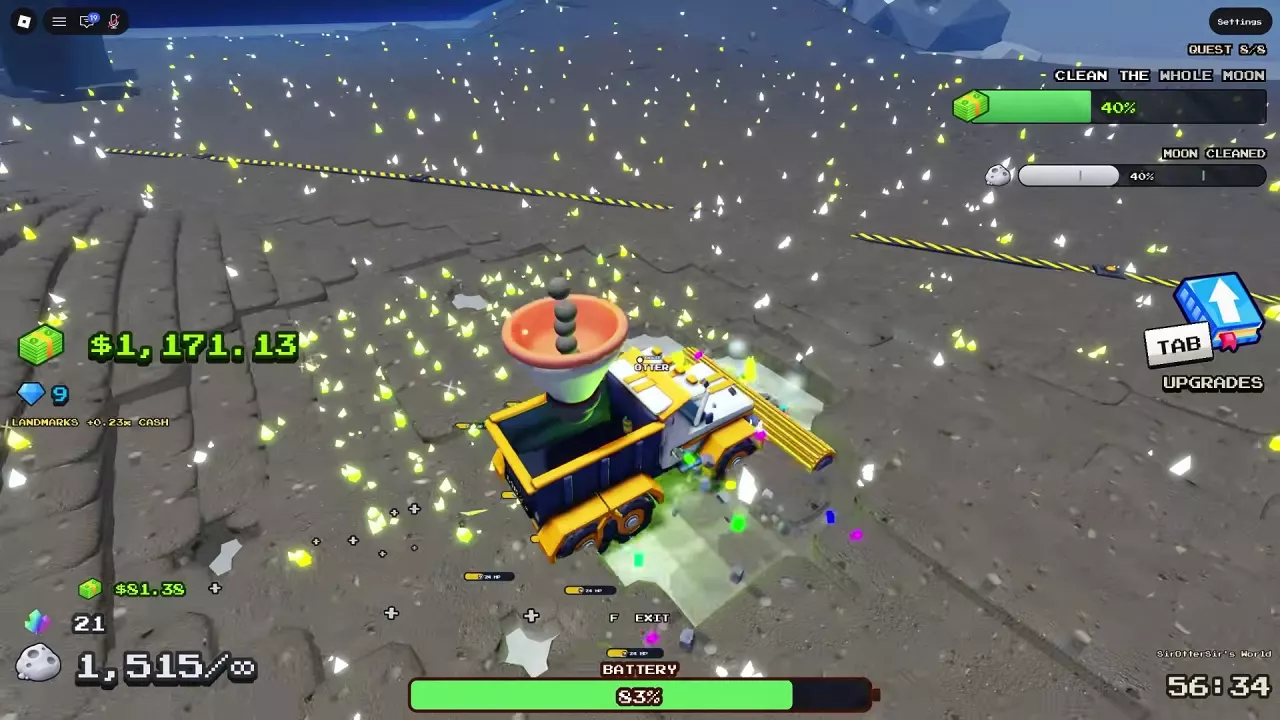
For the conveyor objective, follow the purchase guidance to a conveyor. After buying the Junk Hauler, approach it and press E at the DRIVE prompt to start using it.
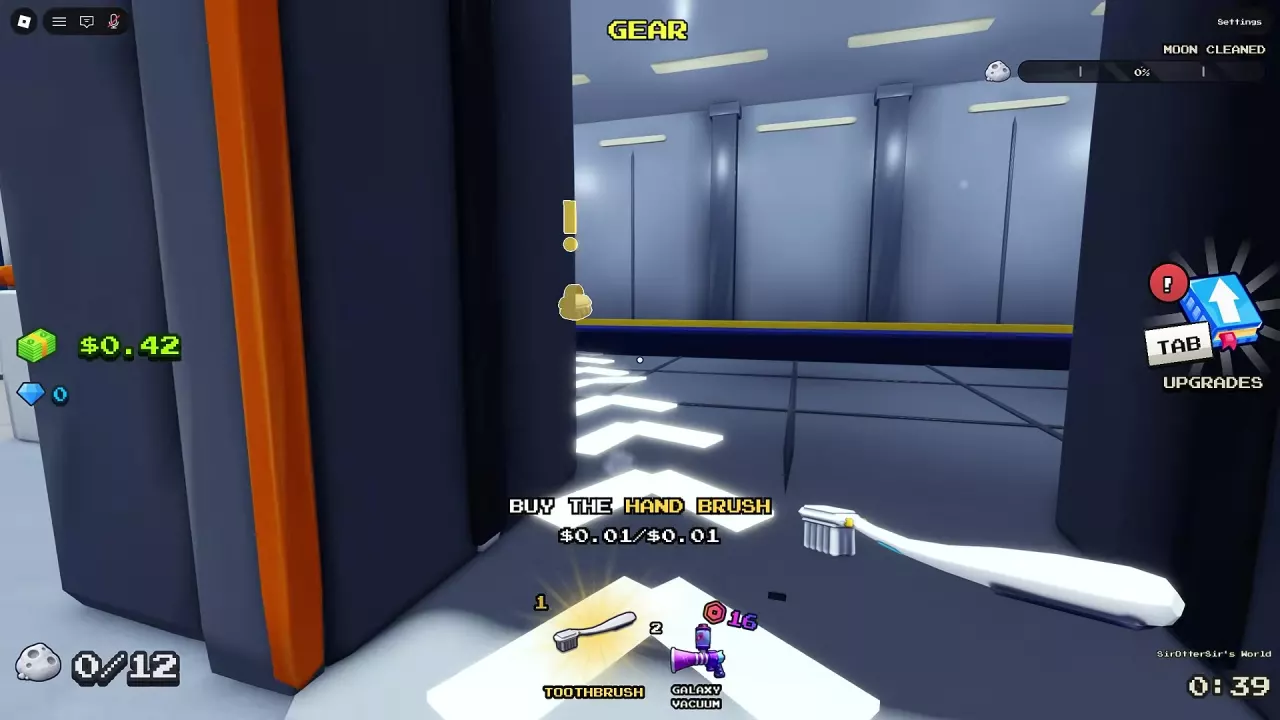
Read the Right Progress Counter
The quest panel tracks your current objective, while your container counter shows how much Dust you are carrying. Moon Cleaned measures progress across the whole moon. These are separate: reaching the final tutorial objective does not mean the moon is nearly clean.
If your container is full, empty it at SELL and continue working on the objective shown in the quest panel.
Choose Your Next Goal
- Cleaning feels slow: Learn how to clear enclosed dust and reduce interruptions in the cleaning guide, or compare your next purchase in the tools directory.
- Your container fills too often: Buy more carrying room or use Bag upgrades; compare options in the canisters guide.
- You are ready to advance: The progression guide covers clearing later areas and reaching 100% Moon Cleaned. For vehicle choices, see the vehicles directory.
Related guides
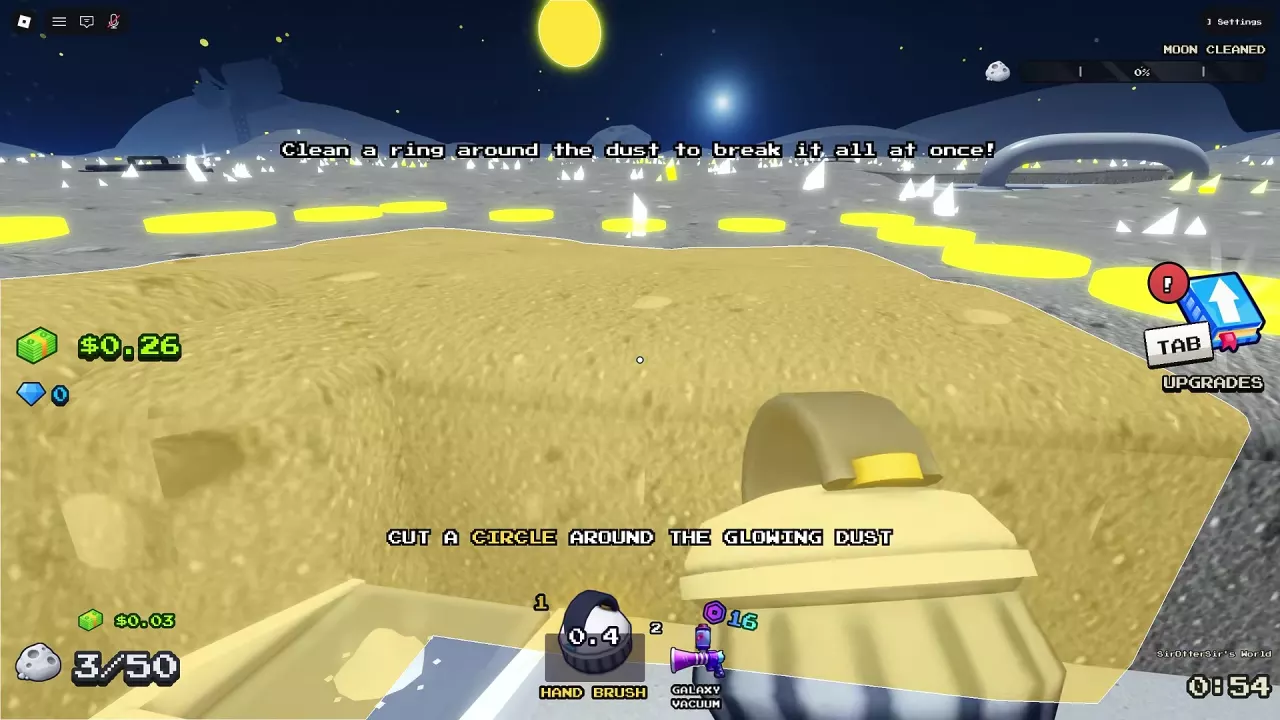
Sweep The Moon Cleaning Guide: How to Break Islands and Clean Faster
Learn how to break islands in Sweep The Moon, understand cleaning stats, and reduce interruptions from full storage and low batteries.

Sweep The Moon Shared Money and Co-op Guide
Learn how shared money and facilities work in Sweep The Moon, which pass benefits help the crew, and how to divide co-op jobs.
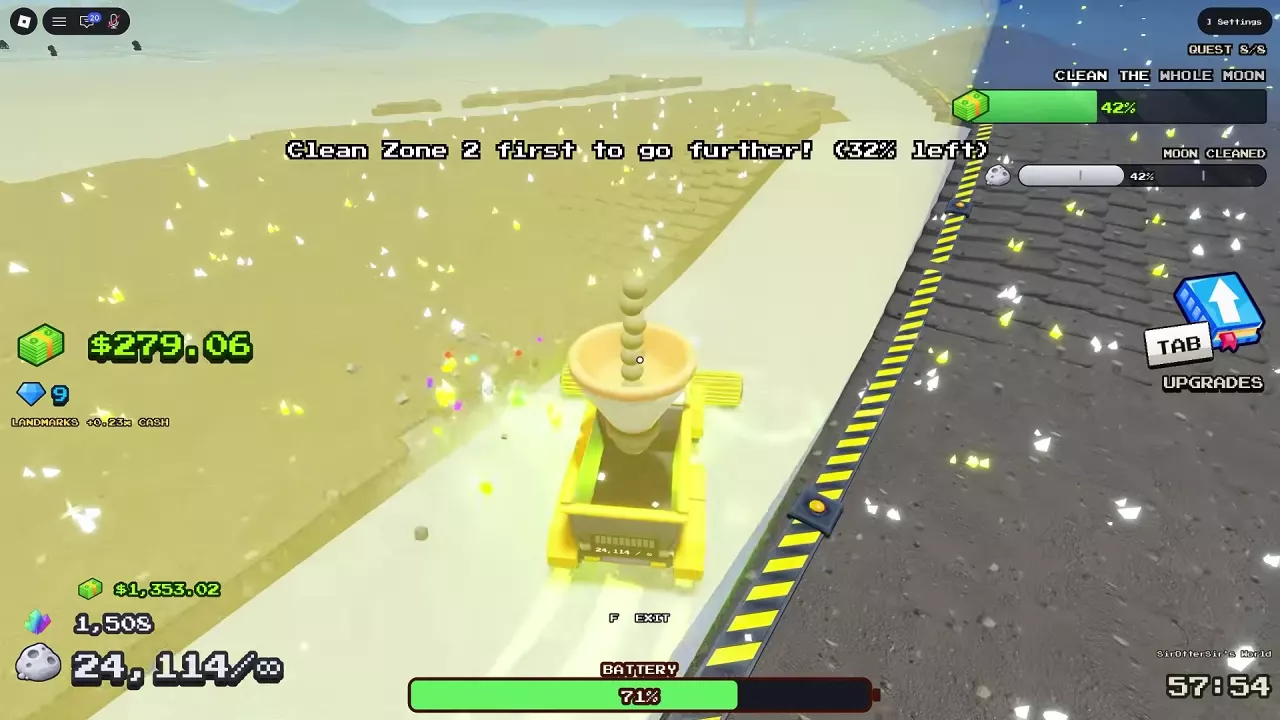
Sweep The Moon Progression Guide: Unlock Zones, Reach 100% and Exit
Progress through Sweep The Moon with practical upgrade choices, zone barrier instructions, remaining dust cleanup, and the steps to enter the Hatch at 100%.
Sweep The Moon Tools: Prices, Upgrades and What to Buy
Compare Sweep The Moon tools, prices and upgrades. Choose your next purchase, unlock Roller Sweeper, and manage vacuum cooldowns and carrying capacity.
Sweep The Moon Canisters: Capacity, Purchases and Upgrades
Compare Sweep The Moon canister capacities and prices, choose your next bag upgrade, and learn how to equip Infinite Capacity.
Sweep The Moon Vehicles: Prices, Unlocks and Best Uses
Compare all five Sweep The Moon vehicles by price, unlock requirements, storage and cleaning role. Choose for your budget, terrain and unloading needs.