
Sweep The Moon Locations: Base Services, Zones and Landmarks
Last updated:
Find your way around Sweep The Moon using base signs, directional facility names, zone labels and objective markers.
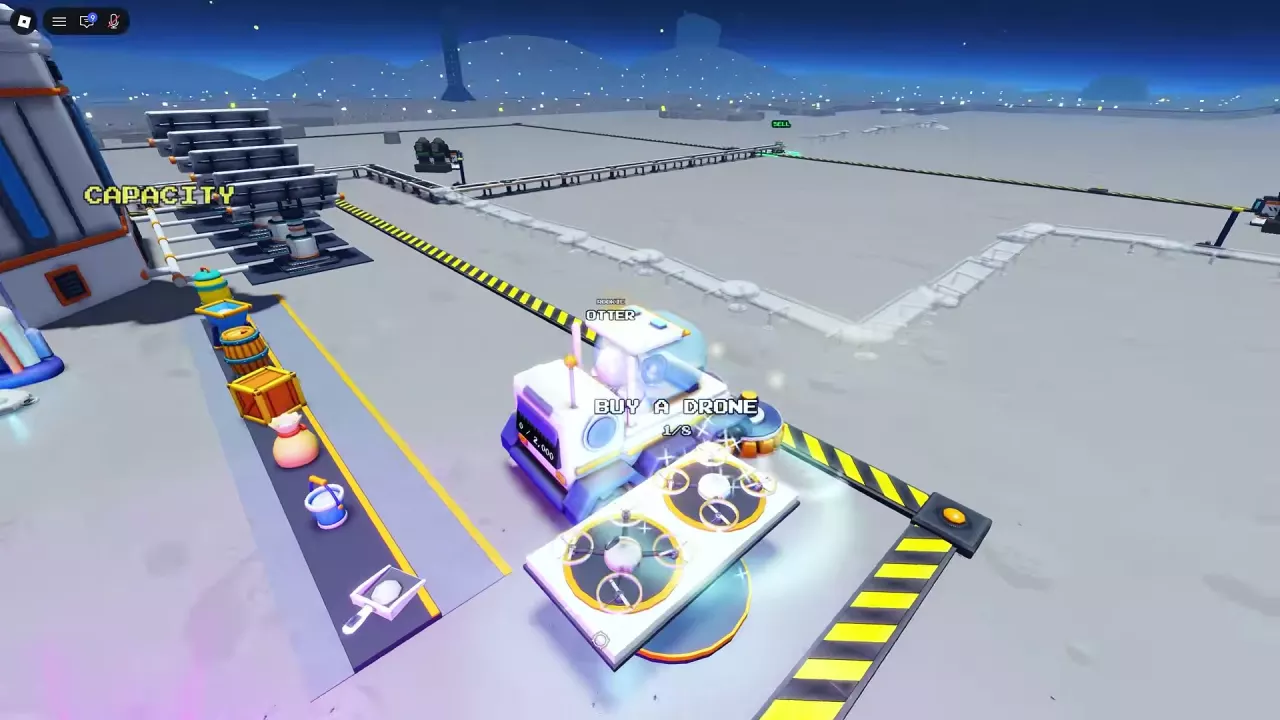
Base Services and Signs
| Destination | Where to look | What you can do |
|---|---|---|
| Tools and canisters | Follow the ground arrows to Gear. Look for TOOLS and the capacity displays inside the base. | Find tool displays such as Hand Brush and canisters such as Pan. |
| Base SELL pad | Follow SELL to the pad beside the Lunar Converter. | Empty collected Dust for Cash. |
| Vehicles and charging | Return to the base vehicle displays and charging positions. | Find vehicles and park in a charging area; CHARGING and rising battery progress indicate charging has started. |
| Crew Robot Bay | Outside the base. | Buy additional shared crew robots. |
| Crew Drone Pad | Look for BUY A DRONE at the base. | Access the crew's drone purchase and upgrade controls. |
| Solar Panels | Look beside the base for the construction preview. | Build panels for crew income. |
| Infinite Capacity | Find the glowing orb at the base. | Equip Infinite Capacity after purchasing it. |
| Jet Boots | Look for the boots on an equipment counter. | Access the Jet Boots offer. |
The Oxygen Garden has a separate purchase point on the lunar surface; its plant terminal is inside the garden. For more on using the facilities, see the vehicle operation guide, robot guide and drone guide.
Directional Conveyors and Landmarks
The four conveyor routes are East, West, North-West and South-West. Their remote SELL pads let you unload away from the base and send Dust toward the Lunar Converter. Extending a conveyor moves its end SELL pad closer to the Dust. See the conveyor guide for purchases and extensions.
Three Radio Towers use directional names: East, South-West and North-West. Approach a tower to find its purchase prompt. Activating East and South-West each adds +0.1x Cash per sale for the whole crew; North-West adds +0.03x, bringing the three-tower LANDMARKS bonus to +0.23x. Big Digger has a separate purchase marker on the lunar surface and lists a +0.05x Cash bonus for all crew members. See Radio Towers and Big Digger for activation and purchase details.
Recognize Zones and Find the Hatch
The Moon has four cleaning areas. Use the zone labels and boundaries between areas to identify the section you are cleaning.
Once Moon Cleaned reaches 100%, follow the HATCH marker to the open entrance. Leave your vehicle and walk in; vehicles cannot enter. For zone progression and clearing the remaining Dust, see the progression and ending guide.
Temporary Destinations
- Arcade: When it appears, look near the base and check its departure countdown.
- UFO: Watch for its landing and green light to locate the encounter.
- Merchant and other events: Watch for notifications and local countdowns to find them while they are active.
See the events guide for what to do at each encounter and timed shop.
Related guides
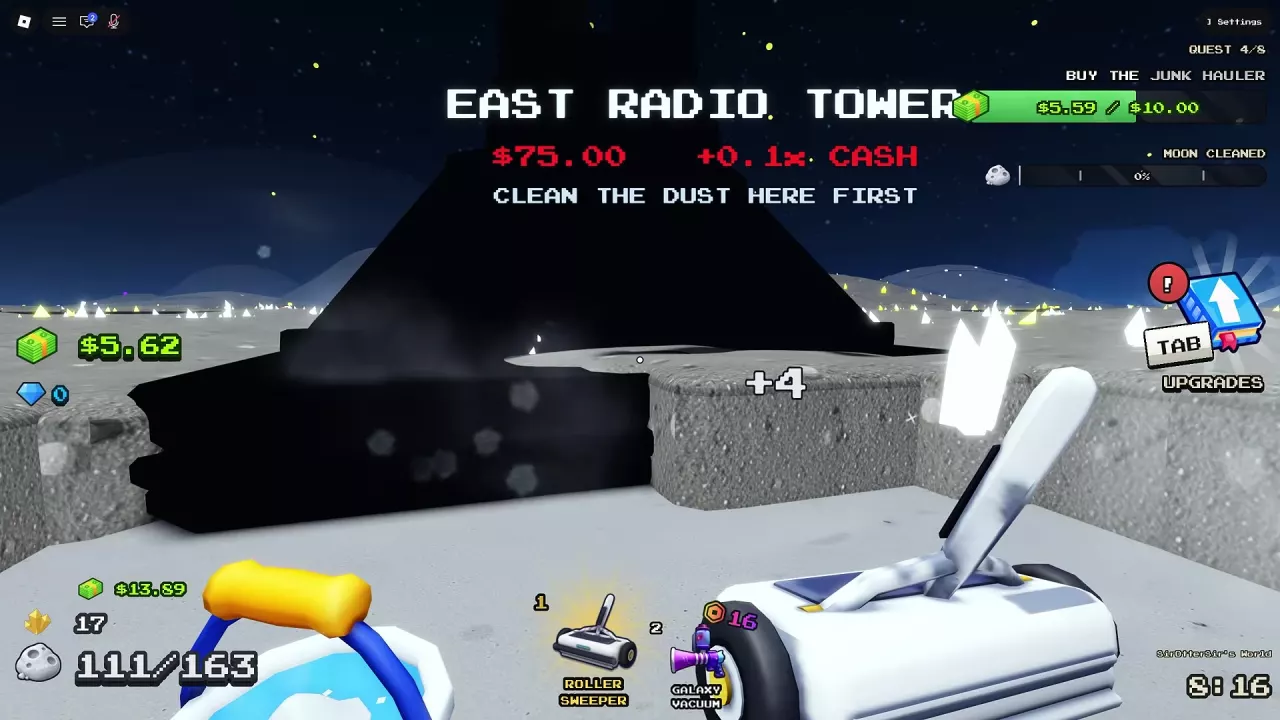
Sweep The Moon Radio Towers and Big Digger Cash Bonuses
Learn how to activate Sweep The Moon radio towers, compare their prices and crew Cash bonuses, and decide when to buy Big Digger.
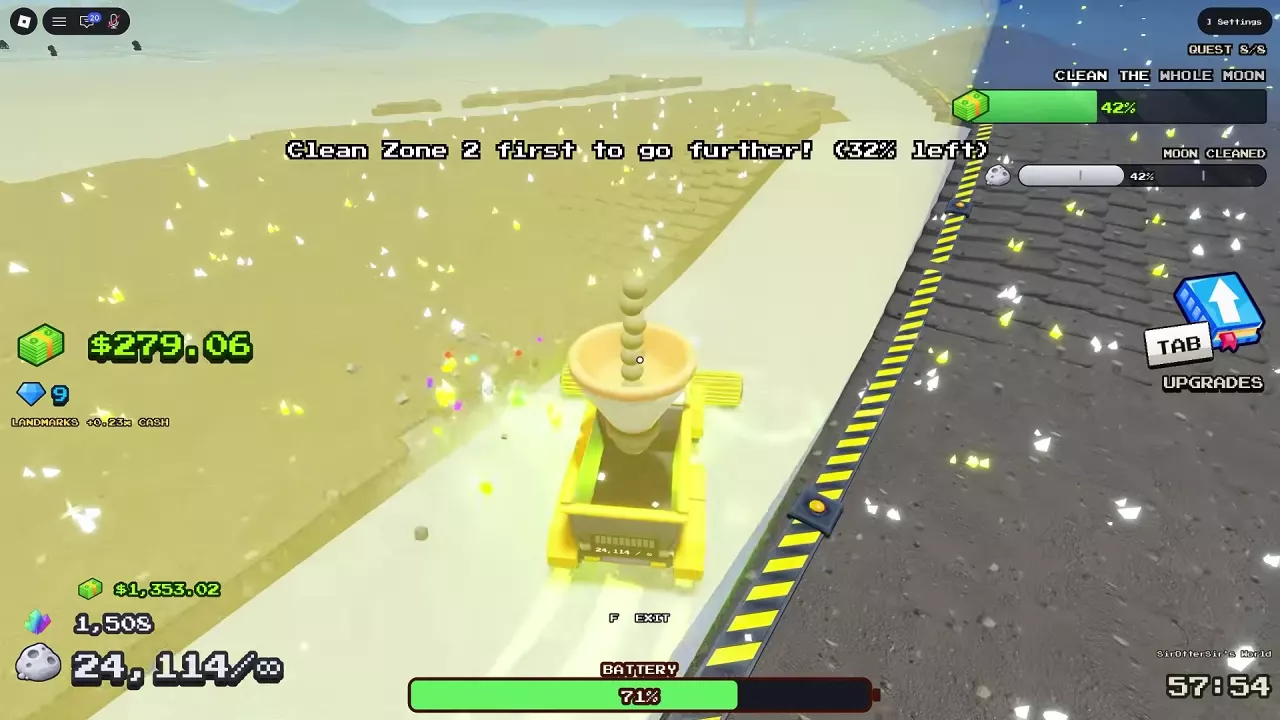
Sweep The Moon Progression Guide: Unlock Zones, Reach 100% and Exit
Progress through Sweep The Moon with practical upgrade choices, zone barrier instructions, remaining dust cleanup, and the steps to enter the Hatch at 100%.

Sweep The Moon Conveyors: SELL Pads, Extensions and Speed
Buy and extend Sweep The Moon conveyors to unlock remote SELL pads. Compare route costs, improve belt speed, and choose the right upgrade for delays.
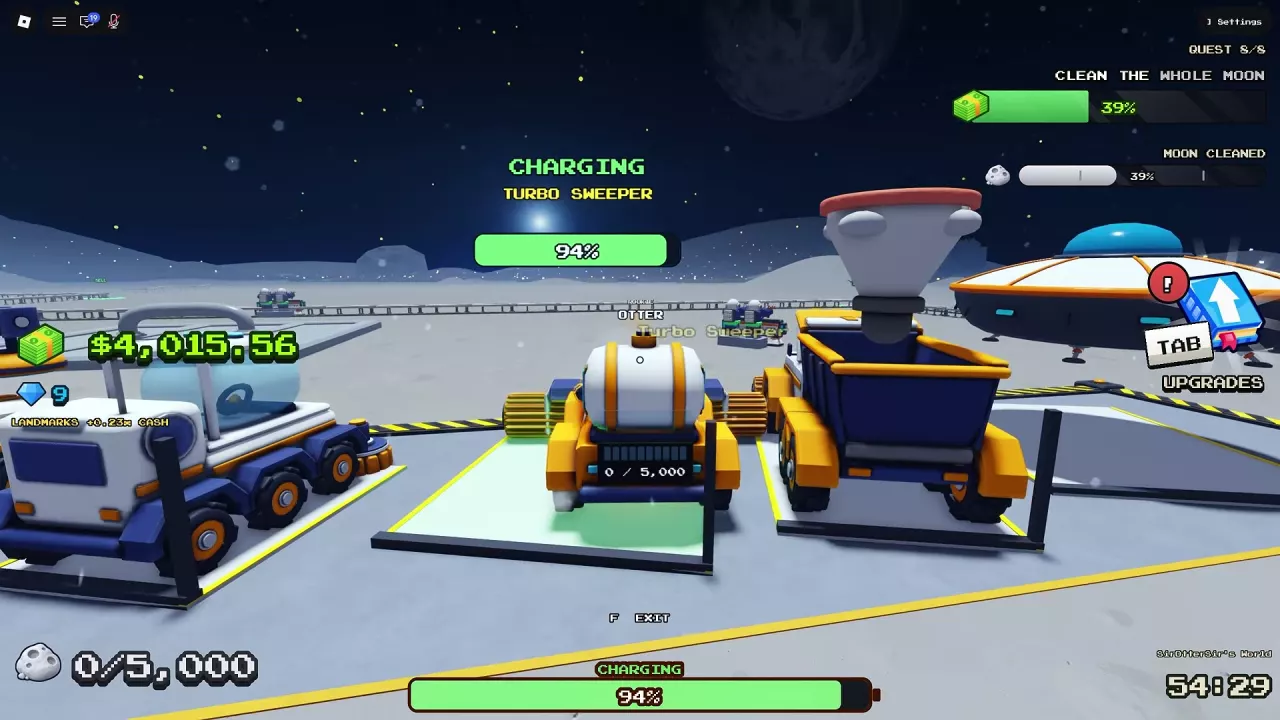
Sweep The Moon: How to Charge Vehicles, Unload and Upgrade
Learn how to charge vehicles in Sweep The Moon, empty each vehicle's bin, find the right base bay, and choose upgrades with vehicle-specific costs.
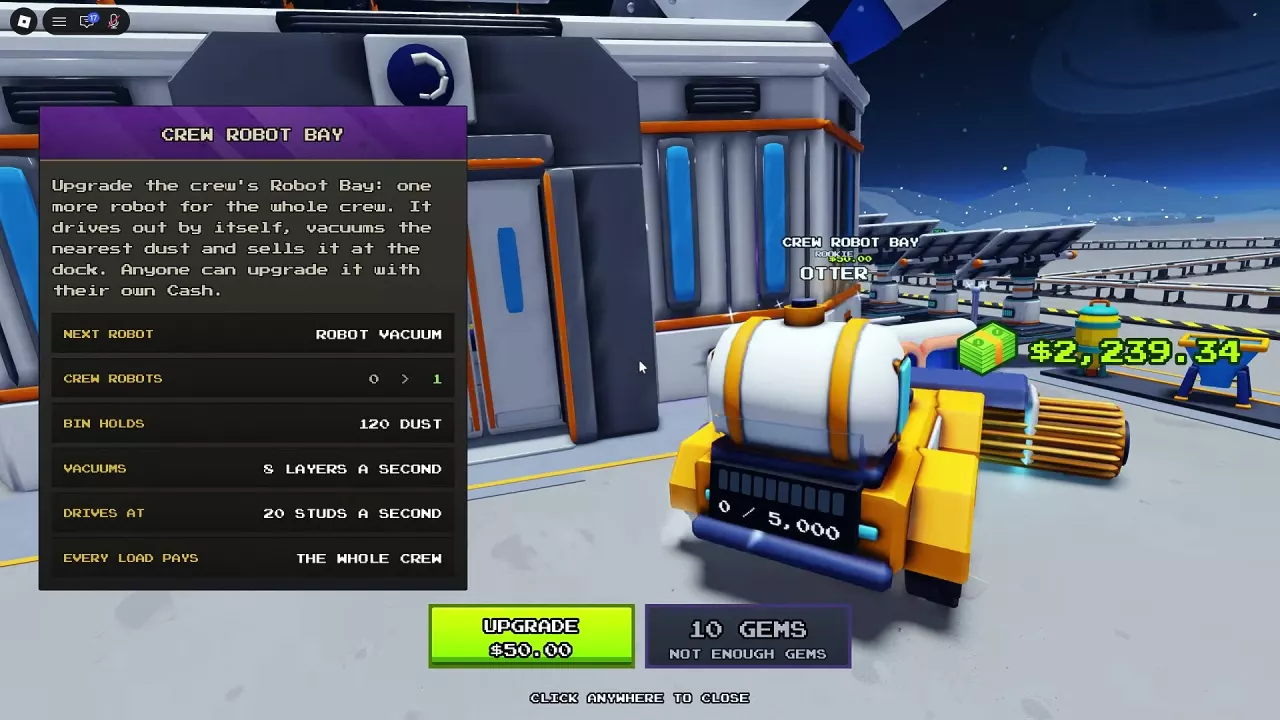
Sweep The Moon Robots: Crew Bay, Prices and Deployment
Find Sweep The Moon robots, compare their jobs, expand Crew Robot Bay to eight units, and deploy merchant or Alien Robots from your hotbar.
Sweep The Moon Drones: Crew Pad, Prices and Best Uses
Compare Sweep The Moon drones, expand the shared Crew Drone Pad to eight, and learn how to buy and deploy merchant drones.

Sweep The Moon Events: Encounters, Supplies and Timed Shops
Recognize Sweep The Moon events, open Express Delivery crates, and respond to UFOs, raids, merchants and timed Arcade visits.