
Sweep The Moon Upgrades: Priorities, Luck, Sell Value and Movement
Last updated:
Spend Cash on the upgrade that fixes what slows you down: clearing dust, carrying it, walking back, or processing your load. General upgrades also improve sale income and the rare ore bonus.
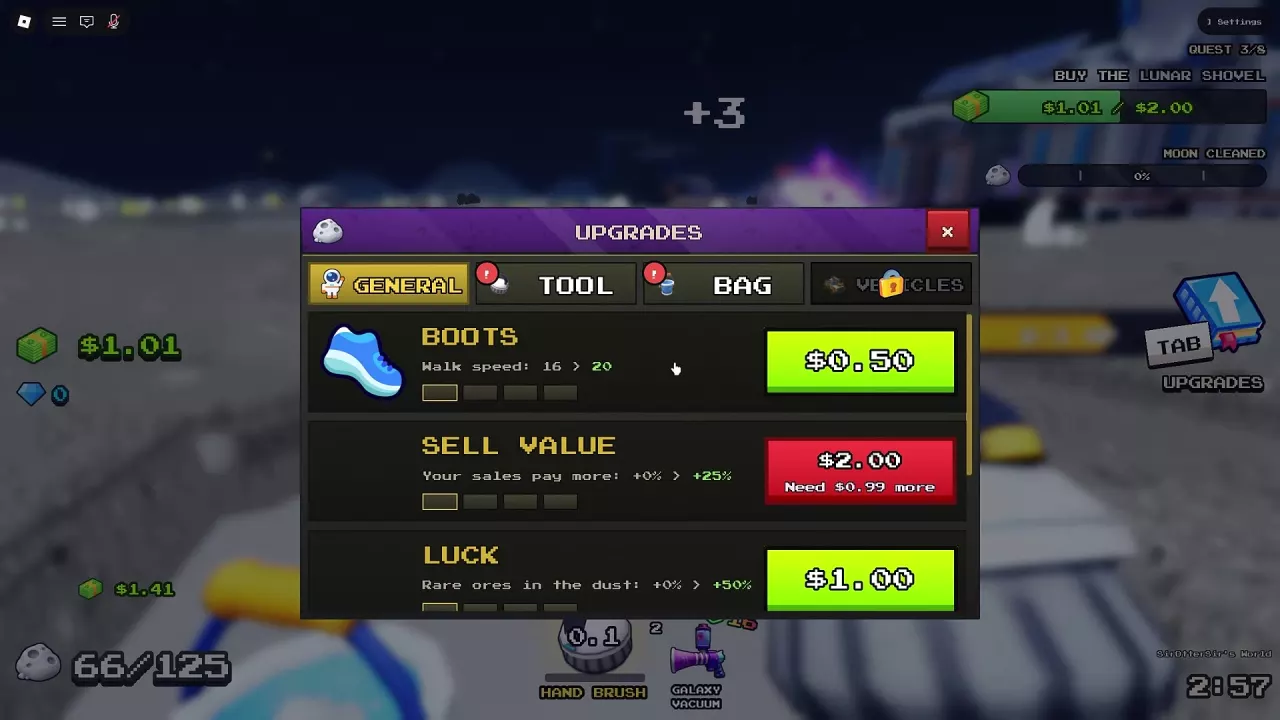
Upgrade Categories and General Stats
Press Tab to open Upgrades. Choose a category, compare the current and next stat values, then select the price button to buy an affordable upgrade. MAX means that upgrade track is complete.
| Category | What it improves |
|---|---|
| General | Boots, Sell Value, and Luck; also provides Conveyor Speed and Convert Time controls |
| Tool | Equipment-specific cleaning stats |
| Bag | Personal carrying capacity |
| Vehicles | Vehicle-specific stats; this category can be locked early in progression |
Prices are paid in Cash.
-
Boots
- Effect
- Walking speed
- First upgrade cost
- 0.5 Cash (Walking speed 16→20)
- Maximum walking speed
- 34 (MAX)
-
Sell Value
- Effect
- Sale income bonus
- First upgrade cost
- 2 Cash (Sale bonus 0%→25%)
- Maximum sale bonus
- 150 % (MAX)
-
Luck
- Effect
- Rare ore bonus in dust
- First upgrade cost
- 1 Cash (Rare ore bonus 0%→50%)
- Maximum rare ore bonus
- 200 % (MAX; displayed bonus rather than absolute drop chance)
What Should You Upgrade First?
Choose the upgrade that removes your most frequent interruption. A faster tool is less useful when you already spend most of your time unloading, and a larger bag will not clear a converter queue.
| What slows you down | Best next investment | Why it helps |
|---|---|---|
| Your container fills before you finish a nearby patch | Bag capacity or a larger canister | Reduces unloading trips |
| Walking between dust and unloading points takes too long | Boots | Speeds up travel; a nearer conveyor SELL pad can also shorten the route |
| Dust takes too many strokes to clear | Tool upgrades | Power removes more layers, Sweep Width covers more ground, and Stroke Speed reduces the interval between strokes |
| Dust moves slowly along a conveyor | Conveyor Speed | Reduces the transport delay |
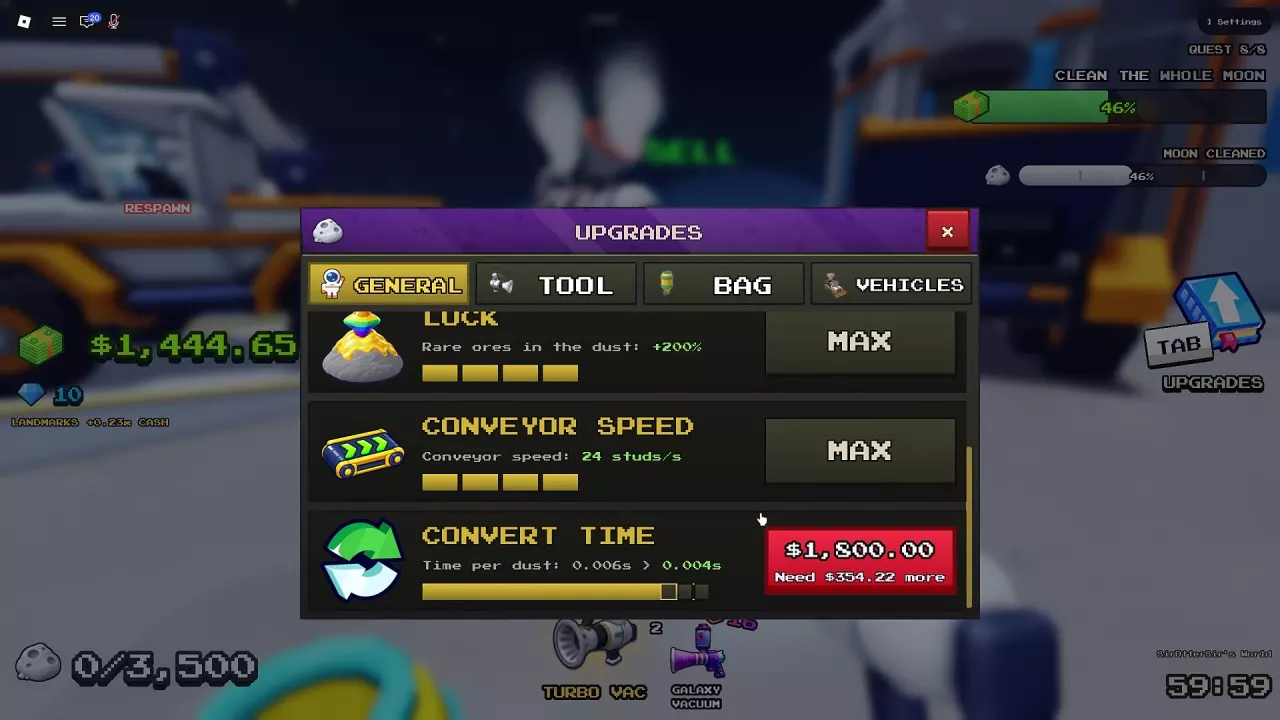
| Unloaded dust queues at the machine | Convert Time | Speeds up Lunar Converter processing |
| You want more Cash from sales | Sell Value | Raises the sale income bonus |
| You want a higher rare ore bonus | Luck | Improves the bonus for rare ores in dust |
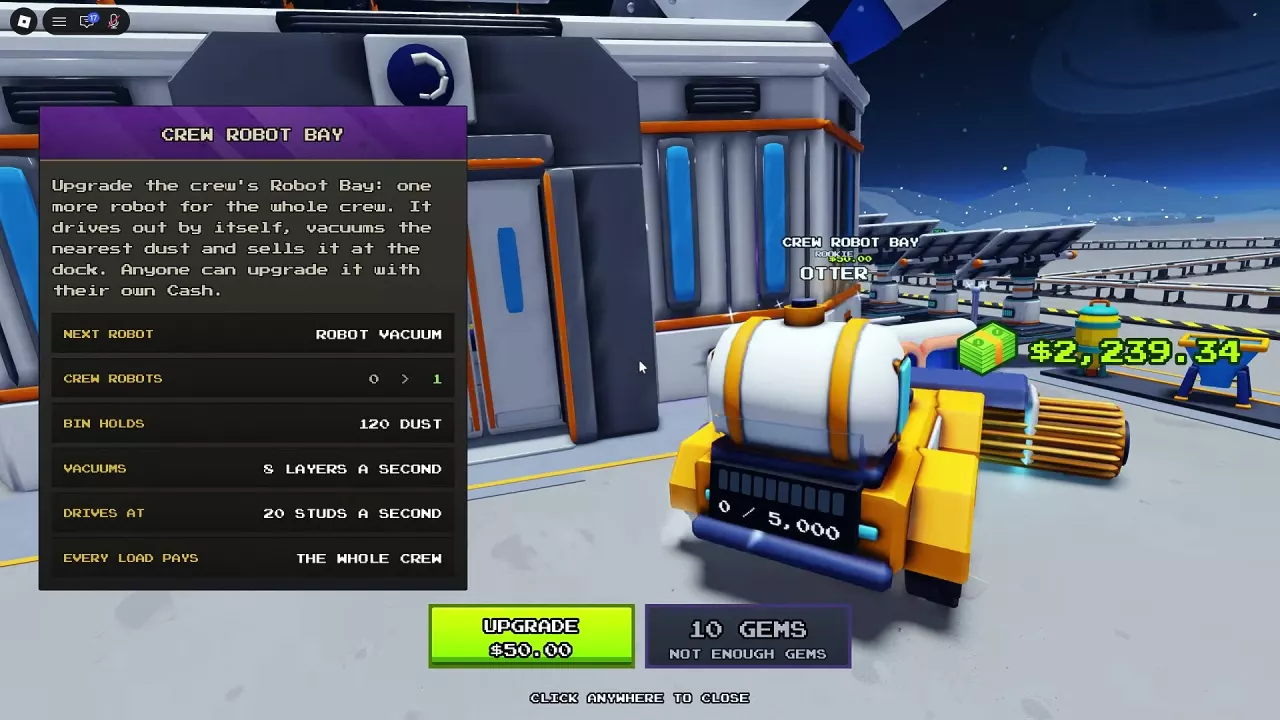
If none of those bottlenecks dominates, consider adding crew robots or drones. They collect dust and sell their loads for the crew while you work elsewhere. See robot facilities and deployment for the next automation purchase.
Sell Value Levels and Prices
Sell Value increases sale income. Open Tab → General, find Sell Value, and select its price button.
| Sale bonus upgrade | Price in Cash |
|---|---|
| 0% → +25% | $2.00 |
| +25% → +60% | $5.75 or $6.75, depending on the menu price variant |
| +100% → +150% | $110.00 |
For the +25% → +60% purchase, use the amount displayed on your upgrade button. The track ends at +150%, marked MAX.
Choose Sell Value when your cleaning and unloading flow is already comfortable and you want each sale to pay more. Its percentage describes the sale bonus; it should not be treated as a multiplier for every source of income.
Luck, Rare Ores and Crystal Search
Luck improves the rare ore bonus for dust. Buy it through Tab → General → Luck.
| Rare ore bonus upgrade | Price in Cash |
|---|---|
| 0% → +50% | $1.00 |
| +50% → +100% | $4.00 |
| +100% → +150% | $15.00 |
| +150% → +200% | $50.00 |
At MAX, Luck displays +200%. This is a bonus, not a 200% absolute drop chance or a guarantee that every patch contains rare ore. Choose it for rare ore finds; choose Sell Value when your immediate goal is a larger sale payout.
Targeting crystals with Scrap Grabber
Scrap Grabber prioritizes finding crystals before ordinary cleaning:
- Buy Scrap Grabber from Meteor Merchant while it is available.
- Select it in your hotbar.
- Click a dust area to deploy it.
Crystal priority is Scrap Grabber's behavior; Luck's upgrade description concerns rare ores. Do not treat either description as a Gems reward. For merchant units and placement controls, see the robot guide.
Boots, Jet Boots and Fast Legs
Use Boots for a Cash-funded walking upgrade, Jet Boots for movement and jump effects, or Fast Legs for faster travel between sweeping actions.
Upgrade Boots with Cash
- Press Tab to open Upgrades.
- Select General.
- Find Boots, compare the walking speed values, and select the price button.
The walking speed progression is 16 → 20 → 24 → 29 → 34, with 34 marked MAX.
| Boots upgrade | Price in Cash |
|---|---|
| Walking speed 16 → 20 | $0.50 |
| Walking speed 20 → 24 | $2.00 |
| Walking speed 29 → 34 | $30.00 |
Boots is a practical first movement investment when repeated walks interrupt your cleaning, especially at the $0.50 starting price.
Get Jet Boots at the base
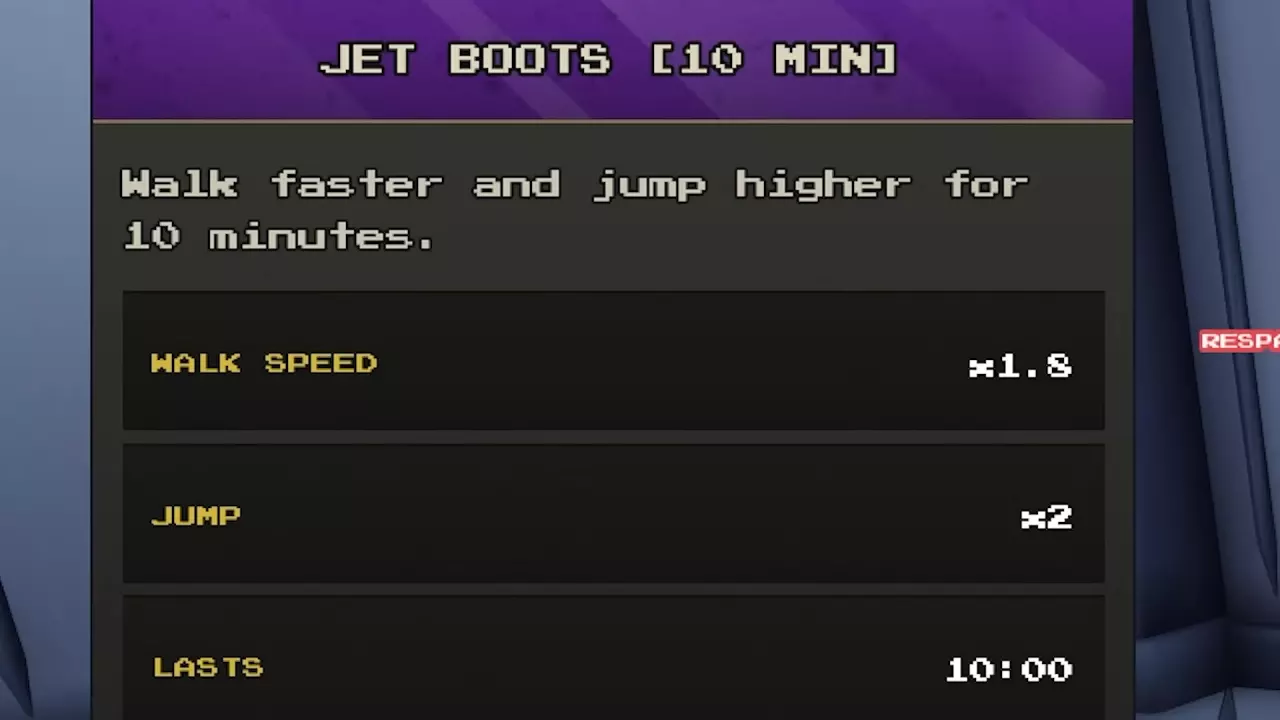
Approach the Jet Boots equipment display inside the base and press E to open the purchase options. The 10-minute option costs 16 Robux and provides ×1.8 walk speed and ×2 jump. A permanent purchase option is also available.
Choose the timed option when you want its speed and jump effects for a short play session; its 16 Robux price buys ten minutes.
Fast Legs between sweeps
Fast Legs costs 99 Robux and permanently adds 50% walking speed while your broom is not sweeping, including travel home and around the base. While sweeping, movement speed remains determined by your broom.
That makes Fast Legs useful for travel between cleaning actions, rather than increasing the broom's sweeping movement speed. See game pass benefits and comparisons before choosing a permanent pass.
Equipment Upgrade Tables
Use the equipment guide that matches the stat you need to change:
| Your next question | Upgrade guide |
|---|---|
| Which tool should I buy, and which cleaning stats can I improve? | Tool prices, prerequisites, and upgrades |
| Should I upgrade my bag or buy a larger canister? | Canister capacity and Bag upgrades |
| How do I upgrade and keep using my vehicle? | Vehicle unloading, charging, and upgrades |
| How do I bring a SELL pad closer or move dust faster? | Conveyor extensions and speed |
| How do I reduce the queue inside the converter? | Lunar Converter processing upgrades |
Related guides
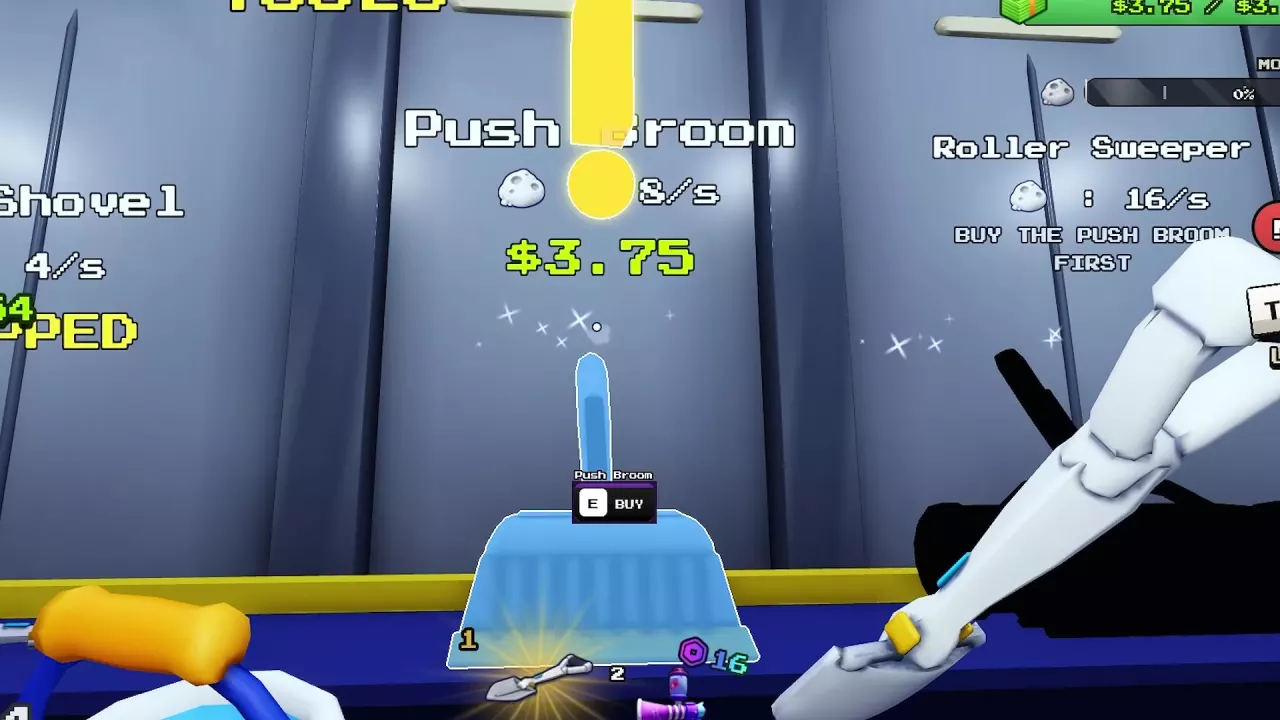
Sweep The Moon Tools: Prices, Upgrades and What to Buy
Compare Sweep The Moon tools, prices and upgrades. Choose your next purchase, unlock Roller Sweeper, and manage vacuum cooldowns and carrying capacity.

Sweep The Moon Canisters: Capacity, Purchases and Upgrades
Compare Sweep The Moon canister capacities and prices, choose your next bag upgrade, and learn how to equip Infinite Capacity.
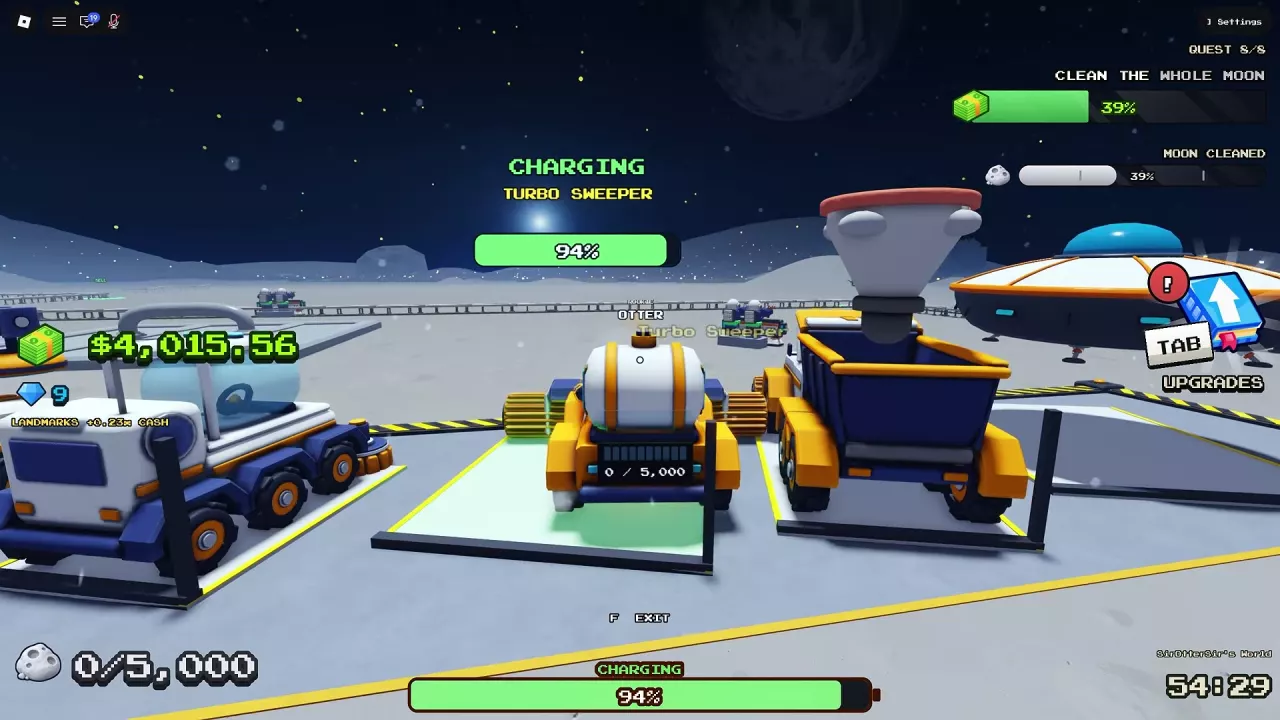
Sweep The Moon: How to Charge Vehicles, Unload and Upgrade
Learn how to charge vehicles in Sweep The Moon, empty each vehicle's bin, find the right base bay, and choose upgrades with vehicle-specific costs.
Sweep The Moon Dust Processing: Machines and Lunar Converter
Learn how Sweep The Moon dust processing works, compare machine roles, check Lunar Converter upgrade times and costs, and repair a damaged converter.

Sweep The Moon Conveyors: SELL Pads, Extensions and Speed
Buy and extend Sweep The Moon conveyors to unlock remote SELL pads. Compare route costs, improve belt speed, and choose the right upgrade for delays.
Sweep The Moon Robots: Crew Bay, Prices and Deployment
Find Sweep The Moon robots, compare their jobs, expand Crew Robot Bay to eight units, and deploy merchant or Alien Robots from your hotbar.
Sweep The Moon Game Passes: Prices, Benefits and What to Buy
Compare all eight Sweep The Moon game passes, their prices and benefits. Avoid overlapping purchases and see when the 649 Robux Everything pass is worth it.