
Sweep The Moon Arcade: Lunar Blocks and Meteor Blaster
Last updated:
The Arcade is a temporary spot near the base where you can play two minigames for Cash. Choose a falling-block puzzle or an automatic-fire spaceship game and watch the closing countdown.
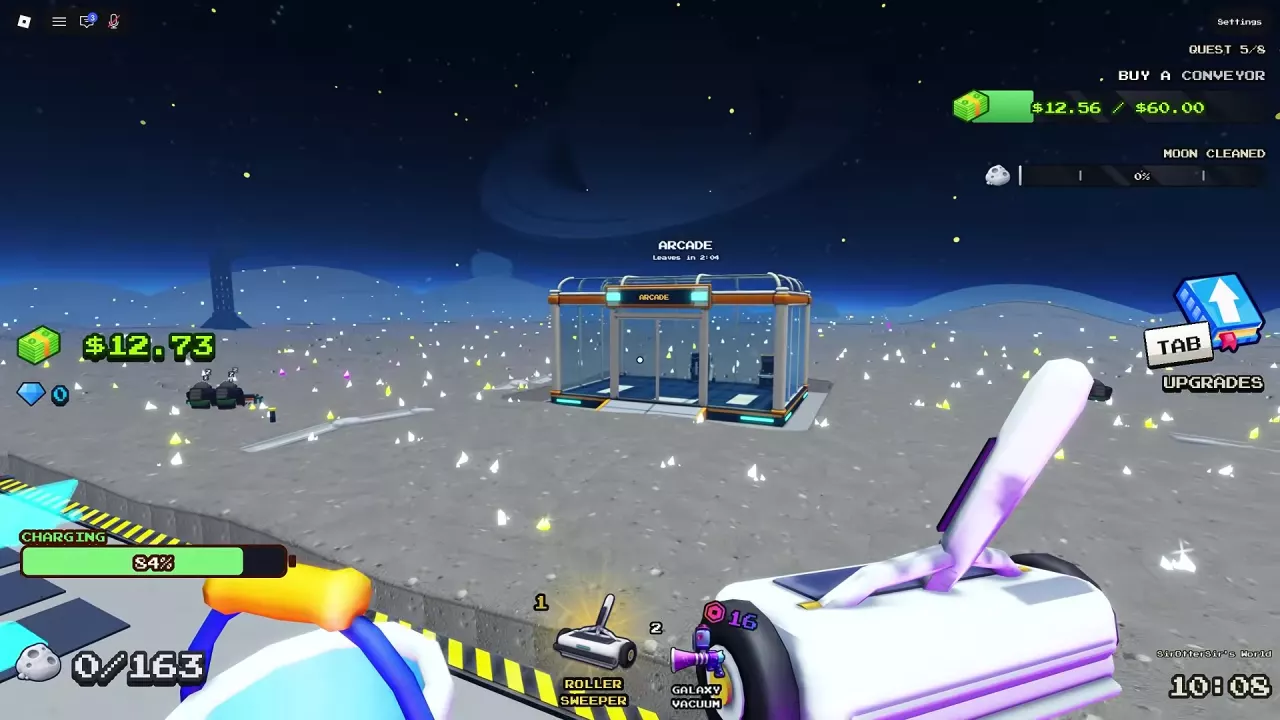
Enter the Arcade Before It Closes
When the Arcade appears near the base, check the departure countdown above it, then enter and choose a game.
| Minigame | Choose it if you want to... |
|---|---|
| Lunar Blocks | Arrange falling pieces and clear complete rows. |
| Meteor Blaster | Move a spaceship, dodge incoming objects and shoot automatically. |
For other temporary activities, see the events guide.
Lunar Blocks Controls and Row Clearing
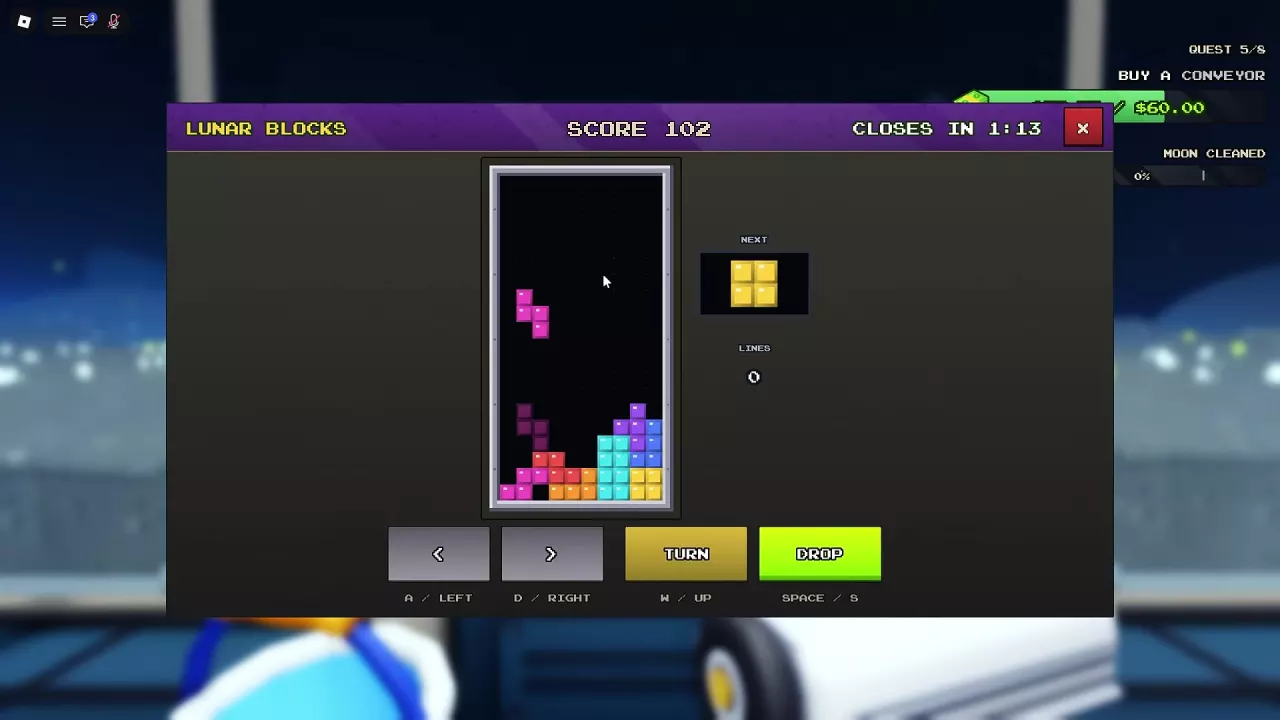
Select Lunar Blocks and fit the falling pieces together to fill and clear rows for score.
| Action | Controls |
|---|---|
| Move left or right | A/D or left/right arrow keys |
| Rotate | W or up arrow |
| Drop | Space or S |
You can also use the on-screen movement, turn and drop buttons. Watch the next-piece preview to plan where to place each block, and keep an eye on your score, cleared lines and the Arcade countdown.
Meteor Blaster Controls and Movement
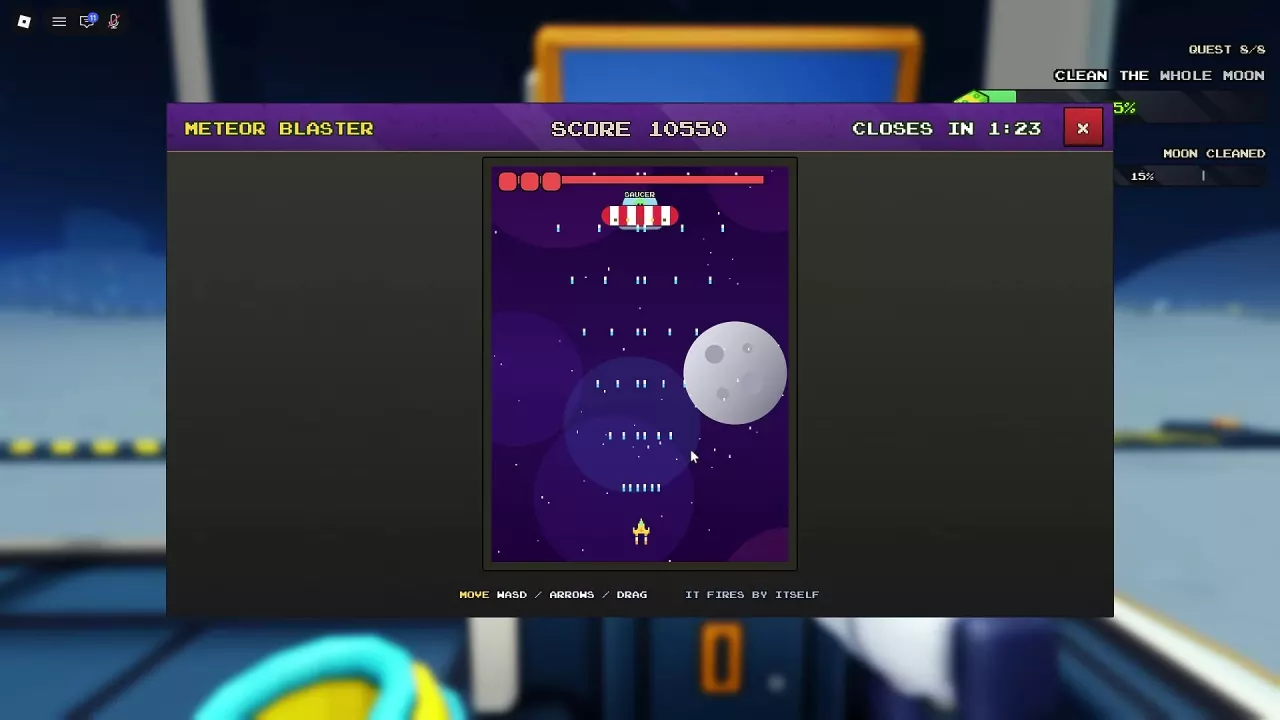
Select Meteor Blaster, then press Enter or R1, or click to start. Move the ship with WASD, the arrow keys or by dragging; it fires automatically.
Dodge incoming objects, pick up P markers and build your score while watching the closing countdown.
Cash Rewards and Closing Settlement
A minigame pays Cash when the run ends. If the Arcade closes while you are still playing, the game settles your reward using the score earned so far.
Score and Cash are different amounts: one Lunar Blocks run ended with 1,412 points, 9 lines and a payout of 2.25 Cash. The Lunar Blocks entry screen displayed a maximum of 20 Cash per run in those sessions; one Meteor Blaster start screen displayed a maximum of 1,272 Cash per run. Check the amount shown when you enter.
For other ways to earn Cash, see the money guide.
Related guides

Sweep The Moon Events: Encounters, Supplies and Timed Shops
Recognize Sweep The Moon events, open Express Delivery crates, and respond to UFOs, raids, merchants and timed Arcade visits.
Sweep The Moon Money Guide: Selling Dust and Growing Income
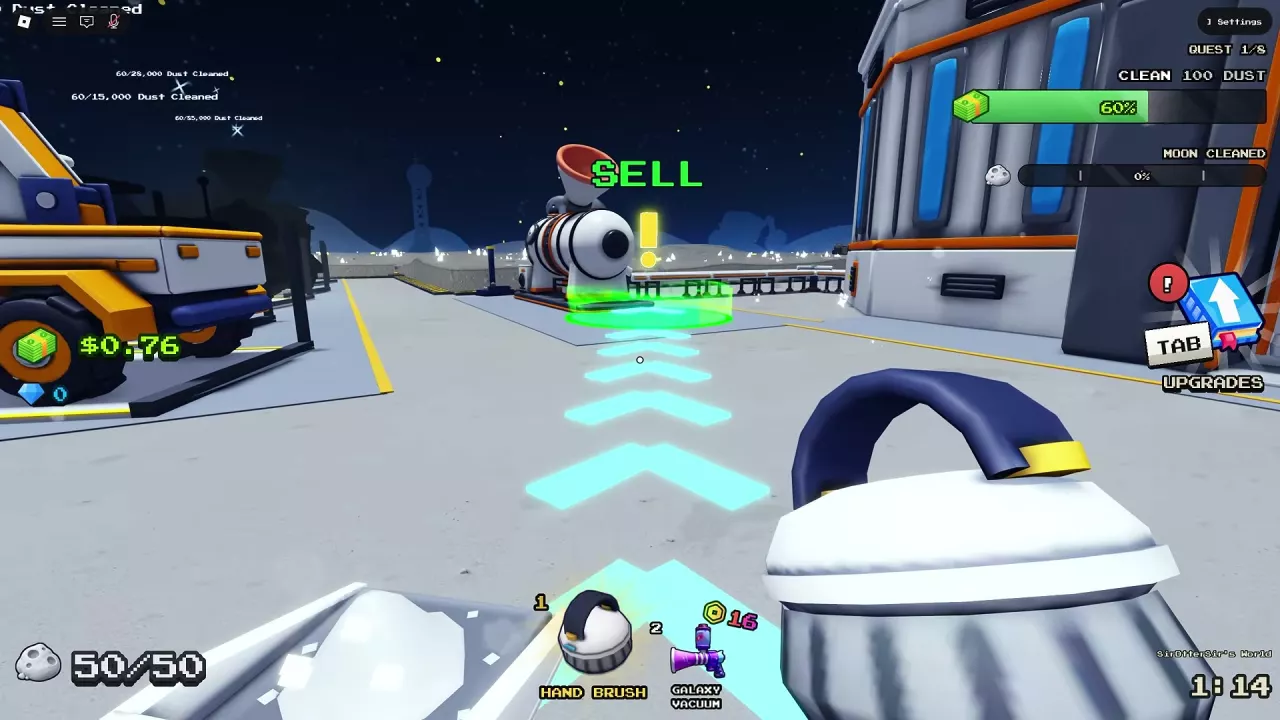
Learn how to sell dust in Sweep The Moon, fix delayed payouts, and choose upgrades, automation, passive income and Cash bonuses.