
Sweep The Moon Conveyors: SELL Pads, Extensions and Speed
Last updated:
Conveyors let you unload lunar dust closer to where you clean. Choose a directional route, extend its SELL pads toward distant dust, and upgrade belt speed to shorten delivery time.

Directional Routes and Remote SELL Pads
West, East, North-West and South-West conveyors provide unloading points away from the base. Dust unloaded there travels to the Lunar Converter, and sale proceeds go to the whole crew.
Choose a route on the side where you are cleaning. Its value is the return trip it saves each time your storage fills. Compare the purchase option’s price, farthest SELL-pad distance and delivery time together: the same named route can have different price and time combinations.
Delivery times belong to their stated menu conditions; they are not fixed times for every setup.
Buy a Route and Unload Dust
- Find the purchase panel labeled for your chosen direction: West, East, North-West or South-West.
- Open the panel and select Buy with enough Cash for its displayed price.
- Carry collected dust to the route’s SELL pad, or drive a supported cleaning vehicle onto it.
- Stay in the SELL area until the relevant storage empties. The dust then travels along the belt toward the Lunar Converter.
Emptying your storage and receiving the sale income are separate stages: the dust still has to travel and be processed. You can return to cleaning once unloading is complete.
For vehicle charging and storage management between trips, use the vehicle operation guide.


Extend a Conveyor Toward Your Work Area
- Approach an owned conveyor’s SELL point and press E to open its upgrade menu.
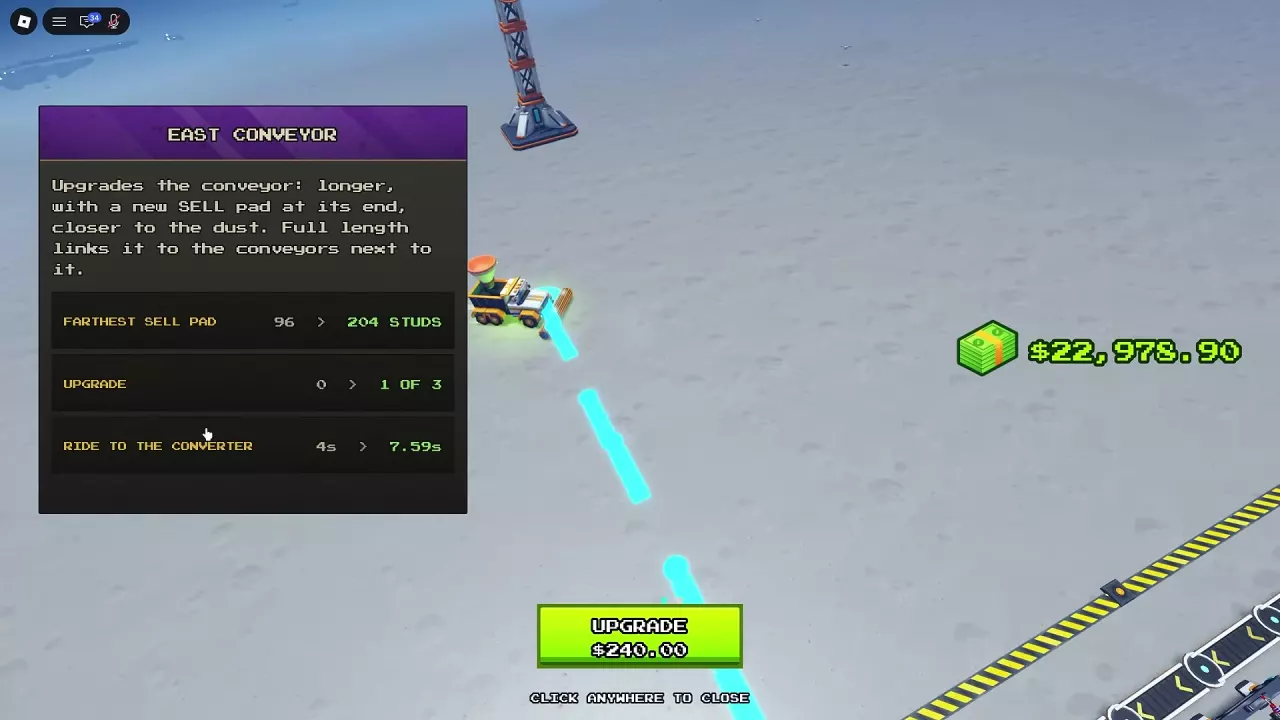
- Compare Farthest SELL Pad, Ride to the Converter, the extension level and the Cash price.
- Select UPGRADE to extend the conveyor and add a SELL pad at its new end.
- Use the new endpoint when it shortens the trip from your cleaning area. Continue extending neighboring routes to connect the network.
At full length, a route links to the conveyors beside it. West and North-West each have three extension levels. The route records in Directional Routes and Remote SELL Pads give their distance and price progression, along with East’s extension options.
For West’s first extension, match the price to its paired delivery preview. Both options extend the farthest pad from 96 to 204 studs: the 150 Cash option pairs with 32 → 60.71 seconds, while the 375 Cash option pairs with 4 → 7.59 seconds. Budget using the option displayed in your menu.
An extension can increase reach without increasing delivery time in every case. West’s 900 Cash third-extension preview changes the distance from 504 to 516 studs while reducing the displayed trip from 45.16 to 42.16 seconds. Read the next-stage preview instead of judging transport time from distance alone.
Increase Conveyor Speed
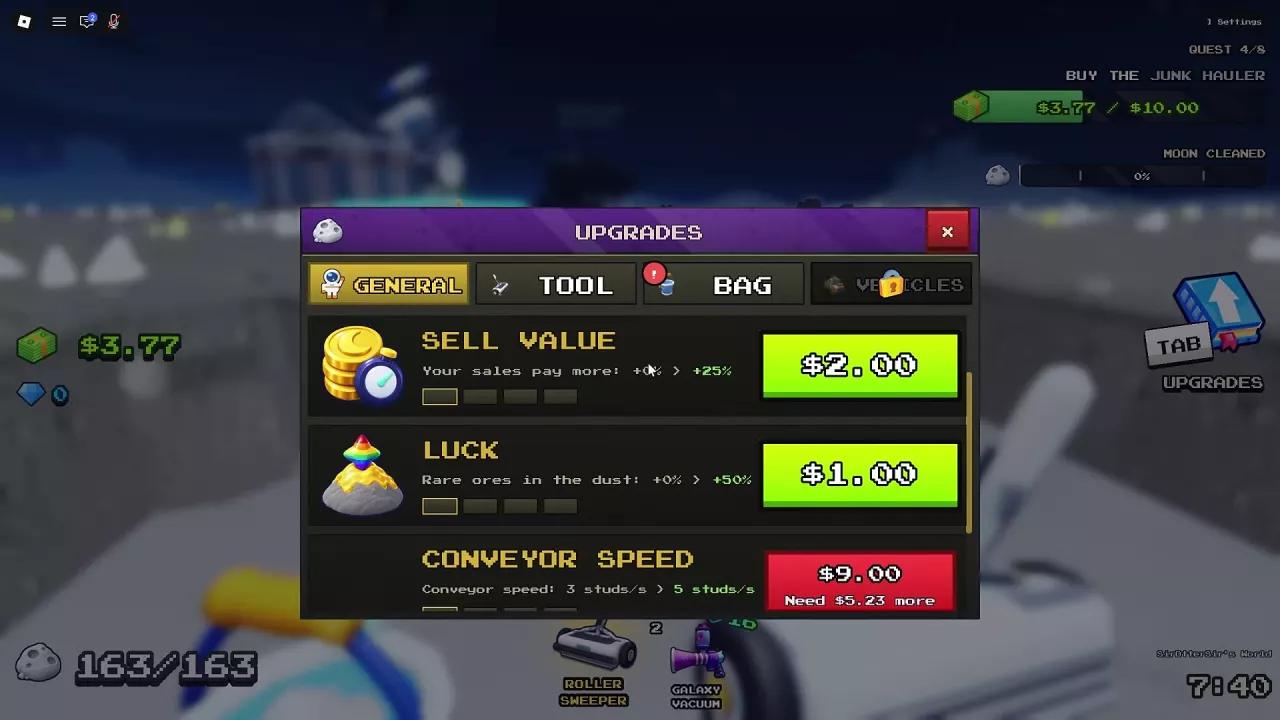
- Press Tab to open Upgrades.
- Select General.
- Find Conveyor Speed and buy the available upgrade. Increasing speed from 3 to 5 studs/s costs 9 Cash.
Conveyor Speed makes dust move faster along the belts. Extending a route changes how far out you can unload and can lengthen the dust’s journey, even though it saves you travel. Use the route menu’s delivery-time preview to compare the current and extended route.
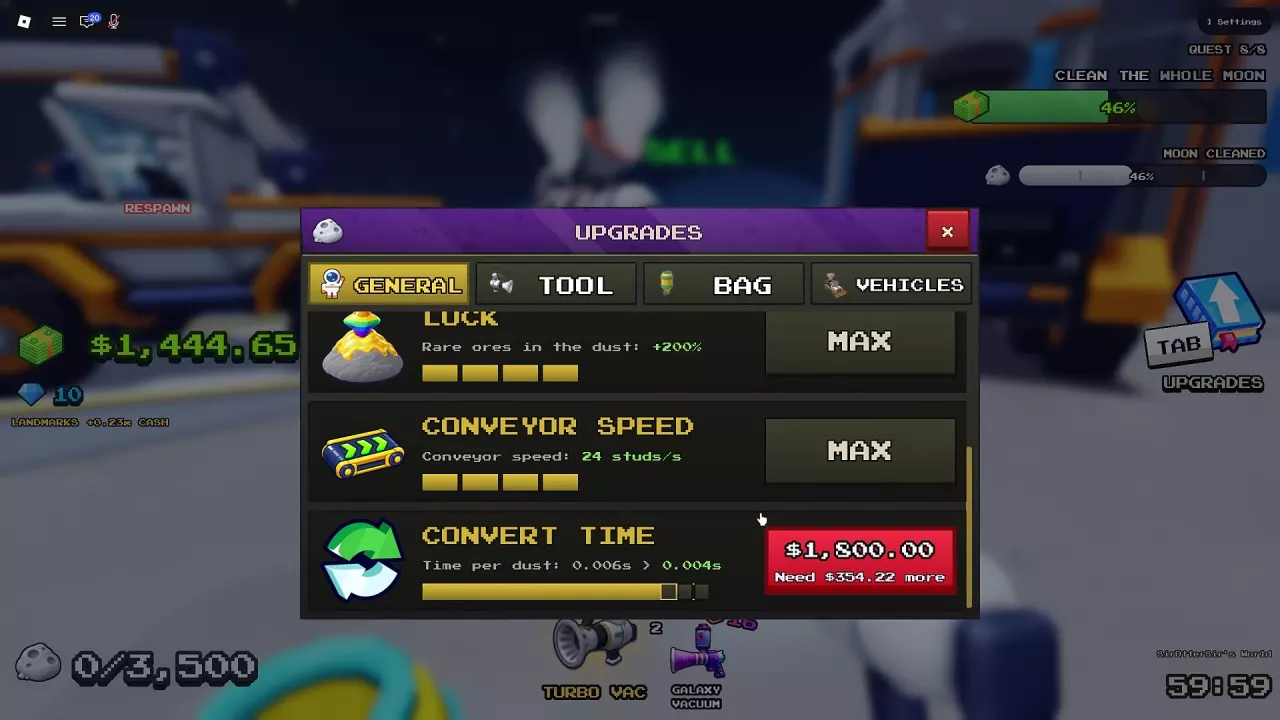
Convert Time controls processing after dust reaches the Lunar Converter. A faster belt gets dust there sooner; a faster converter handles dust that has already arrived.
Choose Reach or Speed First
| What is slowing you down? | Prioritize | Why |
|---|---|---|
| Long trips from distant dust to an unloading point | Buy a nearby directional route or extend its endpoint | A closer SELL pad reduces travel on each full load. |
| Dust spends too long moving along the belt | Conveyor Speed | Faster transport reduces the wait before dust reaches the converter. |
| Dust has arrived but is piling up at the converter | Lunar Converter processing upgrades | Shorter Convert Time addresses the processing queue. |
For remote cleaning, prioritize reach when unloading trips repeatedly interrupt your work. Once the pad is conveniently placed, spend on the stage where dust is waiting.
Use the Lunar Converter upgrade and repair guide for processing problems. To combine transport with robots and drones, follow the automation setup guide.
Related guides
Sweep The Moon Dust Processing: Machines and Lunar Converter
Learn how Sweep The Moon dust processing works, compare machine roles, check Lunar Converter upgrade times and costs, and repair a damaged converter.
Sweep The Moon Automation Setup: Robots, Drones and Dust Flow
Build a Sweep The Moon automation setup with crew robots, drones, conveyor SELL pads, converter upgrades and passive income facilities.
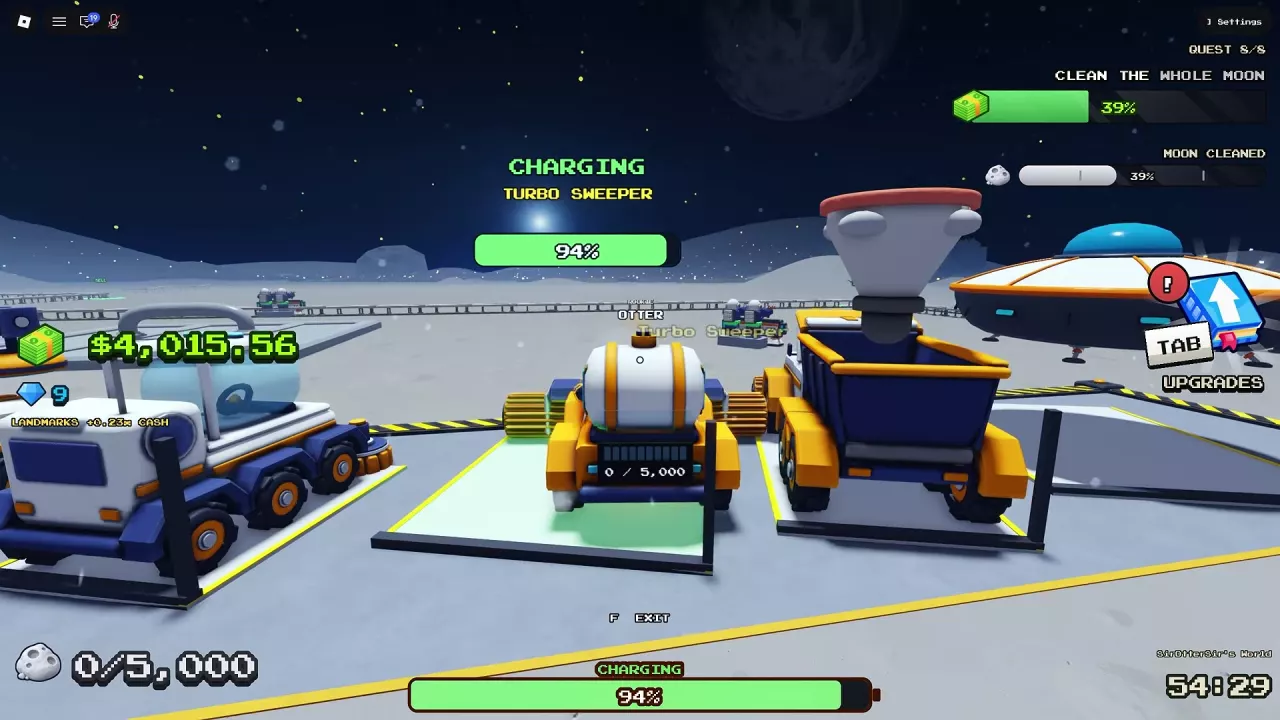
Sweep The Moon: How to Charge Vehicles, Unload and Upgrade
Learn how to charge vehicles in Sweep The Moon, empty each vehicle's bin, find the right base bay, and choose upgrades with vehicle-specific costs.
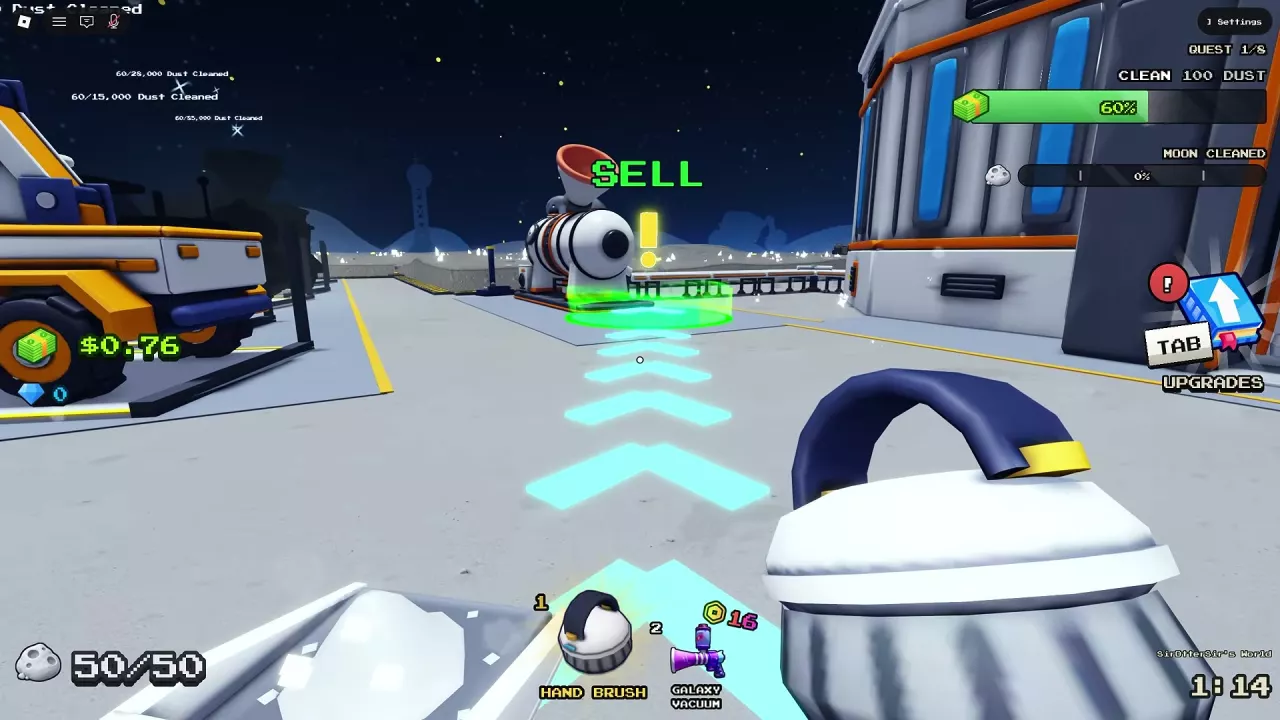
Sweep The Moon Money Guide: Selling Dust and Growing Income
Learn how to sell dust in Sweep The Moon, fix delayed payouts, and choose upgrades, automation, passive income and Cash bonuses.
Sweep The Moon Locations: Base Services, Zones and Landmarks
Find Sweep The Moon base services, SELL pads, drone and robot facilities, directional landmarks, zones and the Hatch.