
Sweep The Moon Canisters: Capacity, Purchases and Upgrades
Last updated:
A larger canister lets you sweep longer before returning to sell Dust. Compare the available containers, choose your next purchase, and learn how to activate Infinite Capacity.
Canister Capacities and Purchase Requirements
The capacity shelf offers five named containers. Buy Sack before Crate, and buy Crate before Barrel.
For Silo Pack, continue through the personal-container purchases. One route goes through a sack, a crate, a barrel and a funnel-shaped upgrade before Silo Pack. In that completed setup, personal capacity reaches 3,500 Dust.
Choose Your Next Capacity Purchase
If your container fills before you finish a cleaning route, prioritize an affordable capacity increase.
- Pan is a cheap first step: its 50 Dust capacity is five times the unupgraded starting limit of 10.
- Bucket holds 125 Dust, or 2.5 times Pan's capacity, for $3.50.
- Sack holds 300 Dust and opens the purchase path to Crate and then Barrel. Choose it when you want more room and are ready to progress along that chain.
Buy a Container or Upgrade Bag Capacity
To buy a larger container, visit the capacity shelf at the base and select one you can afford. For a capacity upgrade instead, press Tab, open Upgrades, and select Bag.
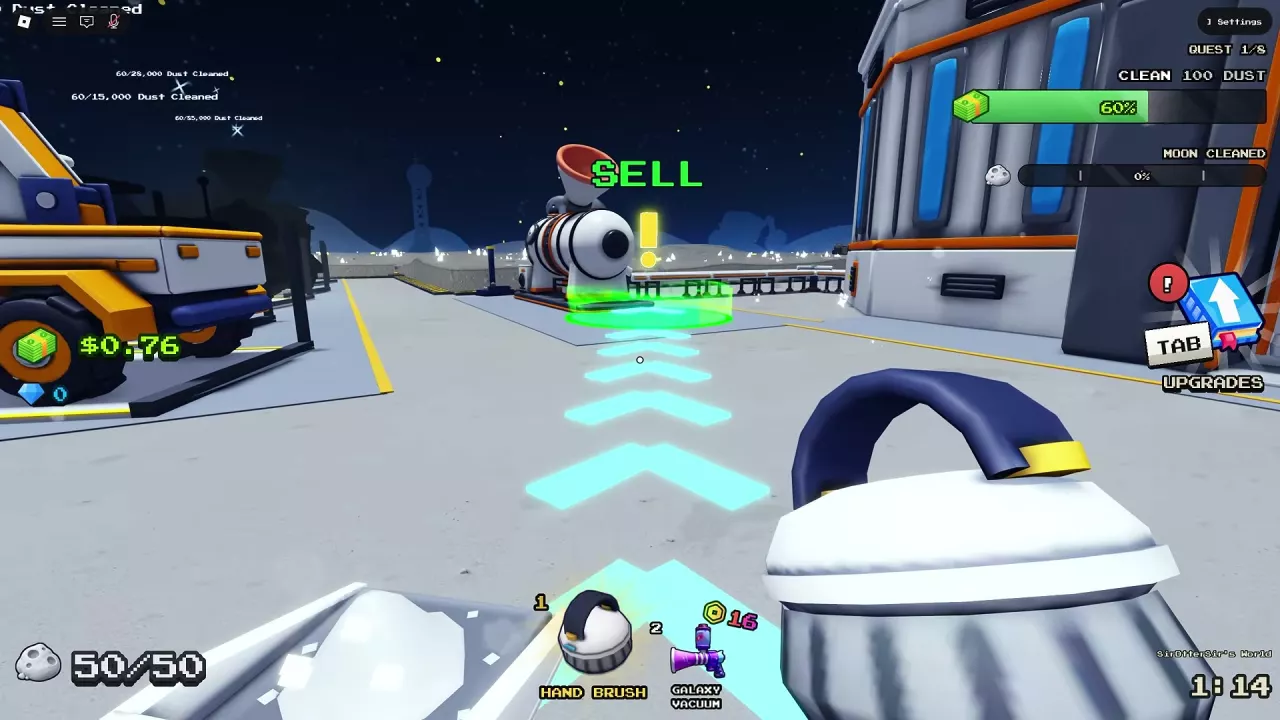
When your container fills, follow the ground arrows to the green SELL area and let the Dust empty before returning to sweep. For more on how unloaded Dust becomes Cash, see the money guide.
Equip and Unequip Infinite Capacity
Buying Infinite Capacity does not equip it automatically. If your container still fills after purchase, activate it at the base:
- Find the glowing Infinite Capacity orb at the base.
- Interact with the orb to equip it. Your capacity limit changes to ∞.
- To remove it, return to the orb and press E when the prompt says UNEQUIP.

Unlimited Storage and Automatic Selling
The permanent Infinite Canister game pass gives you a back canister that never fills, but you still need to empty it at the intake to receive payment. Sell As You Sweep includes the Infinite Canister benefit and pays you automatically as you sweep.
Compare prices and other permanent benefits in the game passes guide.
Related guides

Sweep The Moon Game Passes: Prices, Benefits and What to Buy
Compare all eight Sweep The Moon game passes, their prices and benefits. Avoid overlapping purchases and see when the 649 Robux Everything pass is worth it.
Sweep The Moon Money Guide: Selling Dust and Growing Income
Learn how to sell dust in Sweep The Moon, fix delayed payouts, and choose upgrades, automation, passive income and Cash bonuses.
Sweep The Moon Tools: Prices, Upgrades and What to Buy
Compare Sweep The Moon tools, prices and upgrades. Choose your next purchase, unlock Roller Sweeper, and manage vacuum cooldowns and carrying capacity.
Sweep The Moon: How to Charge Vehicles, Unload and Upgrade
Learn how to charge vehicles in Sweep The Moon, empty each vehicle's bin, find the right base bay, and choose upgrades with vehicle-specific costs.