
Sweep The Moon Cleaning Guide: How to Break Islands and Clean Faster
Last updated:
Break dust islands in Sweep The Moon by clearing a connected path around them, then choose upgrades that address the bottleneck slowing your route.
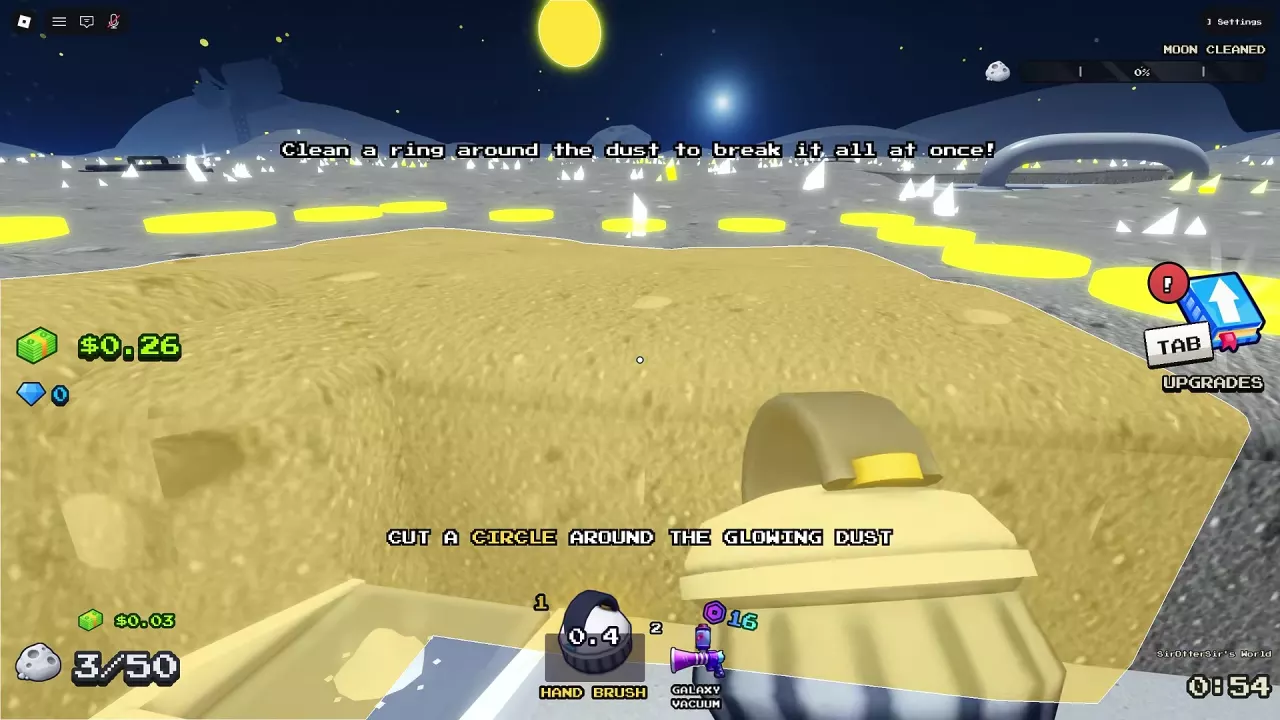
Close a Cleared Loop to Break an Island
- Equip a handheld cleaning tool and find a dust patch you can surround.
- Clear a continuous path around its outside. In the early tutorial, use the Hand Brush to follow the yellow marks around the glowing dust.
- Connect the end of your cleared path to the beginning. When the loop closes, ISLAND BROKEN! appears and the enclosed dust clears together.
You can also use the Lunar Shovel to clear a connecting strip between areas that are already clean. If that strip completes an enclosure, the dust inside clears without sweeping every interior tile individually.

Dust HP, Width, Power, and Storage
| Indicator or stat | What it means |
|---|---|
| Dust HP | The remaining HP of the patch you are cleaning. |
| Sweep Width | The number of tiles covered by each cleaning action. |
| Power | The number of dust layers removed per action. |
| Stroke Speed | The interval between strokes; a shorter interval lets you act more often. |
| Personal Dust capacity | The amount you are carrying versus your container's maximum. Empty it at a SELL pad to make room. |
| Vehicle storage and battery | A vehicle such as the Junk Hauler has its own load and battery indicators, separate from personal storage. |
| Moon Cleaned | Overall progress across the Moon, with 100% as the cleaning goal. |
For example, a Lunar Shovel Stroke Speed upgrade can reduce the interval from 0.75 to 0.6 seconds. Width and Power upgrades instead increase the area covered or layers removed per action.
Keep a Cleaning Route Moving
Open Tab → Upgrades → TOOL and improve the stat that addresses your current bottleneck:
- Choose Sweep Width when you need to cover more tiles with each action.
- Choose Power when deep dust takes too many passes.
- Shorten the Stroke Speed interval when waiting between strokes slows you down. For a tool such as the Turbo Vac, reducing overheating downtime also helps keep it working.
- Use a nearby available SELL pad when storage fills. If that happens too often, increase personal capacity; a conveyor can bring a SELL point closer to a distant route.
- Watch your vehicle's load and battery. Empty a full vehicle at a supported SELL point and return to its charging location when power is low.
- Let acquired robots or drones work while you manually clean the gaps between their routes.
Compare tools and upgrades, personal canisters, and conveyor SELL points for your next improvement. For charging and unloading an owned vehicle, see the vehicle operation guide.
Finish the Gaps That Block Progress
When a region still has dust left, sweep the remaining patches with a handheld tool. Look for gaps between cleared areas and connect paths where doing so encloses another patch. Clearing the remaining dust can open the next zone.
For the route through the zones and the steps after reaching 100%, see the progression and ending guide.
Related guides
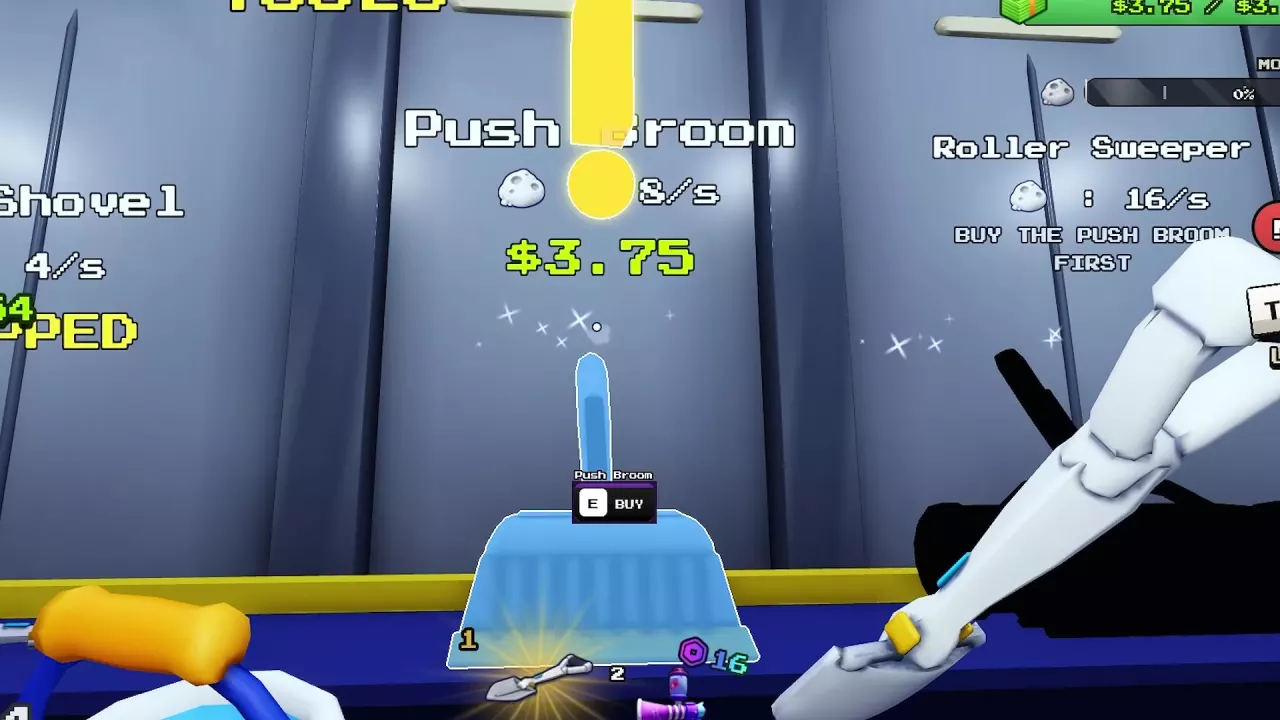
Sweep The Moon Tools: Prices, Upgrades and What to Buy
Compare Sweep The Moon tools, prices and upgrades. Choose your next purchase, unlock Roller Sweeper, and manage vacuum cooldowns and carrying capacity.
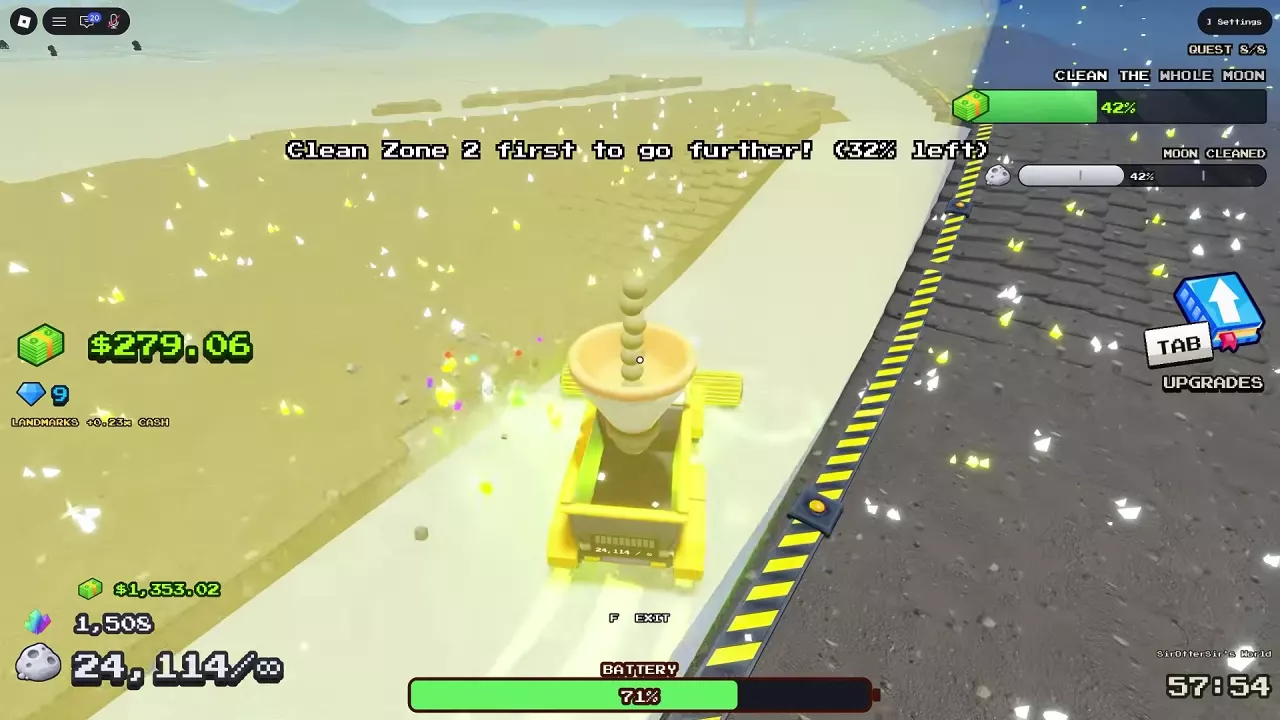
Sweep The Moon Progression Guide: Unlock Zones, Reach 100% and Exit
Progress through Sweep The Moon with practical upgrade choices, zone barrier instructions, remaining dust cleanup, and the steps to enter the Hatch at 100%.

Sweep The Moon Canisters: Capacity, Purchases and Upgrades
Compare Sweep The Moon canister capacities and prices, choose your next bag upgrade, and learn how to equip Infinite Capacity.
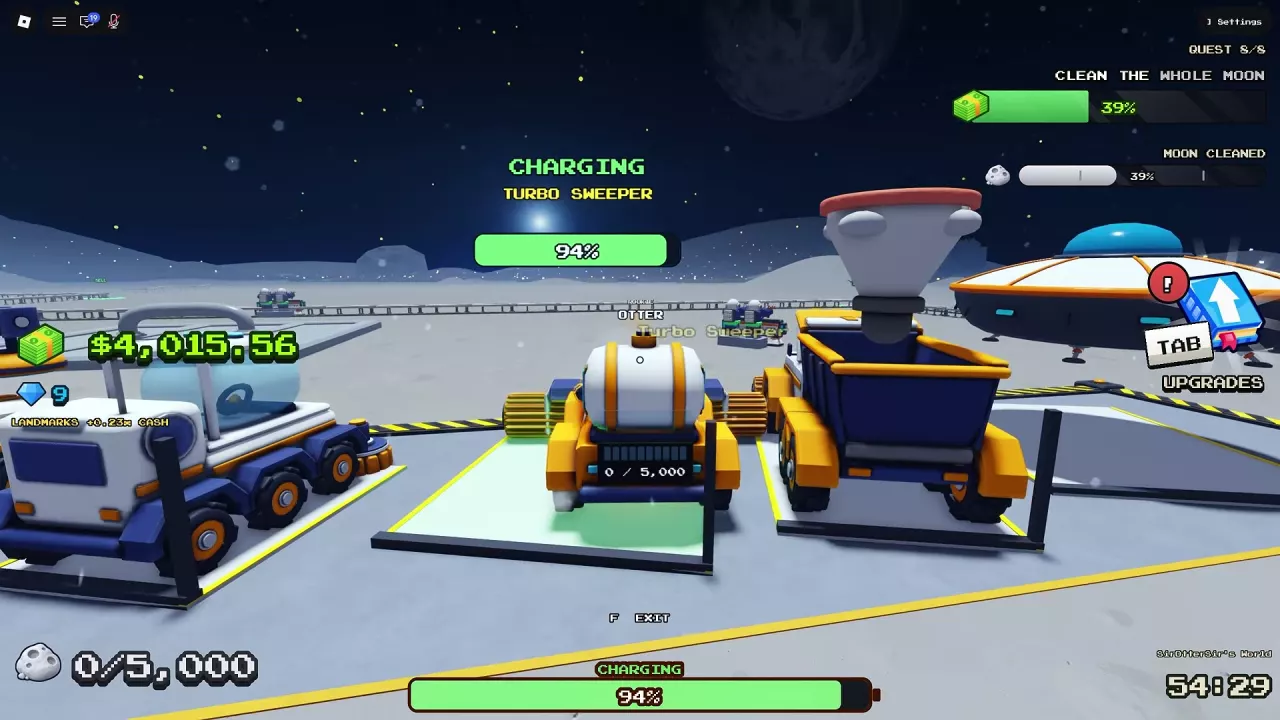
Sweep The Moon: How to Charge Vehicles, Unload and Upgrade
Learn how to charge vehicles in Sweep The Moon, empty each vehicle's bin, find the right base bay, and choose upgrades with vehicle-specific costs.

Sweep The Moon Conveyors: SELL Pads, Extensions and Speed
Buy and extend Sweep The Moon conveyors to unlock remote SELL pads. Compare route costs, improve belt speed, and choose the right upgrade for delays.